YouTube Issues on the New Apple TV 4K: How to Fix Them
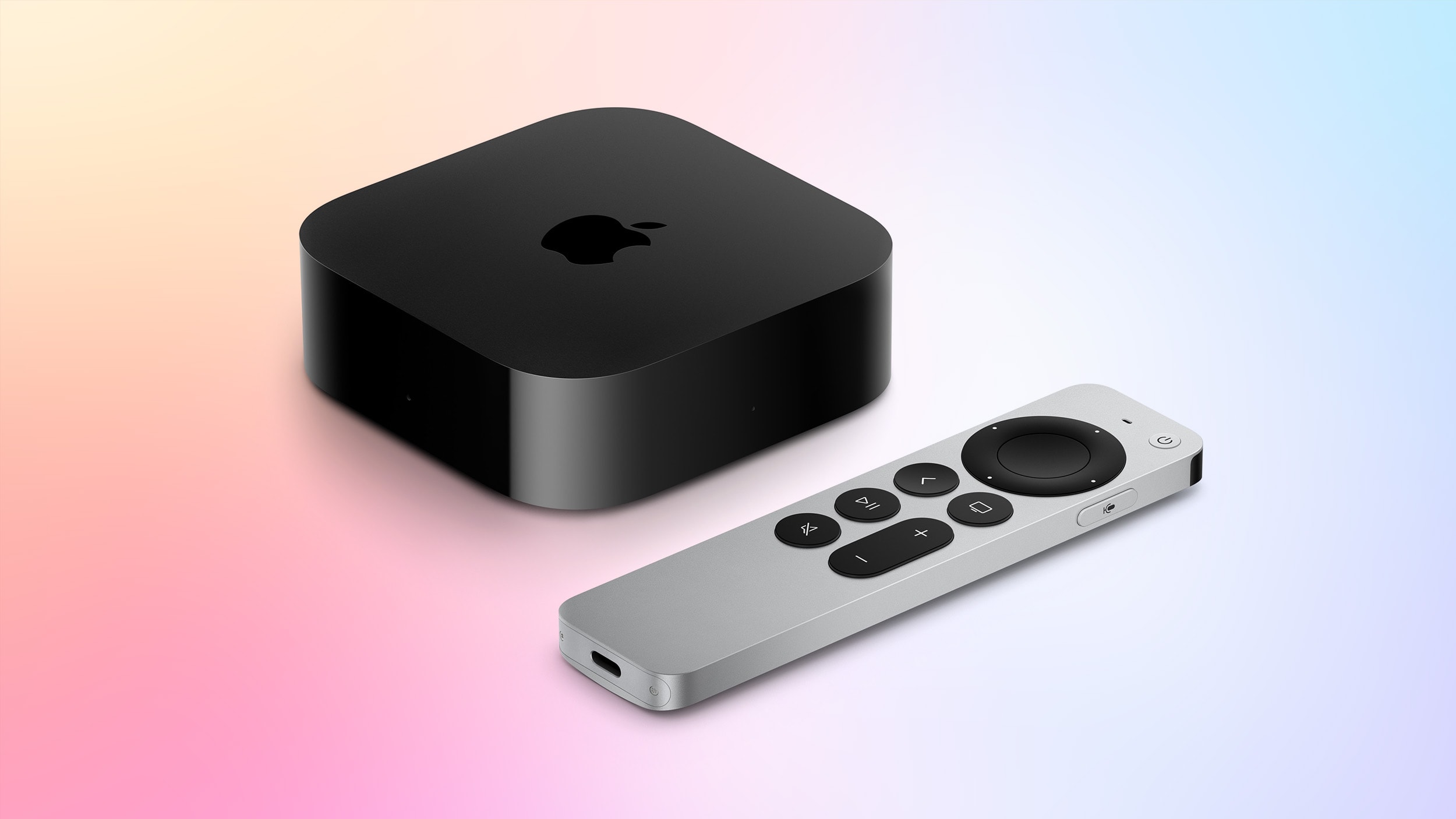
Apple has officially launched its latest, fourth-generation Apple TV 4K. However, as is often the case with new hardware debuts, some users have reported that the YouTube app is not functioning correctly. This issue is likely linked to software incompatibility or post-installation configuration errors.
First Step: Check for Updates
If your new device refuses to launch YouTube, first ensure that the operating system is fully updated. On your Apple TV, navigate to Settings, select System, and then Software Updates. It is essential that your device is running tvOS 27.2. This update contains the necessary fixes to ensure stable application performance. If an update is available, install it, and the device will restart automatically.
Restarting the System and Reinstalling the App
If you are already running the latest version of tvOS and the problem persists, try a full system restart. To do this, go to Settings > System and select Restart. This procedure often resolves minor software glitches that occur during the initial setup of a new system.
If neither of these methods works, the final measure is to delete and reinstall the YouTube app. To delete the app, highlight the YouTube icon on the home screen, press and hold the remote's touch surface until the icon begins to jiggle, then press the Play/Pause button and select Delete. Afterward, visit the App Store to download the application again.
Why This Matters
Apple TV 4K remains one of the most popular media streaming devices in Georgia, where users frequently rely on it for high-quality 4K content. YouTube is a core application for this platform, making its smooth operation critical to the user experience. While such glitches are not uncommon with new hardware, they are typically resolved quickly through software patches released by the manufacturer. If the issue remains unresolved, it is recommended that you contact Apple Support.