Your PlayStation 5 Might Be Plugged Into the Wrong HDMI Port
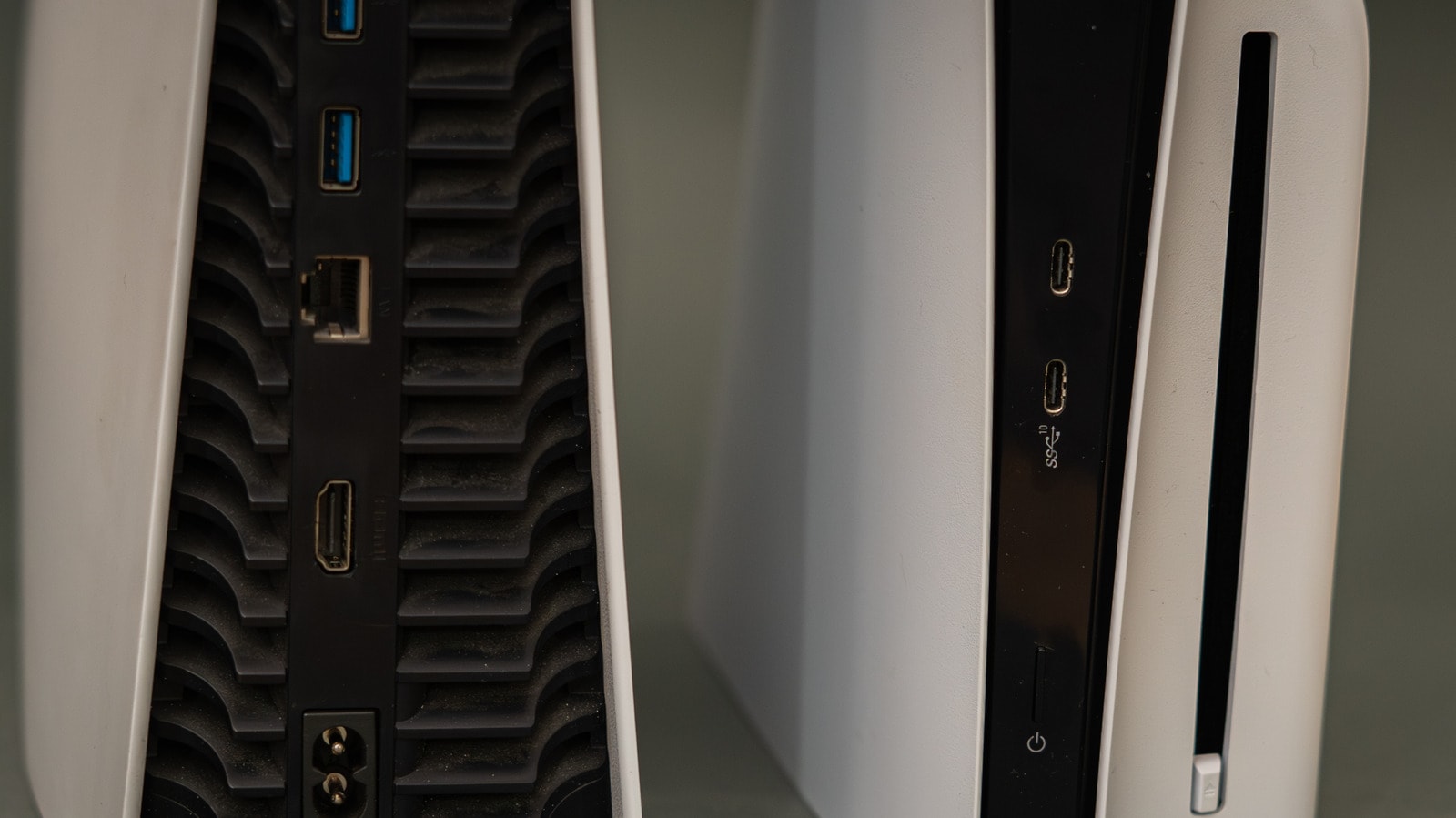
Many gamers make the same mistake when setting up their PlayStation 5: they plug the console into any available HDMI port on their television, assuming it will work perfectly. However, if the port is not an HDMI 2.1 standard, your console will not be able to display its full potential, specifically 4K resolution and 120Hz refresh rates. ## Why the port choice matters Modern televisions often feature multiple HDMI ports, but they are not all created equal. HDMI 2.1 is the standard required for the PS5’s high performance. If you plug the cable into an older HDMI 2.0 port, you lose the ability to enjoy smoother visuals in games that support 120 frames per second (fps). Furthermore, the correct port ensures access to essential features like VRR (Variable Refresh Rate), which eliminates screen tearing, and ALLM (Auto Low Latency Mode), which minimizes input lag during gameplay. ## How to identify the right port and cable Never assume that the numbers HDMI 1 or HDMI 2 indicate anything other than the port label. In many cases, HDMI 2.1 support is found on the third or fourth port, though this varies by model. First, check your television or monitor’s technical specifications on the manufacturer’s website. The second important detail is the cable. Always use the "Ultra High Speed" HDMI cable that came with your console. If you need to replace the cable, ensure it is certified for the HDMI 2.1 standard. Additionally, avoid routing the cable through splitters or soundbars; a direct connection to the television provides the best results. ## Optimising your settings Even if you are connected to the correct port, you may still need to manually enable the feature in your television’s menu. Look for settings labelled "Enhanced Features" or similar to allow the port to receive a 4K/120Hz signal. After that, go to Settings > Screen and Video > Video Output on the console itself and set everything to "Automatic." You can also open "Information for the Connected HDMI Device" to verify that your television is providing the expected data to the console. Remember that not every game runs in 4K/120Hz mode; some titles reduce resolution to achieve higher frame rates. However, with the correct configuration, you can be certain that technical limitations will not hinder your gaming experience.