Windows 11 to Add Built-in Internet Speed Test Without a Browser
A new experimental update allows users to measure connection speeds without leaving the operating system.
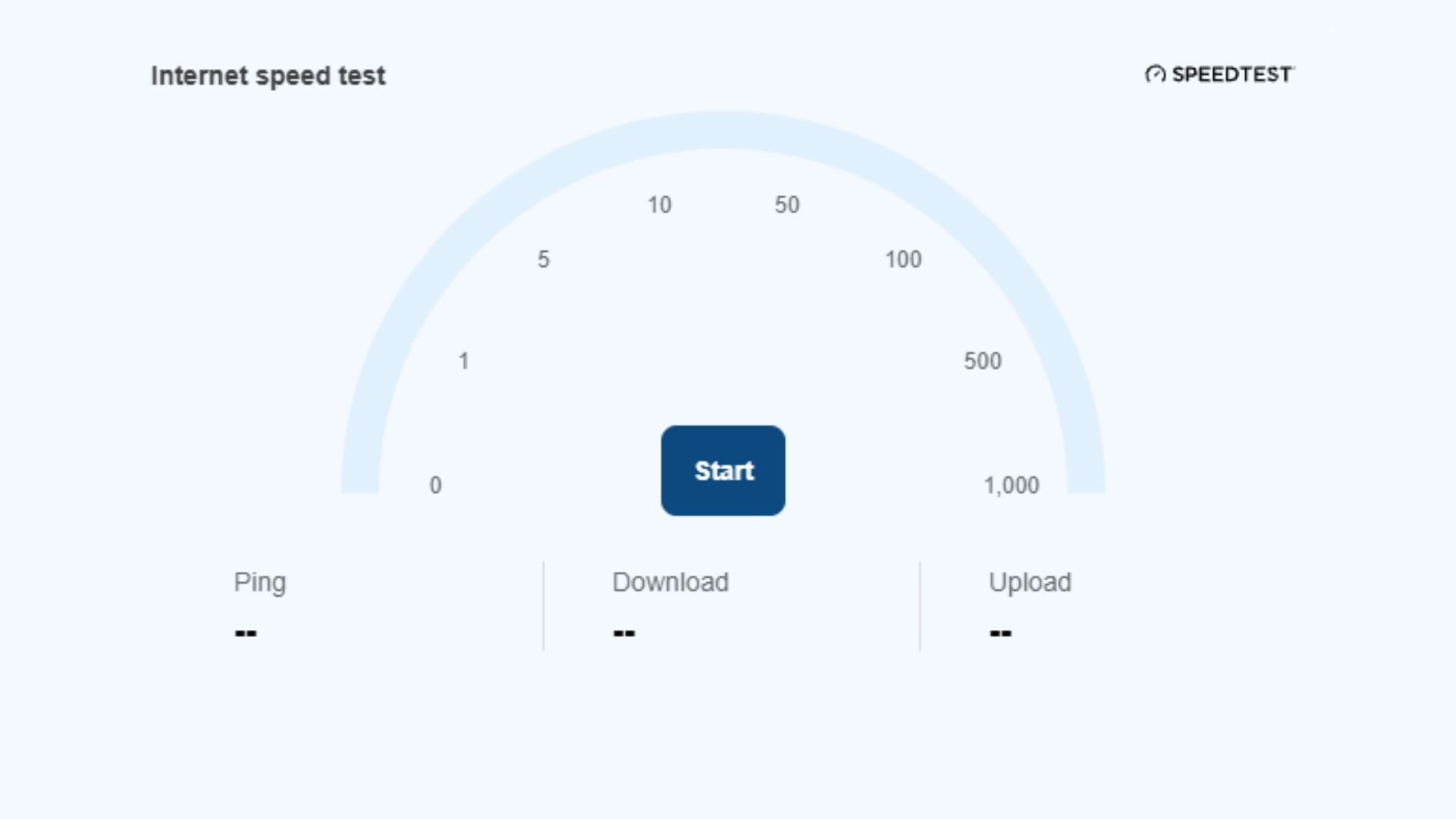
Checking Internet Speed Directly from System Menus
Participants in the Windows 11 Insider program have received a new experimental update that introduces a small but practical change to the operating system. The update includes an internet speed testing tool that may eventually be integrated directly into the Quick Settings menu.
Currently, users on build 26340.9767 can check their internet speed without launching a browser. Users simply need to click the Quick Settings button to find the feature, or right-click the network icon in the system tray and select "Test internet speed." The system then automatically measures both download and upload speeds.
Why This Change Matters
Previously, Windows 11 users could check their internet speed via settings, but the system would automatically redirect them to a browser to run a test through the Bing platform. This created a minor but frustrating barrier, as users had to launch an additional application just to retrieve basic data.
System-level integration makes the process significantly faster and more convenient. Although the feature is currently in testing, its simplicity suggests it will likely be well-received by users. For many, this will become the primary tool used when troubleshooting network issues.
Other Updates in the Build
Beyond the speed test, build 26340.9767 brings several other improvements, including:
- The addition of feature flags, allowing users more flexibility in managing system functions.
- Simplified access to mobile devices via Quick Settings.
- An easier path to accessing Microsoft 365 subscriptions.
- A new keyboard shortcut for Magnifier.
It is important to note that Insider Preview versions serve as a testing platform. Microsoft does not guarantee that every feature will make it into the stable, official release of Windows 11. If user feedback during the testing phase is negative, the company may modify or remove the feature entirely.
How to Access New Features
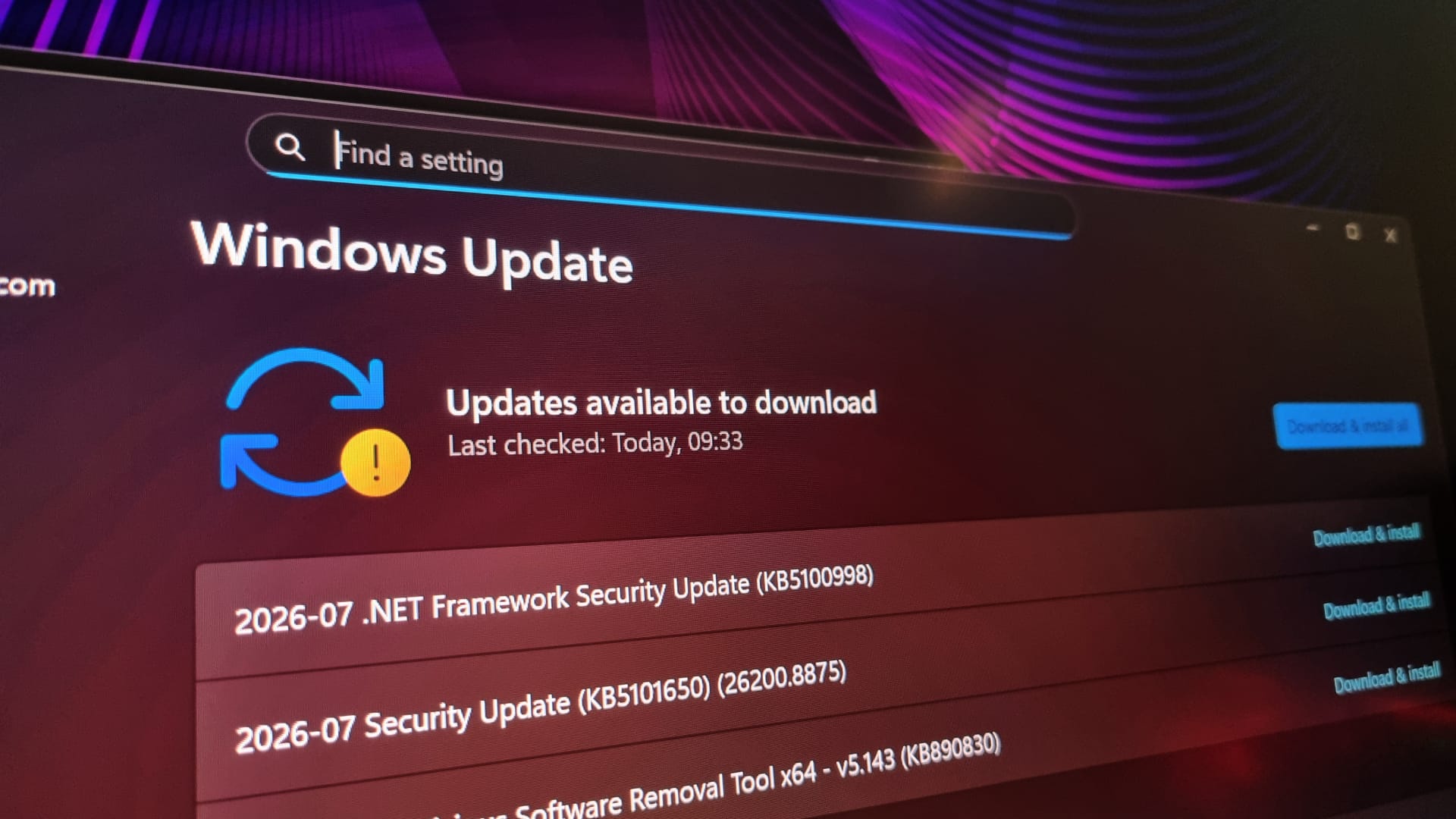
If you wish to test these updates yourself, you can register for the Windows Insider program. Once registered, you can download the latest Preview Build via Windows Update settings. However, keep in mind that test versions are not always as stable as official releases, so using them on a primary work computer involves certain risks.
For users who frequently look for quick ways to verify internet quality, this feature will be a highly useful addition once it becomes available to the general public.