Wi-Fi or Ethernet: Which Is Better for Your Smart TV?
Understanding the trade-offs between speed and stability for your home cinema.
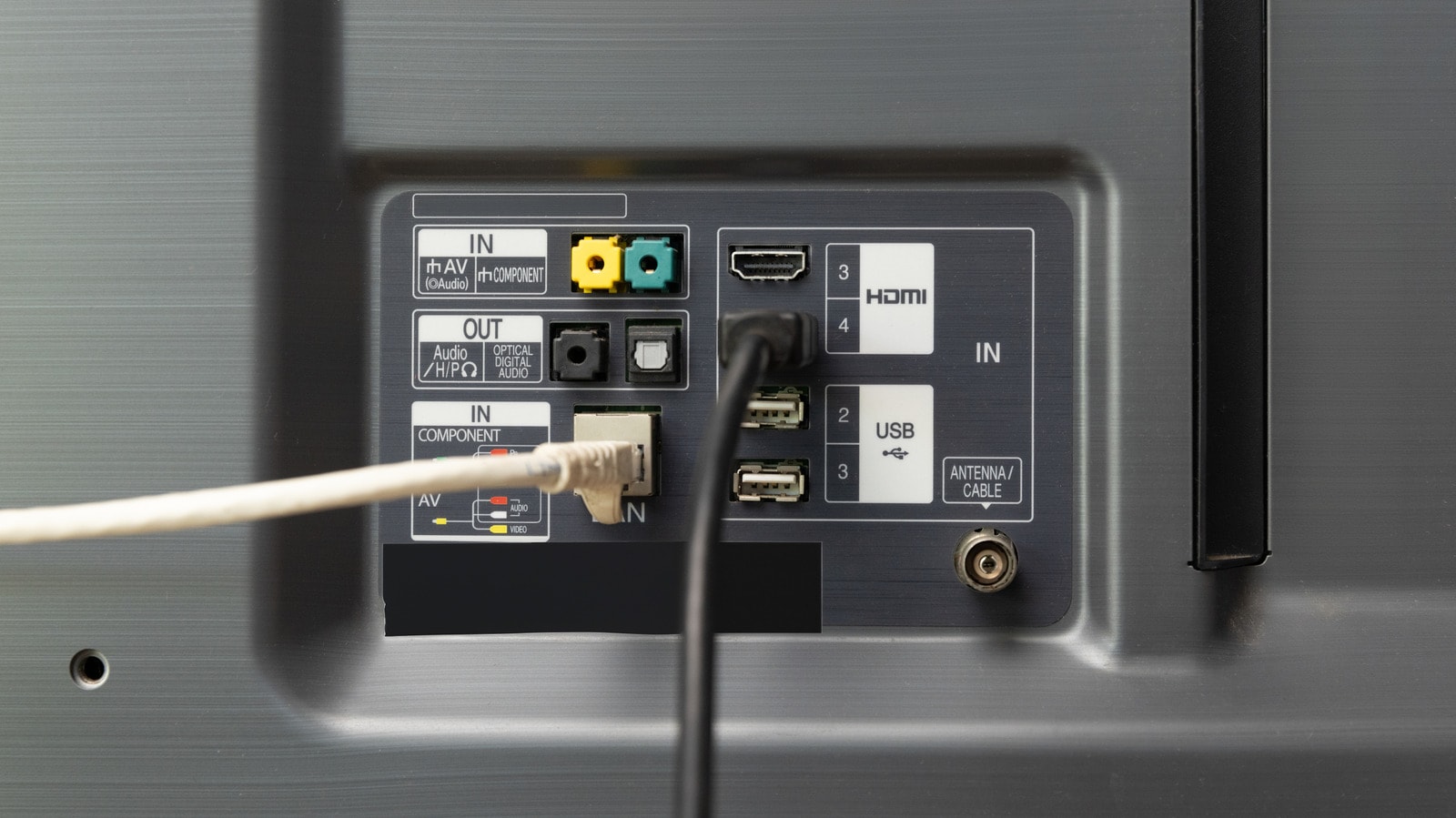
When setting up a modern home cinema, one of the most common dilemmas is how to connect to the internet. While wired connections are traditionally seen as the gold standard for reliability, the situation is different for smart TVs. Often, Wi-Fi speeds far exceed the capabilities of the Ethernet ports built into these devices.
Why Wi-Fi is often faster
Most modern televisions support the Wi-Fi 6 standard, which can theoretically achieve speeds exceeding a gigabit under ideal conditions. In real-world environments, where the signal is shared among multiple devices, this speed may be lower, but it remains more than sufficient for smooth 4K HDR streaming. In contrast, manufacturers often cut costs by installing Ethernet ports limited to 100 Mbps. This is an artificial bottleneck based on decades-old standards that may prove insufficient for today’s high-resolution video content.
Stability: The main advantage of Ethernet
However, speed is not the only factor determining connection quality. The primary advantage of Ethernet is stability. A wired device is protected from radio interference and physical obstacles that are unavoidable with Wi-Fi. If your router is far from the TV or if walls hinder the signal, Wi-Fi may cause buffering or automatic quality drops during streaming. With Ethernet, each device has a dedicated lane, making the connection significantly more resilient.
Practical advice
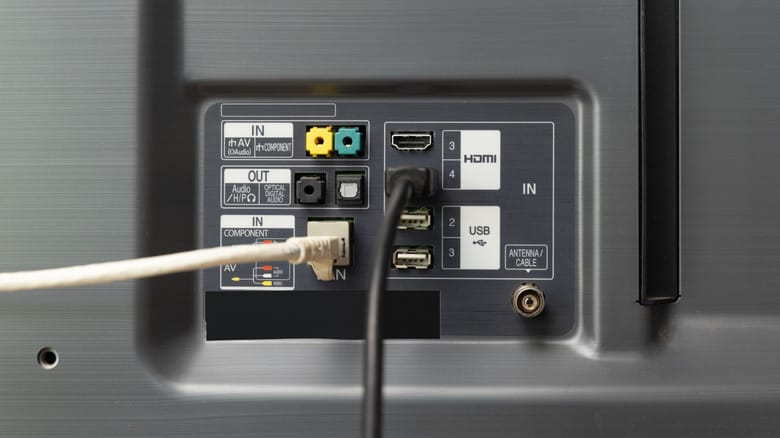
In practice, running Ethernet cables throughout a home is often inconvenient. Routing long cables along walls or floors is aesthetically unappealing, and hiding them requires significant time and effort. If your home Wi-Fi is stable and you do not experience video interruptions, switching to Ethernet is not a necessity. 4K streaming does not require gigabit speeds; it requires a stable 25 Mbps, which modern wireless routers provide with ease.
If you still want to improve your wireless connection, start by repositioning your router. Do not place it on the floor or in closed cabinets; a high, open location significantly improves signal distribution. Additionally, try to reduce the load on your Wi-Fi network by connecting less critical devices—such as laptops or gaming consoles—via cable, if possible, to free up wireless bandwidth for your TV.
Ultimately, prioritize Ethernet only if you can easily route the cable without discomfort, or if you consistently experience issues with your wireless network. In all other cases, modern Wi-Fi technology is perfectly adequate for your entertainment needs.