Why You Should Avoid Putting a Screen Protector on Your MacBook
Apple's precise design means that even the thinnest screen covers can lead to cracked displays.
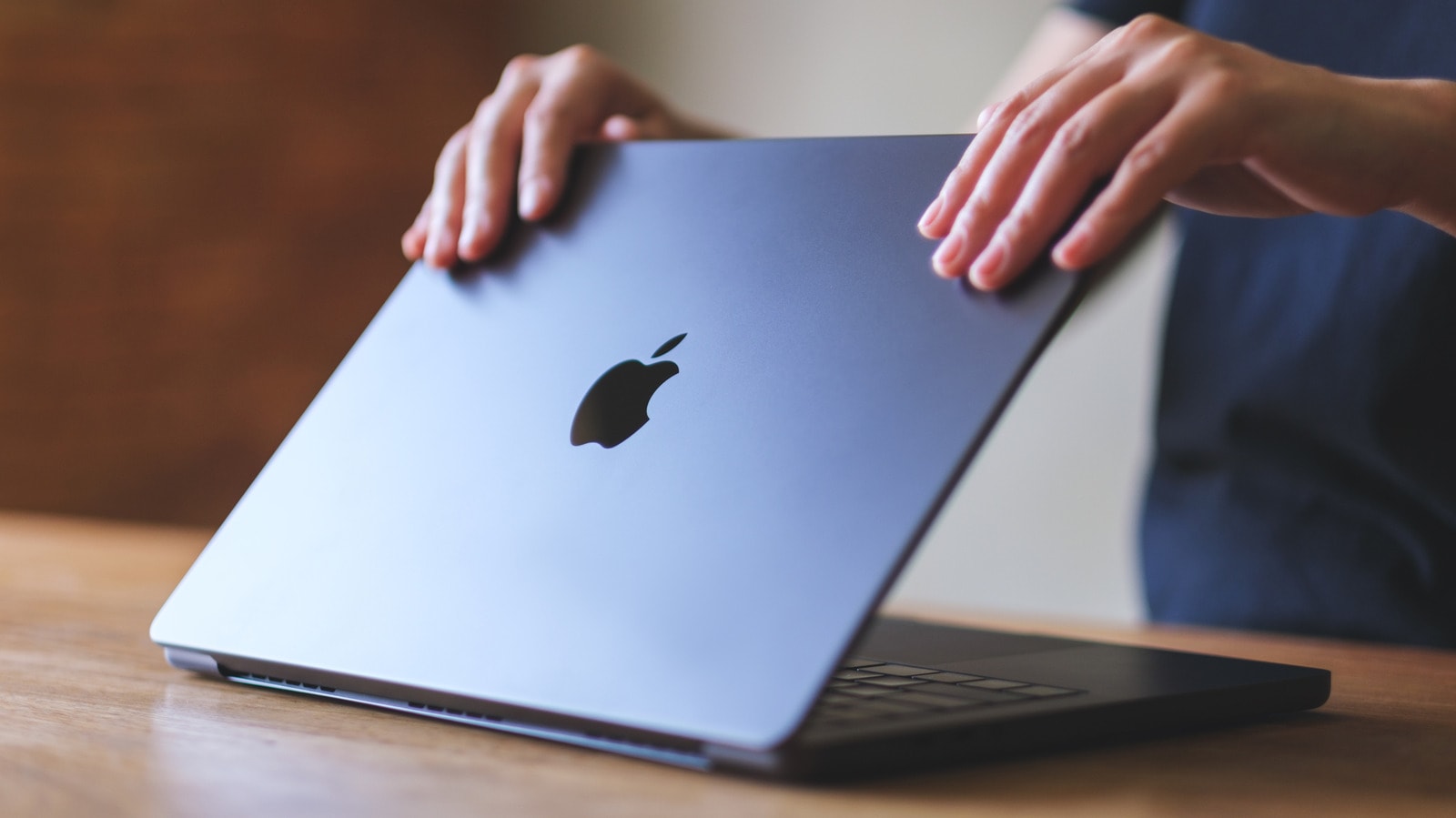
Risks to the Display
Many users strive to protect their hardware with additional accessories; however, in the case of a MacBook, a screen protector may prove more harmful than helpful. The construction of Apple laptops is engineered with such precision that the clearance between the keyboard and the display is minimal. Any additional layer applied to the screen reduces this distance, creating excessive pressure when the device is closed.
Why is this a threat?
When you close your MacBook, the screen and the keyboard surface sit in extremely close proximity. With a screen protector in place, the pressure on the display increases while the laptop is closed, which frequently leads to damage to the display matrix or the appearance of cracks. This issue is particularly relevant for modern models, where the design is as thin as possible.
Beyond mechanical damage, a low-quality screen protector can compromise the screen's anti-reflective coating. When removing such a protector, the screen's protective layer can often peel off, permanently ruining the display's aesthetic appearance. Official Apple recommendations also emphasise that the use of additional accessories that attach to the screen is not recommended.
How to care for your MacBook
If you want to keep your MacBook screen clean and safe, it is best to use a special microfibre cloth and avoid chemical cleaning agents. Additionally, ensure that no small items, such as pens or coins, are left on the keyboard before closing the laptop, as this is the most common cause of screen damage.
While many users in Georgia are accustomed to using protective glass on smartphones, this practice does not apply to laptops. For safety purposes, it is better to use a high-quality case during transport rather than adding extra layers to the screen.