Why You Cannot Use a Cable to Print from Your iPhone
Understanding Apple's wireless printing ecosystem
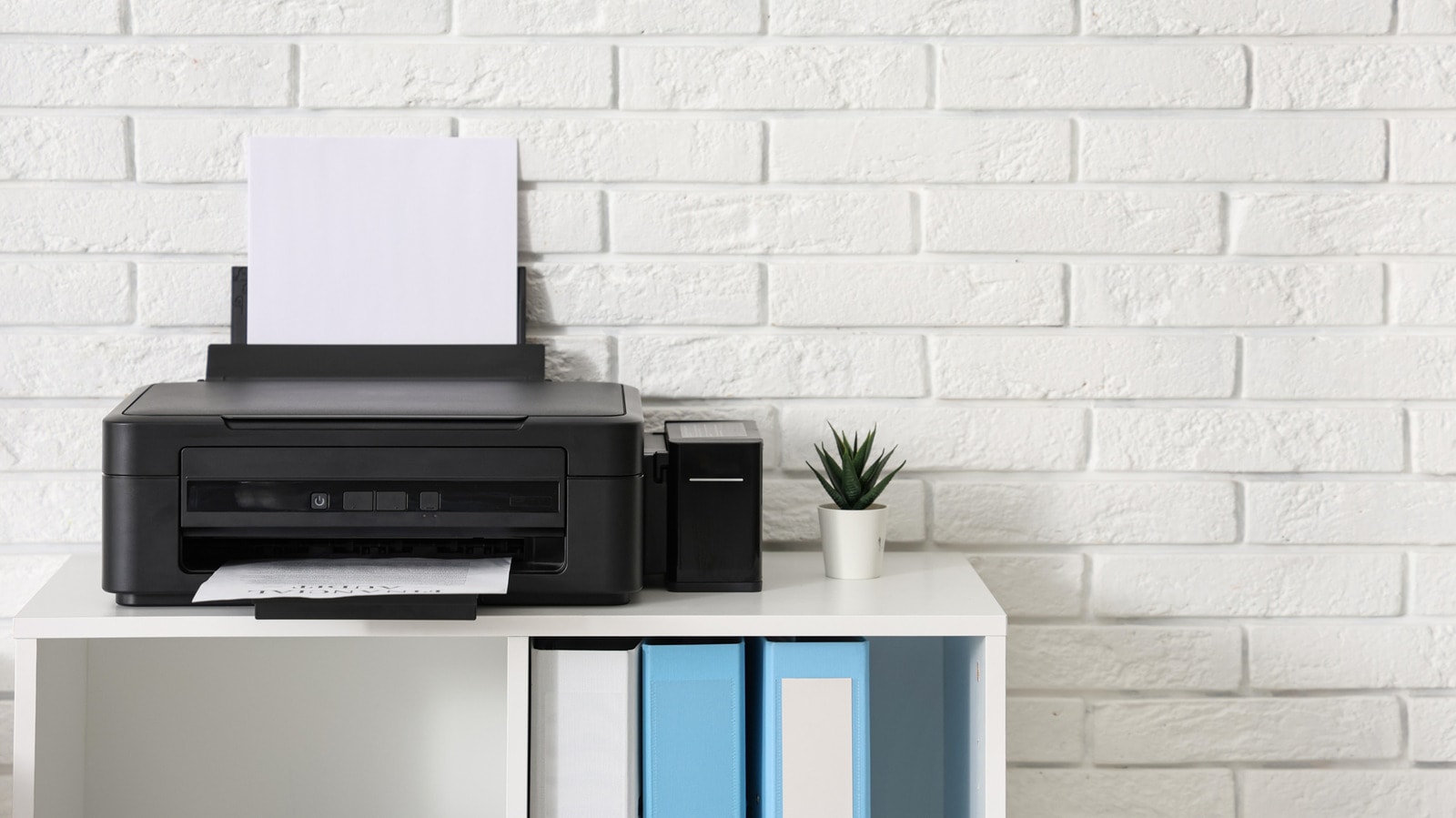
Restrictions on Wired Connections
Many users attempt to connect a printer directly to their iPhone using a cable, only to be met with frustration. Apple smartphones do not officially support wired connections to printers, a fact that frequently causes confusion.
While modern technology offers a multitude of possibilities, Apple has based its printing process entirely on wireless standards. This means you cannot connect a printer directly to an iPhone via USB or any other cable and expect the system to automatically detect it.
AirPrint: The Standard Solution
Within the Apple ecosystem, the simplest and most optimal way to print is through AirPrint. This technology allows users to send documents to a printer over a Wi-Fi network without the need for additional drivers. This method is so deeply integrated into iOS that printing from virtually any application is possible with just a few taps.
Of course, there are third-party applications that facilitate the printing process, but they too are primarily dependent on wireless services. If your printer does not support AirPrint, you may need to download the manufacturer's specific app, which will establish a connection via Wi-Fi.
What This Means for Users
In many offices and homes, older generation printers that rely solely on wired connections remain popular. If you are an active iPhone user, it is important to prioritize AirPrint support when purchasing a new printer. Otherwise, you will be forced to transfer documents to a computer to print them, which requires additional time and resources. Apple's approach is aimed at a completely wireless user experience, which is fully in line with modern standards.