Why is Spotify Taking Up So Much Space on Your Smartphone?
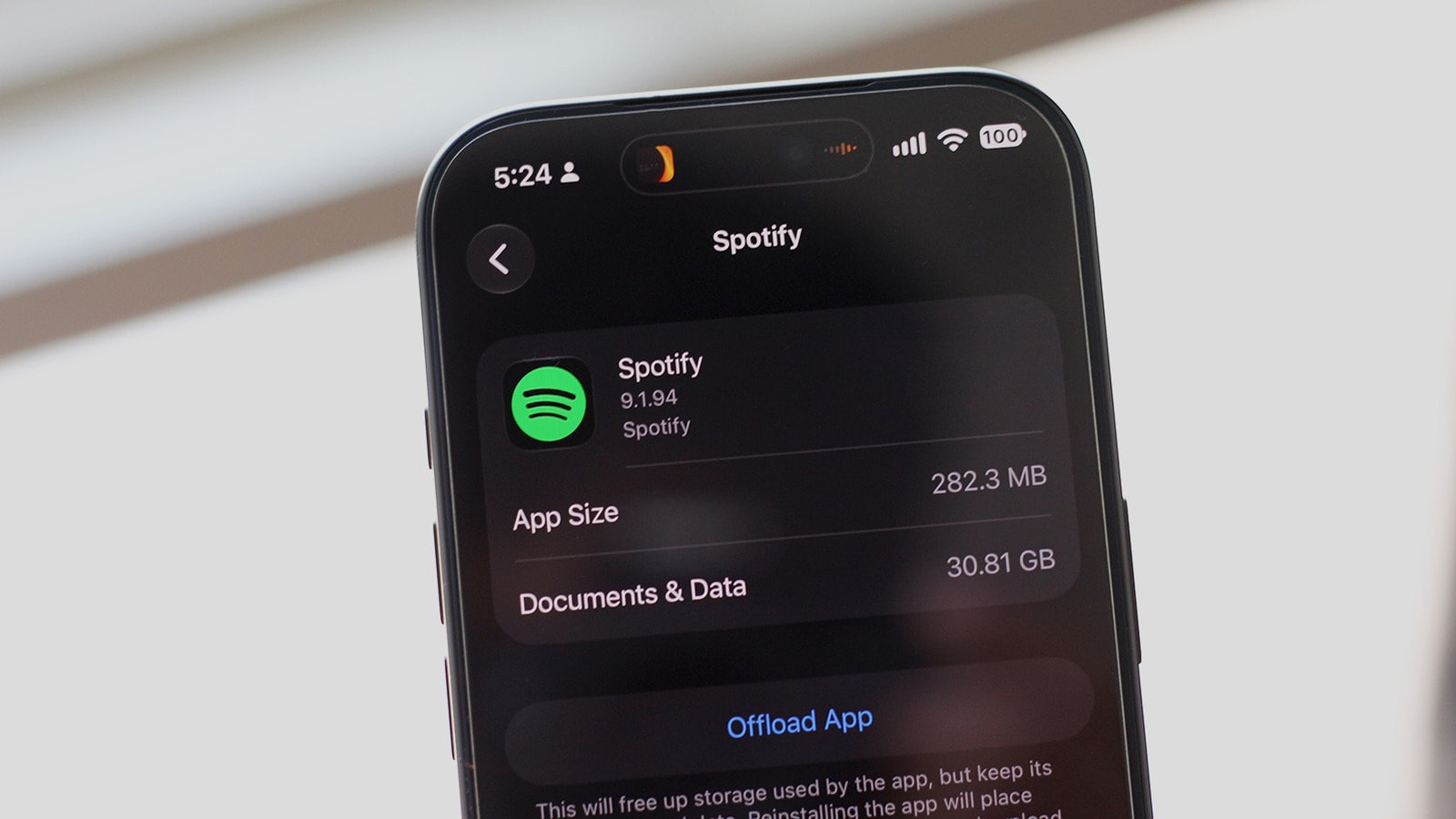
If your phone is running out of storage, the culprit might be Spotify's cached data and offline downloads. Here is how to reclaim your device's memory.
Managing Memory in Music Apps
In the era of digital streaming, listening to music has become incredibly convenient, but this comfort comes at a cost. While mobile internet is now fast and accessible, many of us still prefer to download music in advance to enjoy our favourite tracks without an active connection. This 'offline' library often becomes the primary reason for a smartphone's storage reaching its limit.
If your phone is warning you about low storage, the first step is to check which applications are consuming the most space. iOS users can view this by navigating to Settings > General > iPhone Storage, while Android users should check the Settings > Storage section. If Spotify appears at the top of the list, it is time to clear its data.
How to Easily Free Up Space
There are several effective ways to reduce the space occupied by Spotify. First, you can delete individual albums or playlists that you no longer need. To do this, go to your Library, select the 'Downloaded' filter, and remove unnecessary content by tapping the green button.
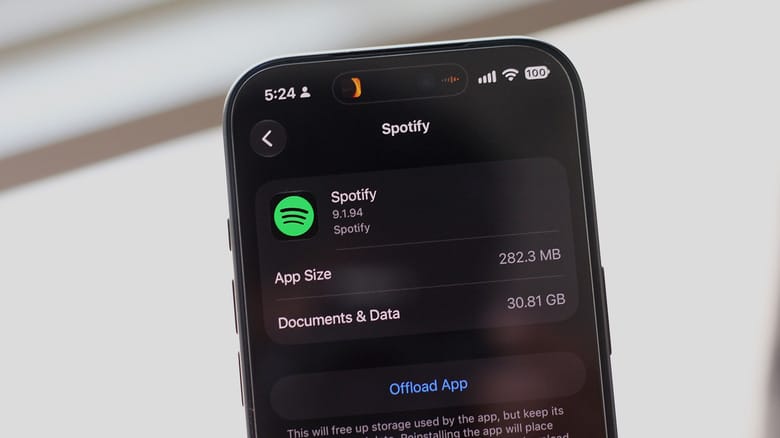
If you want to clear storage all at once, go to your profile, select Settings and privacy > Data-saving and offline, and tap 'Remove' next to the 'Remove all downloads' option. Also, do not forget to clear your cached data, which will delete the temporary files accumulated by the application.
Audio Quality and Storage Capacity
Another effective method for saving memory is adjusting your audio quality. Many users automatically select high or lossless quality; however, if you primarily listen through wireless headphones, the difference is often unnoticeable.
In the Settings and privacy > Media quality section, you can change the download quality to 'Low'. Experiments have shown that this simple change can reduce a 22-gigabyte music library down to 2 gigabytes. This is a significant difference that allows you to maintain offline listening without sacrificing your storage. Apple Music works on a similar principle, so if you encounter a similar issue, checking the settings of other applications is also worthwhile.