Why do Ugreen NAS devices feature an HDMI port?
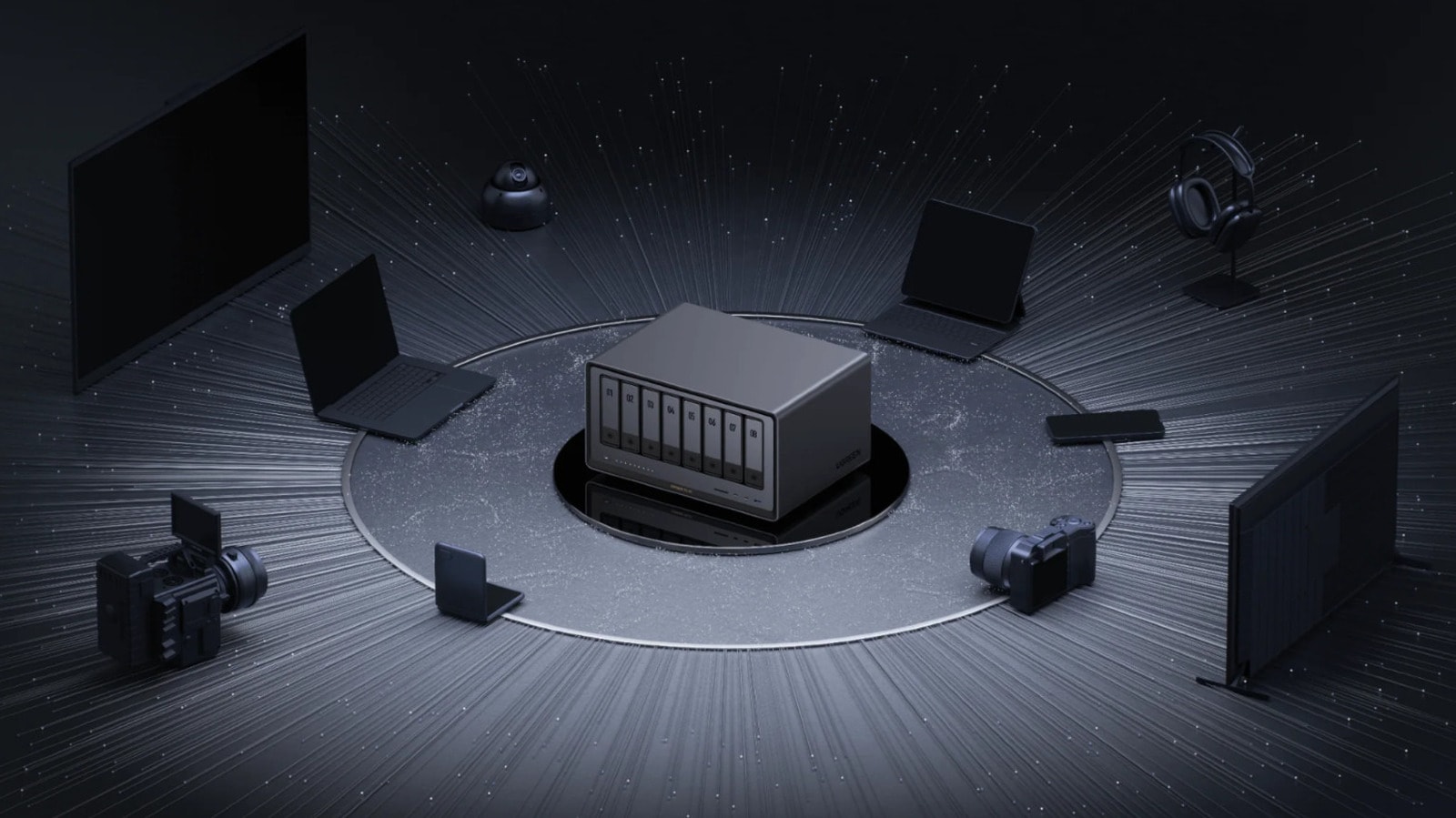
Network Attached Storage (NAS) devices have become an essential part of modern digital life. Their primary purpose is centralized data storage and network-based access, freeing users from monthly cloud service fees. However, the HDMI port on the back of Ugreen NAS devices often causes confusion: why does a device designed to work over the internet need a video output?
Direct media streaming
The simplest purpose of the HDMI port is the direct display of media files. While most users stream content to smart TVs or dedicated streaming devices, HDMI allows you to connect the NAS directly to a monitor or projector. This is particularly convenient when you do not have access to other auxiliary devices.
It is worth noting that the process is not strictly 'plug and play.' When you connect a screen, the device will prompt you to use the Ugreen mobile app. The app contains a function that allows you to output desired content via the HDMI cable. In this scenario, your smartphone acts as a remote control, as the NAS itself does not come with a physical remote.
For advanced users: BIOS and Terminal
The HDMI port is not just for media. If you connect a keyboard to the device, you gain access to the system BIOS. This is essential for operations such as changing the operating system, troubleshooting boot issues, or performing detailed system configuration.
To enter the BIOS, you must press the Ctrl and F12 keys simultaneously upon startup. Ugreen users recommend disabling 'Watch Dog Control' in the advanced settings, as keeping it enabled may cause the system to automatically reboot after a set period.
Experienced users can also work directly with the terminal. Although this is not always highlighted in official documentation, the command line can be accessed using the Ctrl+Alt+F1 key combination. This is a much simpler way to make system changes than establishing an SSH connection over a network. However, remember that interacting with the terminal requires technical knowledge, as incorrect commands can lead to errors that are difficult to resolve.
Why does this matter?
More people are beginning to build their own home servers to securely store photos, videos, and work files. Fully utilizing the capabilities of a Ugreen NAS provides users with greater flexibility. While you may not need the HDMI port every day, its presence ensures that when necessary, your device is not just a 'black box,' but a fully manageable computer system.