Which Samsung Tablets Are Reaching the End of Software Support?
A New Chapter for Samsung Software Support
Over the years, Samsung has made significant strides in its software support policy. While the company once lagged behind with updates, it is now considered a leader in the Android ecosystem. However, not every device shares the same lifecycle, a crucial factor for users who rely on their tablets for the long term.
Galaxy Tab S9 Series: The Final Major Update
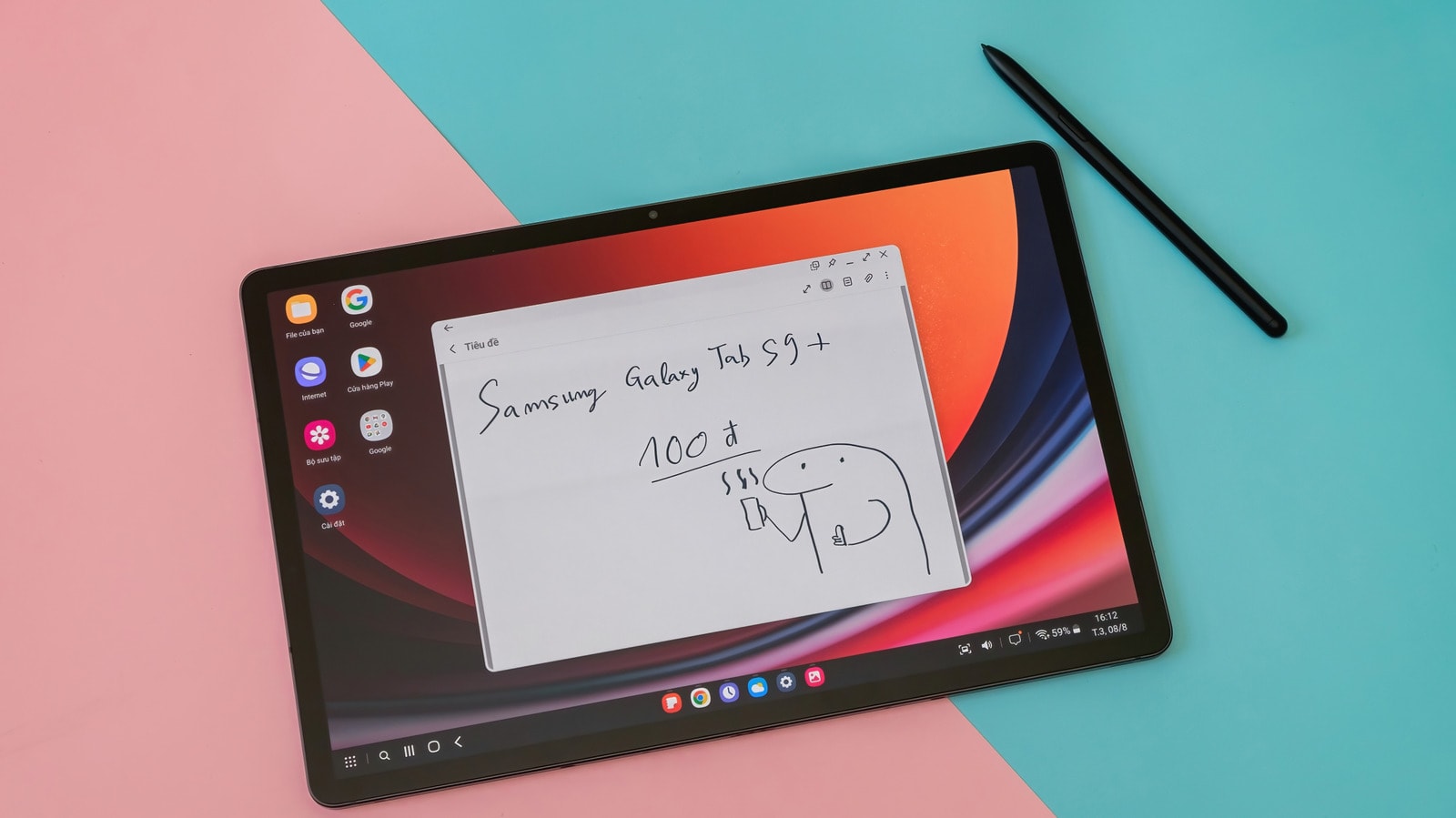
2026 marks a milestone for the Galaxy Tab S9, S9+, S9 Ultra, as well as the S9 FE and S9 FE+ models. These devices are set to receive the One UI 9 update, based on Android 17. This will be the final major operating system update for this series. Under Samsung’s original commitment, these tablets were promised four generations of OS updates and five years of security patches. Consequently, these models will continue to receive security updates until 2028.
Older models, such as the Galaxy Tab S8 series, have already passed the threshold for major OS updates. Their final version was One UI 8, based on Android 16, though security support will continue until February 2027. A similar situation applies to the Galaxy Tab A9 and A9+ models, which have also received their final major update.
What Does the Future Hold?
Fortunately, Samsung has significantly extended its support period for newer devices. Starting from 2024, the Galaxy Tab S10, S11, and S12 series, along with the budget-friendly Galaxy Tab A11 series, benefit from seven years of support. This means that if you purchase a newer device, you will not need to worry about software obsolescence for many years to come.
Regarding the specialized, rugged Galaxy Tab Active series, the policy differs. For instance, the Galaxy Tab Active5 is entitled to four years of OS updates and five years of security patches. Given their intended use, these devices are primarily targeted at the corporate sector.
How to Check for Updates
It is important to remember that the arrival of updates depends on your region and specific model. If a new version is not yet visible on your tablet, it does not necessarily mean support has ended. To check for available updates, navigate to Settings > Software update > Download and install. Regularly checking for updates is the best way to maintain your device's security and functionality.