What to Do If Your Nintendo Switch 2 Won't Connect to Your TV
How to resolve common docking and display problems with your console.
Troubleshooting Connection Issues
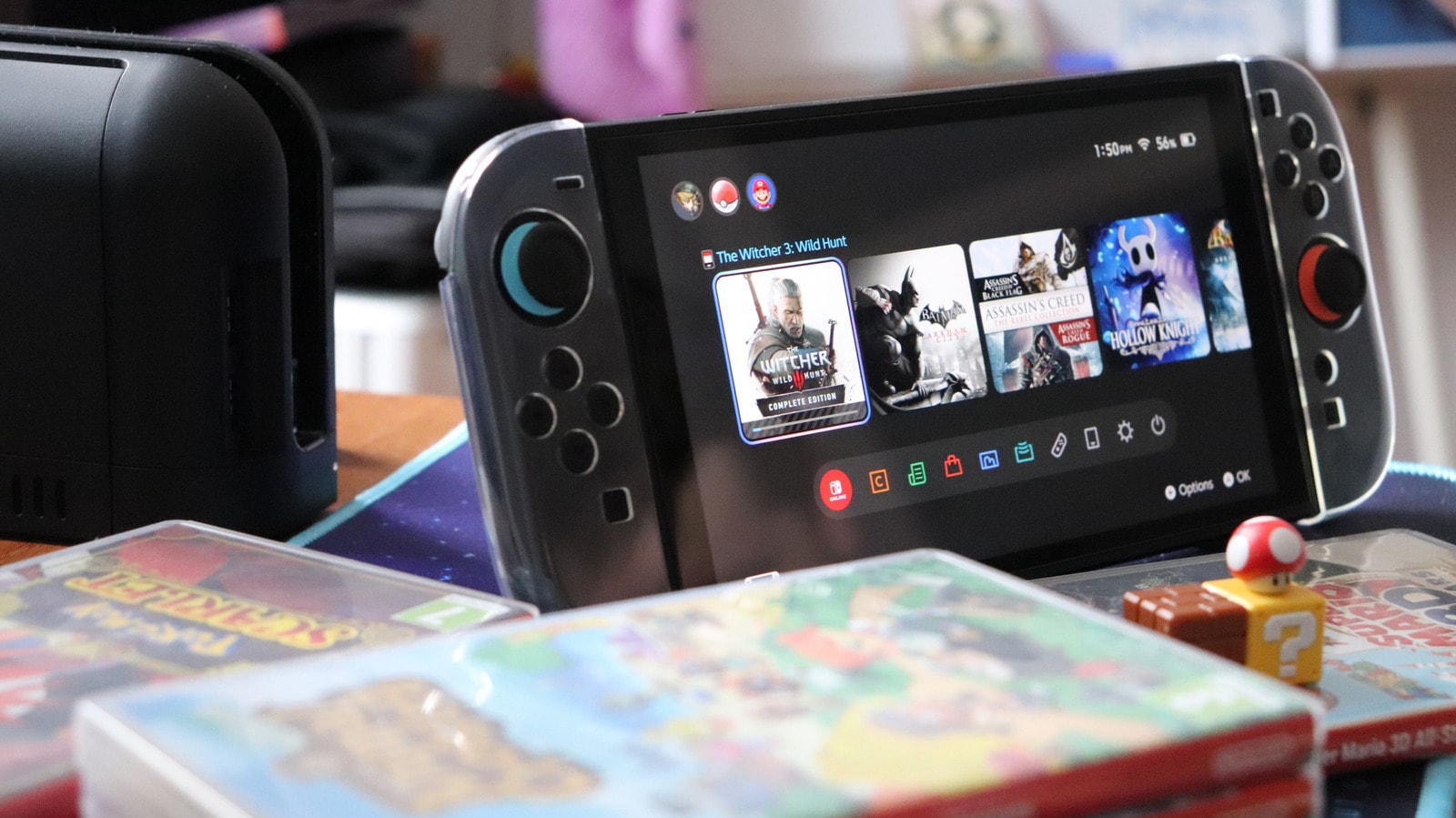
A primary advantage of the Nintendo Switch 2 is its hybrid nature, allowing for both portable play and a big-screen experience via the dock. However, users may occasionally face issues where the console fails to display on the TV, resulting in a black screen. Before contacting a service centre, it is recommended to follow a few simple steps.
First, perform a full system reset. Power off your television and disconnect all cables from the dock, including the AC adapter from the wall outlet. Keep the device powered down for approximately 30 seconds. Afterwards, reconnect the power, ensure the console is properly and fully seated in the dock, and then attempt to power it on.
Checking Power Supply and Cables
It is important to remember that the Nintendo Switch 2 requires more power than previous generations. If you are using a third-party adapter instead of the original, ensure it provides at least 54W of power. Lower-wattage chargers will not support a TV connection. Additionally, inspect your cables for any physical damage, as fraying or breaks can disrupt power delivery.
Regarding visuals, the Switch 2 uses an Ultra High Speed (UHS) HDMI cable. Note that cables from older Switch generations or lower-speed standards are insufficient. For the best results, connect the cable to an HDMI 2.1 port, which supports 4K resolution at 120Hz or 8K at 60Hz. If your TV lacks an HDMI 2.1 port, the console will still function, though image quality will be limited.
Software Settings and Further Steps
If the hardware is in order, check your TV settings. Look for features such as "Game Mode," "Auto Low Latency Mode" (ALLM), or "HDMI Ultra HD Deep Color," which are often necessary for a correct signal. Also, ensure the television is set to the correct HDMI input channel.
If the issue persists, try updating the console software via the System Settings menu. You can also attempt to set the "TV Resolution" to "Automatic" or enable "Match TV Power State," which allows the console to turn on the TV automatically when docked. If none of these methods work, there may be a technical fault requiring professional service from Nintendo.
For users purchasing the Switch 2 through official channels or international retailers, it is vital to use the included cables and adapters from the start to avoid these compatibility issues.