What Is the Maximum Recommended Length for a USB Cable?
Understanding why shorter is better for high-speed data transfer
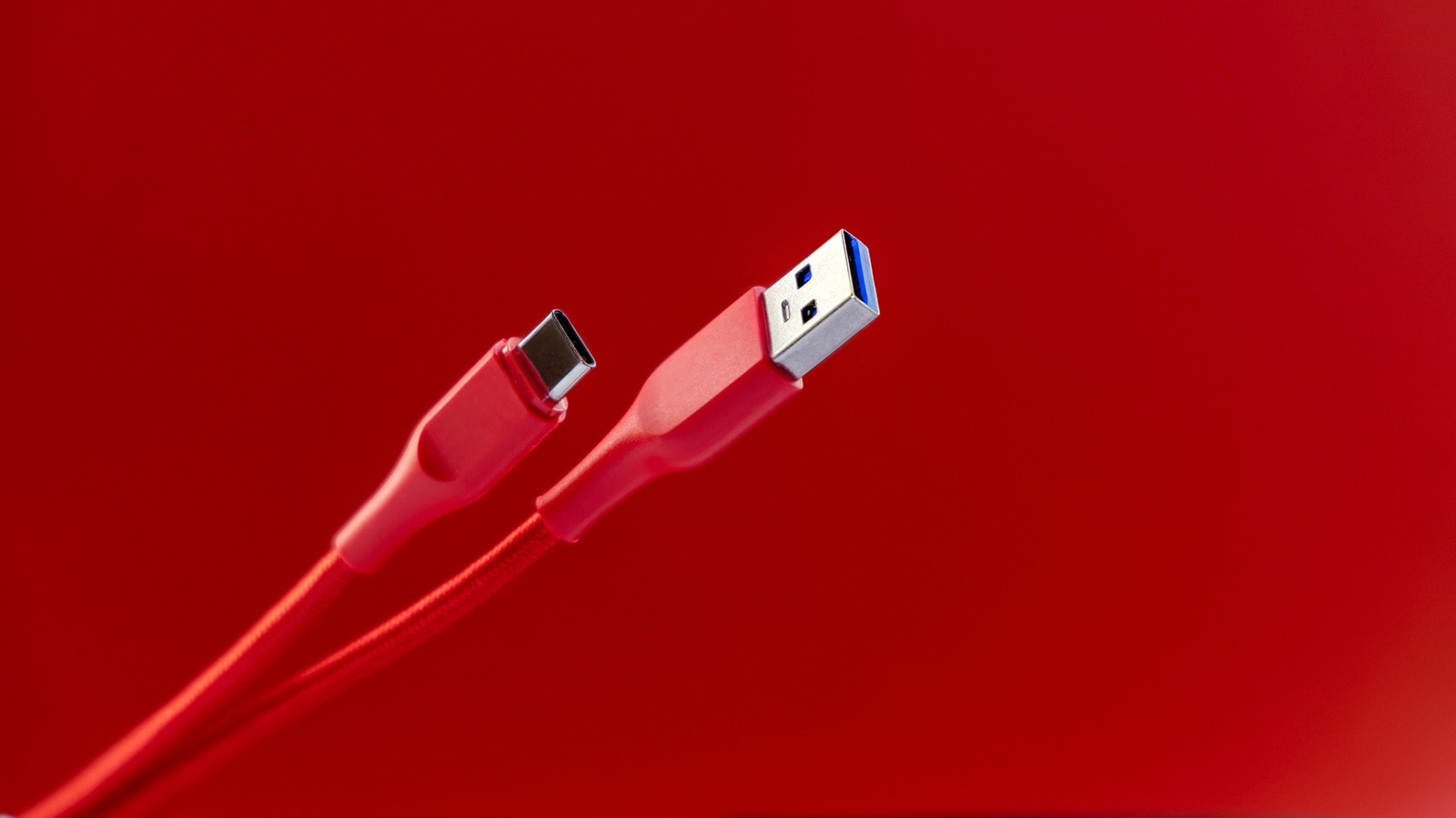
USB technology is one of the most convenient and universal standards in the modern digital world. In most cases, plugging a cable into a device is enough to ensure everything works without issue. However, many users are unaware that USB cables have strictly defined length limits. If a cable is too long, it can significantly reduce device efficiency and data transfer speeds.
Unlike HDMI cables, where covering long distances is often necessary, we rarely need long USB leads. Nevertheless, there is a limit that is essential to understand for the stable operation of your equipment.
USB Standards and Length Limits
USB technology standards are set by the industry group USB Implementers Forum (USB-IF). This organization defines the maximum recommended cable length. Since USB-IF is not a regulatory body, manufacturers are not prohibited from producing longer cables. However, ignoring these recommendations can seriously affect cable performance.
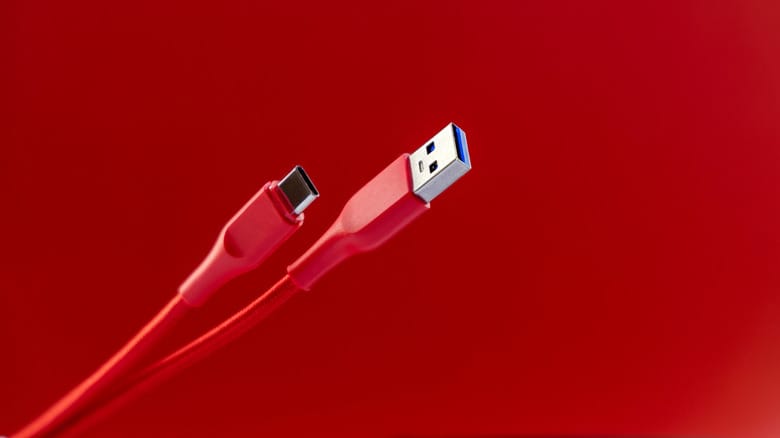
Interestingly, while every new generation of USB offers higher data transfer speeds, their recommended maximum length decreases:
- USB 1.0 and USB 2.0: The maximum recommended length is approximately 5 metres (16.4 feet).
- USB 3.0, 3.1, and 3.2: The recommended limit drops to 3 metres (9.8 feet).
- USB 4: For the fastest and most modern standard, the maximum length is just 80 centimetres (2.6 feet).
It is worth noting that it does not matter whether you are using a USB-A connector or a modern USB-C; the maximum length limit is identical in both cases because the primary determining factor is the technology generation itself.
Why Does Length Decrease as Speed Increases?
It may seem strange that as technological progress advances, the distance a cable can cover decreases. This phenomenon is explained by the physical properties of electrical signals. As an electrical signal travels through a cable, it encounters resistance and gradually weakens. The longer the path, the more resistance the signal faces and the more data is lost.
Furthermore, the higher the data transfer speed or power flow, the more sensitive the system is to even minor signal distortion. Long cables are also more vulnerable to physical damage, which further slows down the process.
What Happens if the Cable Is Too Long?
If you use a USB cable that exceeds the recommended limit, it will not stop working immediately. However, the device will not operate at full capacity. Data will transfer much slower than usual, and the connected device may not receive sufficient power. The higher the potential speed of the device, the more noticeable this difference will become.
What Are the Alternatives?
The best solution is to position your devices so that a standard cable length is sufficient. However, if this is not possible, you can use a few technical solutions:
- Active USB Cables: These cables and extenders have built-in electronic components that boost the signal along the way. Keep in mind that they are much more expensive than standard cables, consume additional power from the port, and may not be compatible with older ports.
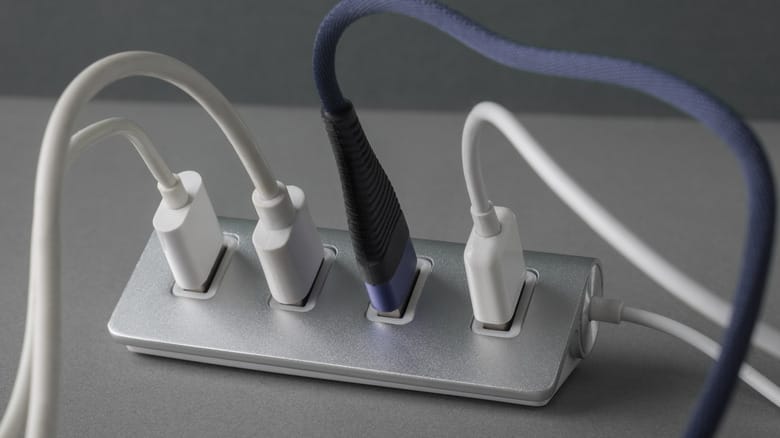
- Powered USB Hub: You can use a cable of the maximum allowed length between your computer and a hub, while plugging the hub into a separate power source. Such a hub provides stable power, unlike passive hubs that draw energy only from the computer's port.
Choosing the right cable is key to the stable and fast operation of your devices, especially when dealing with modern, high-speed standards.