What is Apple’s Lockdown Mode and do you actually need it?
Understanding the most extreme security layer on your iPhone.
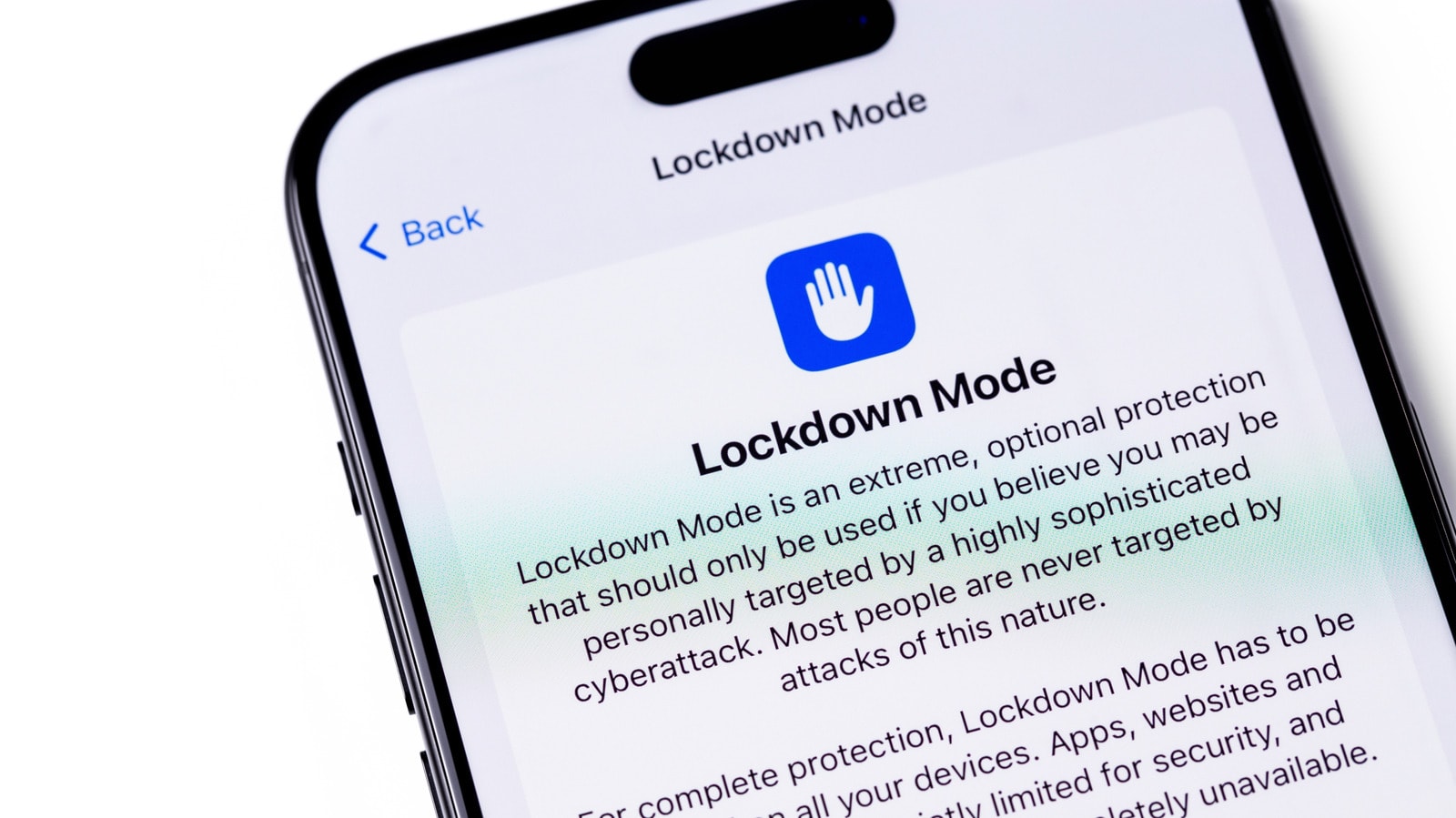
What is Lockdown Mode?
Most iPhone users may not even be aware that their device contains an "extreme" layer of security called Lockdown Mode. Introduced by Apple in 2022, this feature is designed to protect individuals who might be targeted by commercial spyware, such as journalists, activists, or politicians. One of the most well-known examples of such software is Pegasus, which cybercriminals use to attempt to gain control over devices.
While anyone can enable the feature, it is not intended for the average user. Activating it means that a significant portion of your iPhone’s functionality is restricted to minimize potential attack vectors.
How does it work?
When Lockdown Mode is enabled, the system automatically blocks many everyday iPhone functions:
- Messages: Most attachment types and link previews are blocked, as these are often used to distribute malicious code.
- Web browsing: JavaScript is restricted, which may cause some websites to load incorrectly or slowly.
- Connectivity: FaceTime calls from unknown parties are blocked. When the device is locked, it stops establishing wired connections to computers or accessories. Furthermore, the iPhone will no longer connect to insecure Wi-Fi networks.
- Services: Photo sharing, Home invitations, and Game Center features are restricted, and installing configuration profiles becomes impossible.
It is worth noting that the effectiveness of Lockdown Mode has been proven: the "Blastpass" threats discovered in 2023, which spread via iMessage, could not affect devices in this mode. Apple trusts the system so much that the company offers additional rewards to those who find a way to bypass this protection.
Should you enable Lockdown Mode?
If you are not a high-risk individual, using Lockdown Mode will likely cause unnecessary inconvenience. In most cases, standard iOS security systems are entirely sufficient to protect your data. However, if you suspect you might be a target of a sophisticated cyberattack, or simply want to test maximum security, you can activate it via Settings > Privacy & Security.
Remember that the mode is flexible: you can set exceptions for specific contacts or websites, but keep in mind that every such exception slightly reduces your device's level of protection. Ultimately, this is a compromise between security and convenience that is only justified when your digital safety is under real threat.