What Is a Bottleneck and How Do Calculation Services Actually Work?
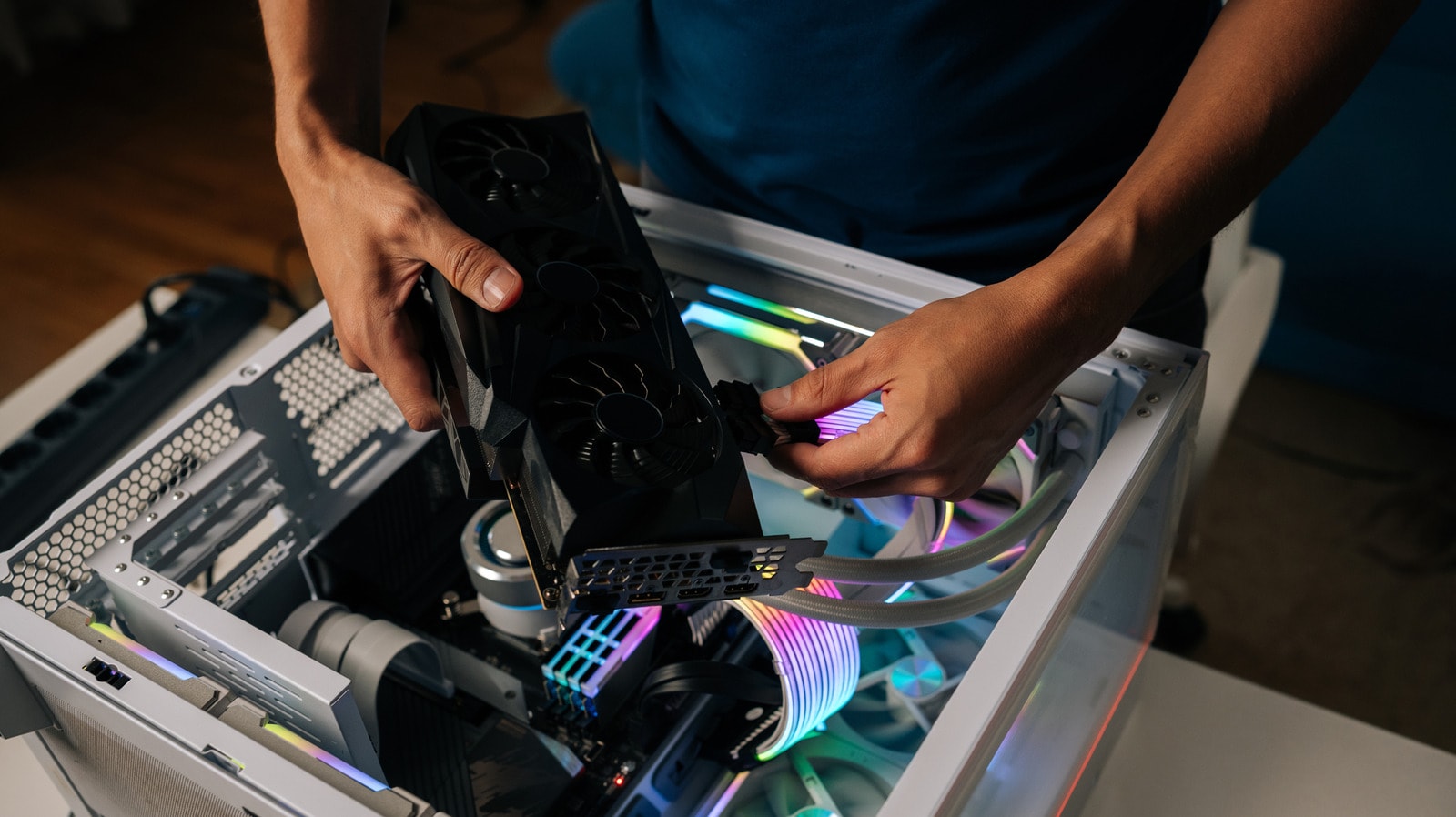
When building or upgrading a computer, one of the biggest challenges is ensuring the compatibility of your components. You have likely heard the term "bottleneck," which describes a state where one component prevents another from reaching its full potential. For example, if your CPU is running at 100% capacity during a game while your GPU remains largely idle, your processor is acting as a bottleneck, limiting the performance of your graphics card.
How Do Bottleneck Calculators Work?
There are many online calculators available that promise to easily determine if your CPU and GPU are a good match. These services typically require you to input specific models and your target resolution, such as 1080p, 1440p, or 2160p. If the components are considered balanced, the calculator will provide a "bottleneck score" of less than 10%. The higher this percentage, the more mismatched the pairing is deemed to be.
While these tools are convenient for planning a new build, it is important to understand their limitations. These calculators rely solely on manufacturer-provided technical specifications and theoretical calculations. They fail to account for the real-world, practical factors that influence actual system performance.
Why Are They Often Inaccurate?
The primary problem with these calculators is that they ignore the complex nature of a computer. Real-world performance depends on more than just the two main chips; it involves RAM, drivers, background processes, and specific software. For instance, some games are more CPU-intensive, while others rely heavily on the GPU. Furthermore, architectural nuances like L3 cache size have a critical impact on performance, which standard formulas often overlook.
Regarding the GPU, a bottleneck often occurs when attempting to render graphics at a resolution for which the card is not optimized. This leads to frame rate (FPS) drops, stuttering, and image artifacts. However, a calculator cannot tell you how your specific system performs in real-time.
What Should You Do Instead?
If you want to accurately determine if your system is balanced, it is better to use specialized performance monitoring software. These tools track component load, temperatures, and power consumption while you are gaming or performing heavy tasks. This provides far more reliable data than any online calculator.
In summary, online calculators are useful only for gaining a general idea when choosing new parts to ensure one is not significantly weaker than the other. However, when it comes to optimizing your existing system, always rely on real-world testing and monitoring, as theoretical numbers on paper do not always reflect reality.