Using a Chromebook as Your Daily Driver: The Pros and Cons
An analysis of whether Google's operating system can replace your traditional laptop
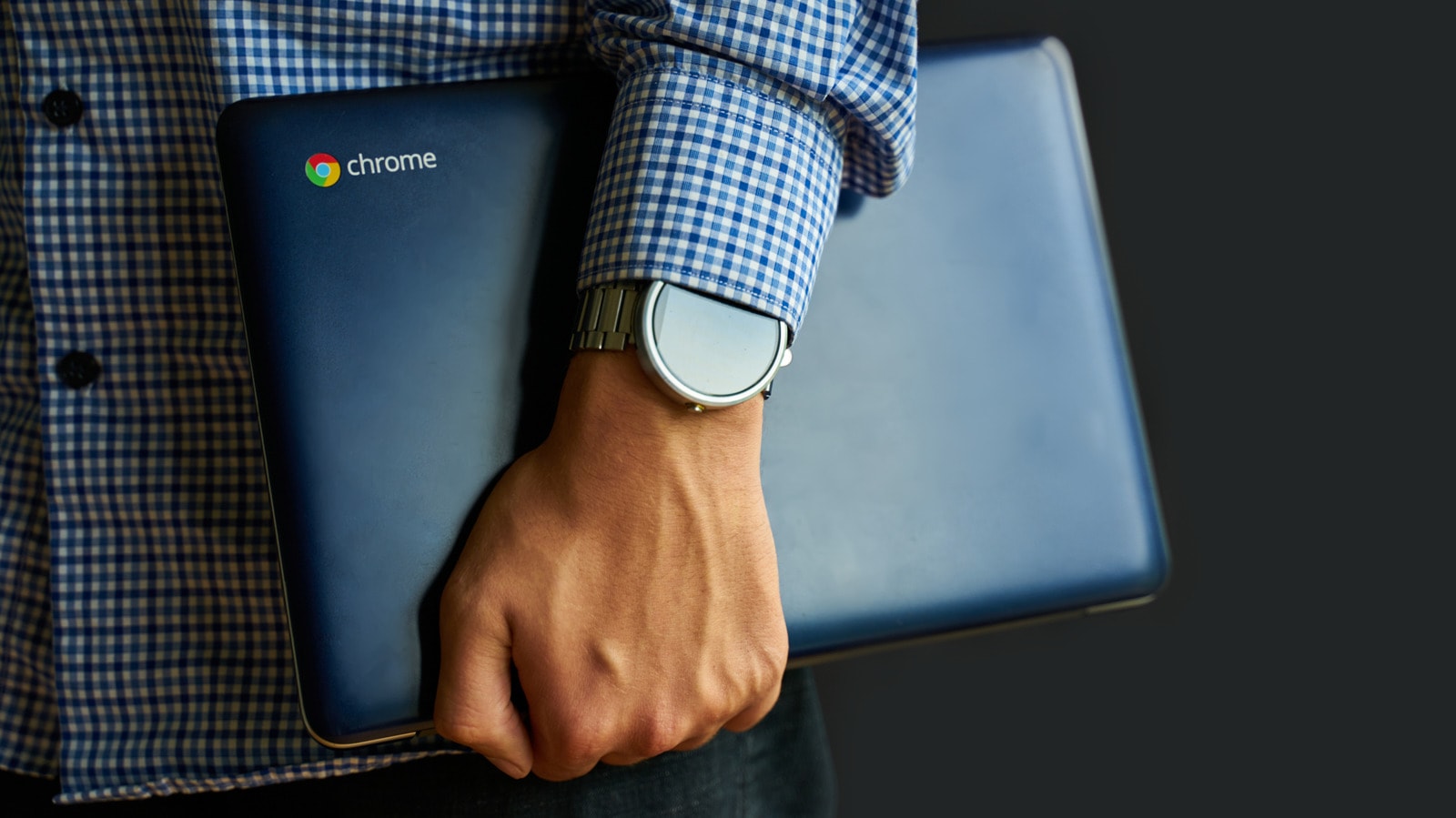
Choosing Between Windows and ChromeOS
In recent years, Chromebooks have become quite popular, particularly in the fields of education and office work. However, it is essential to consider the specific capabilities and limitations of these devices before making a purchase. While they are fast and easy to use, they may not fully replace Windows or macOS operating systems.
What to Know About Chromebooks
The main advantage of ChromeOS lies in its simplicity and security. Since the system is primarily web-based, it consumes fewer resources and rarely requires complex technical maintenance. This is ideal for those whose daily activities are tied to online platforms, document processing, and email.
However, problems arise when a user requires specialized software. If your work involves professional video editing, complex graphic design, or specific industry-standard software, a Chromebook may not meet your expectations. Many popular applications that run seamlessly on Windows or Mac are either unavailable on ChromeOS or have significantly limited functionality.
Advice for Users
Many students and office workers are looking for budget-friendly and efficient solutions. A Chromebook can be an excellent choice if your primary activities take place within cloud services. However, if your work requires heavy software installed directly on your computer, it is better to stick with traditional laptops. Before making a decision, always consider how dependent you are on specific local software.