Unexpected HDD Failure: Why Data Protection Remains Critical
New research shows that mechanical failures often occur without warning, making robust backup strategies essential.
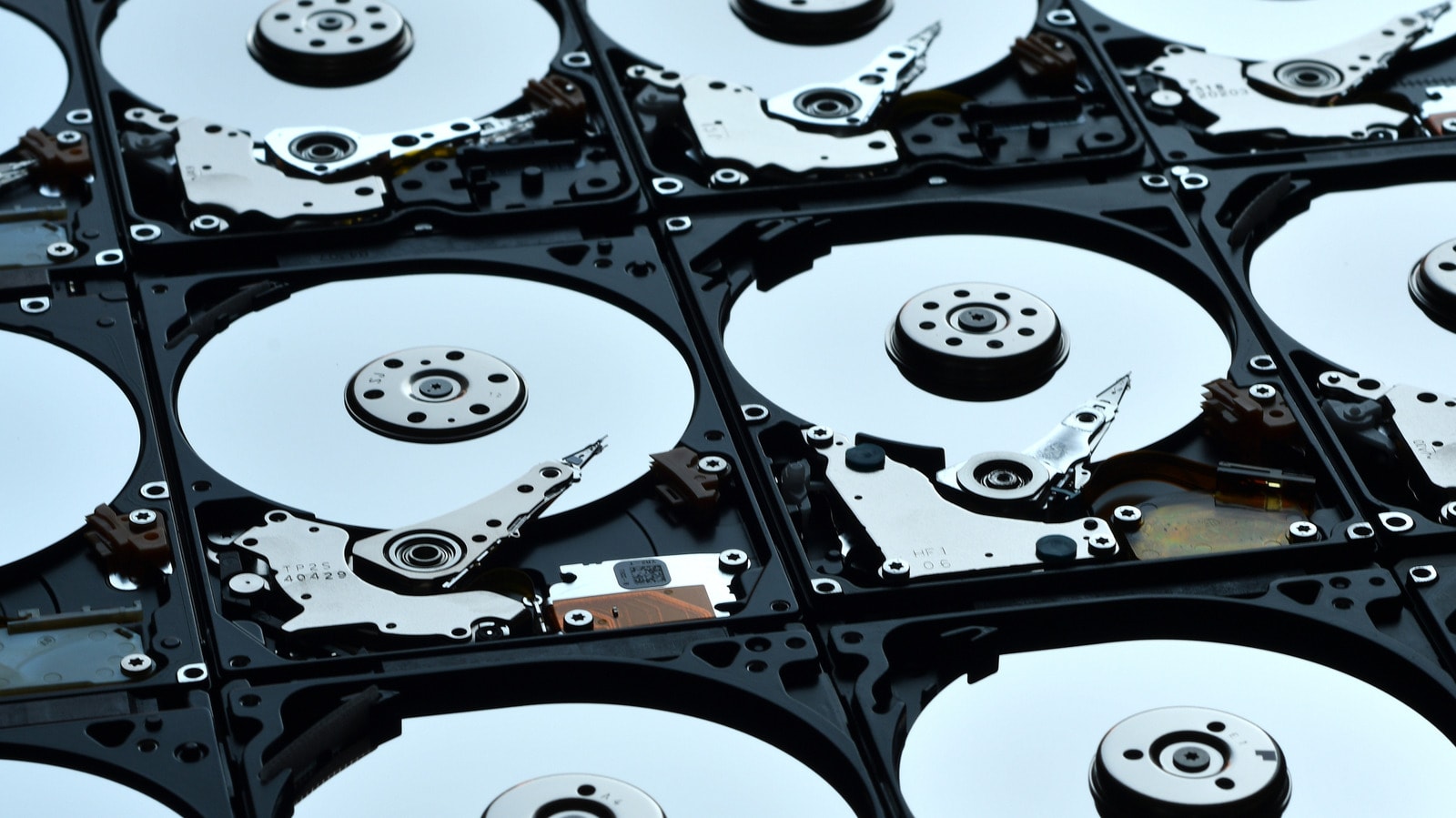
Despite rapid technological advancements, hard disk drives (HDDs) remain the most accessible medium for data storage. However, their mechanical nature presents inherent risks. New data, based on the management of over 350,000 drives, reveals that approximately 1.5% of HDDs fail, with nearly half of these cases occurring within the first year of operation. Most concerning is that 30% of these failed drives provide no prior warning signs to the user.
Why do drives fail unexpectedly?
Drive malfunctions are often caused by manufacturing defects, such as misaligned read/write heads or motor failures. External factors, including power fluctuations or physical damage, also play a significant role. According to the data, the average lifespan of a drive is approximately 807 days, though this figure applies only to models that have already failed. Despite these risks, HDDs remain relevant. The development of artificial intelligence (AI) and the expansion of data centres have increased the demand and prices for solid-state drives (SSDs). Consequently, when it comes to storing large volumes of data at a low cost, HDDs remain the primary alternative. Building RAID systems with HDDs is often significantly cheaper than purchasing a single high-capacity SSD.
How to protect yourself from data loss?
Statistics clearly indicate a correlation between a drive's age and the probability of failure. After seven years, drives become particularly vulnerable. Therefore, if your workflow depends on HDDs, it is essential to create a replacement plan and maintain data backups. Although new technologies like SMR or HAMR exist on the market, they are not yet widely implemented and do not offer radically different durability. Technology experts have provided the same advice for years: data security requires a combined approach. Do not rely on a single medium; use a mix of local storage, backups, and cloud services. This strategy will protect you against both mechanical failures and other unforeseen incidents. Finally, if you are currently using HDDs, periodically monitor their health with specialized software and do not wait for a drive to fail completely before moving important files elsewhere.