Should You Turn Off Your Phone When Changing a SIM Card?
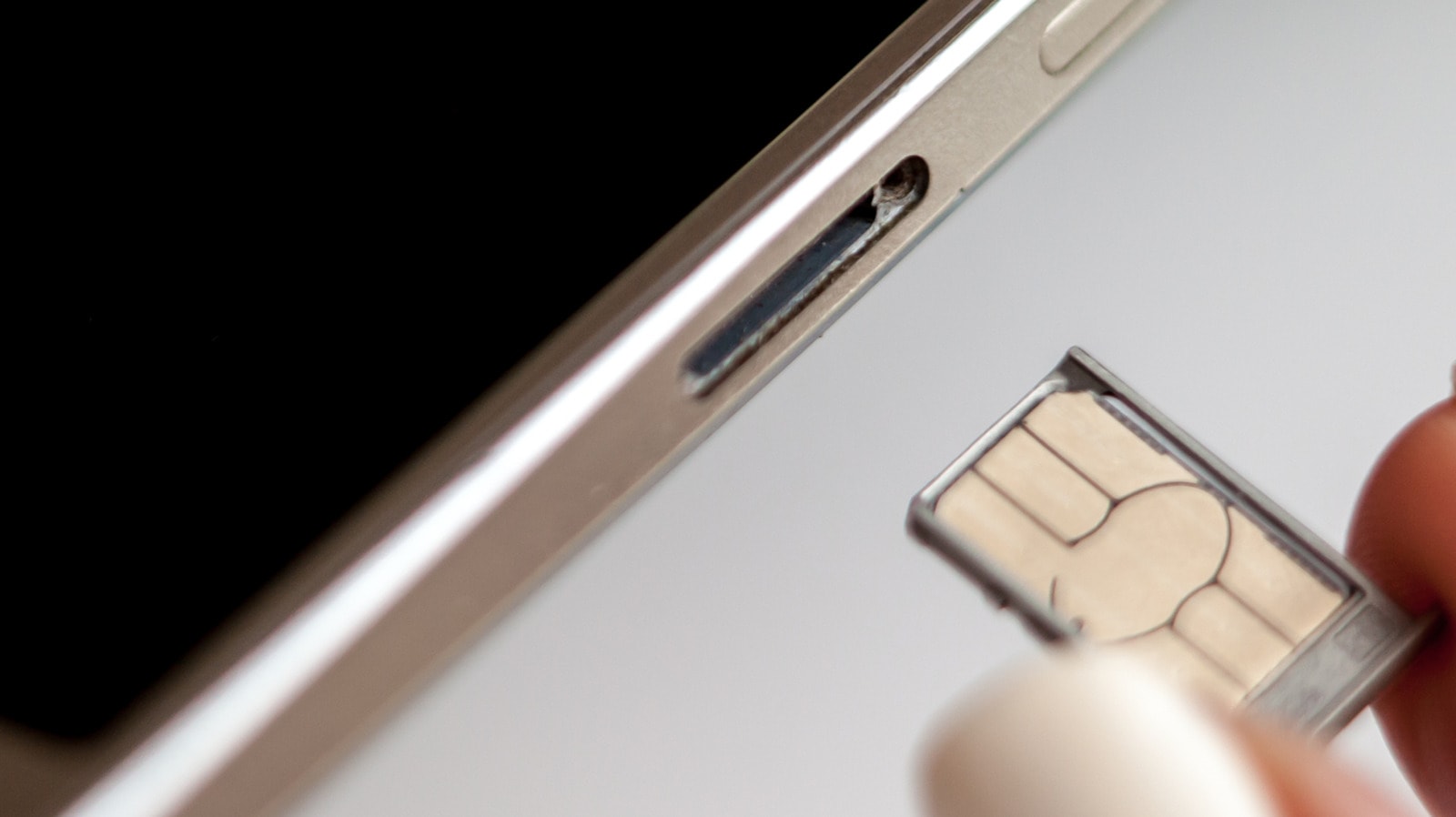
Most modern smartphones are designed to allow you to change a SIM card while the device is powered on. However, for the sake of system stability, there are several nuances you should consider to avoid software errors and technical malfunctions.
Why is it safer to turn off the phone?
Although "hot-swapping" is technically possible, turning off the device completely remains the recommended practice. When you restart your phone, it re-reads the data on the new SIM card and the operator's settings. This process reduces the likelihood of a "network error" and helps the device connect to the new network more quickly. If you do not want to turn off your phone completely, using "airplane mode" is a viable alternative. Simply turn on this mode, wait 30 seconds, change the SIM card, and then turn it off—this is an effective way to avoid network conflicts.
Physical safety and SIM cards
When changing a SIM card, the main risks exist at the physical level. Foreign objects, dust, or moisture entering the phone's tray can damage the contacts. It is also important to insert the SIM card correctly to avoid deforming the tray. An incorrectly inserted or damaged card forces the smartphone to constantly search for a network, which leads to rapid battery drain and device overheating.
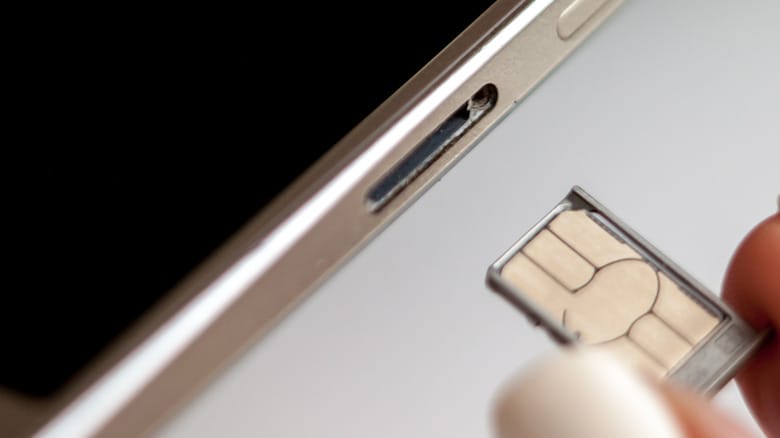
Remember that if your Android smartphone uses a combined tray for SIM and microSD cards, it is essential to "unmount" the memory card from the system before removing it. On Samsung devices, for example, this function is available in the "My Files" application. Skipping this step may result in data loss.
What is the difference between a physical SIM and an eSIM?
Today, the popularity of eSIM (digital SIM) is growing. This technology eliminates physical manipulation, and the card is swapped via a QR code or an operator's application. Nevertheless, physical SIM cards remain relevant, especially when traveling or using local, one-time tariff plans, as they provide flexibility and privacy.
In conclusion, if you experience network-related problems after changing your SIM card, the first thing you should try is restarting the device. This simple action often resolves software glitches and allows you to use the mobile network without interruption.