Samsung to Update Phone App Interface in One UI 9.5
The upcoming update aims to improve one-handed usability by relocating the search function.
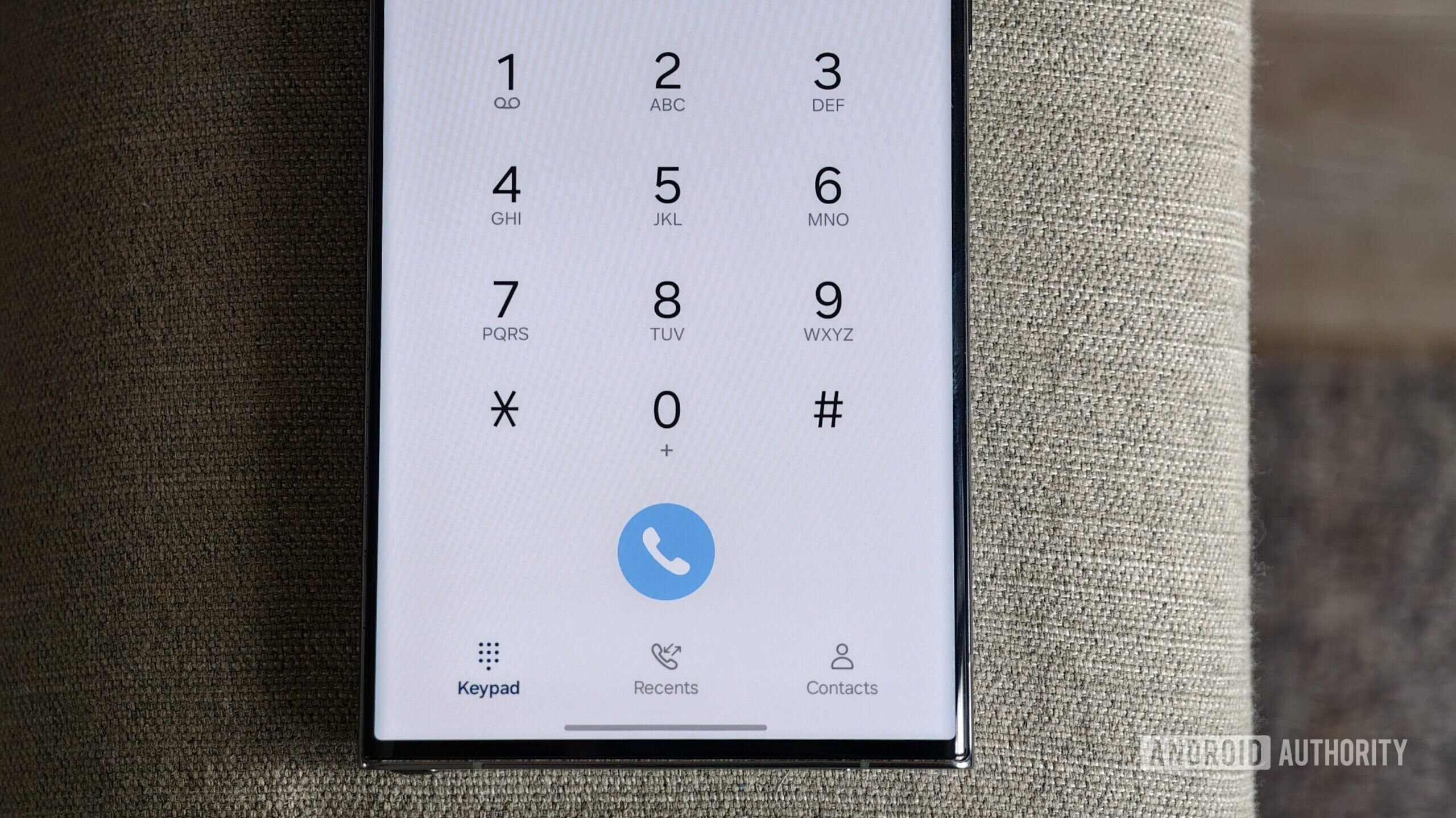
Changes to the Samsung Interface
Samsung continues to refine its signature One UI interface. Latest reports indicate that the company plans to simplify the user experience within the phone application. The upcoming change in One UI 9.5 primarily concerns the accessibility of the search function.
Currently, the search bar in Samsung’s phone app is positioned at the top of the screen. This design can be cumbersome for users with modern, large-screen smartphones, as reaching the top corners with one hand is often difficult. With the new update, the search icon will move to the bottom of the screen, sitting alongside the main menu buttons: Keypad, Recents, and Contacts.
What Will Change for Users?
Beyond the relocation of the button, the search menu itself will undergo minor visual and functional adjustments. While this may seem like a minor change, it significantly improves ergonomics. As smartphone dimensions grow, placing interface elements at the bottom has become an industry standard, allowing users to easily manage core functions with their thumbs.
Over the years, Samsung’s phone app has been enriched with numerous useful features, including Bixby Text Call, call recording, and automatic live captions during calls. Moving the search bar is a logical progression, making the application more intuitive.
What This Means for Users
Samsung smartphones are among the most popular devices in Georgia. Consequently, the One UI 9.5 update, which is expected to be released in the near future, will be available to local users as well. Such small but practical changes often provide more daily comfort than radical design overhauls.
While the exact global rollout date for One UI 9.5 remains unknown, it is expected that Samsung’s latest and mid-range models will receive the update as a priority. For users who frequently search through contacts or call history, this update will significantly streamline their interaction with the app.