Reviving an Old iMac: Is Upgrading a 13-Year-Old PC Worth It?
Nostalgia or a practical choice? We examine whether adding RAM and an SSD to a 2013 iMac provides enough performance for modern daily tasks.
Upgrade Strategy and Costs
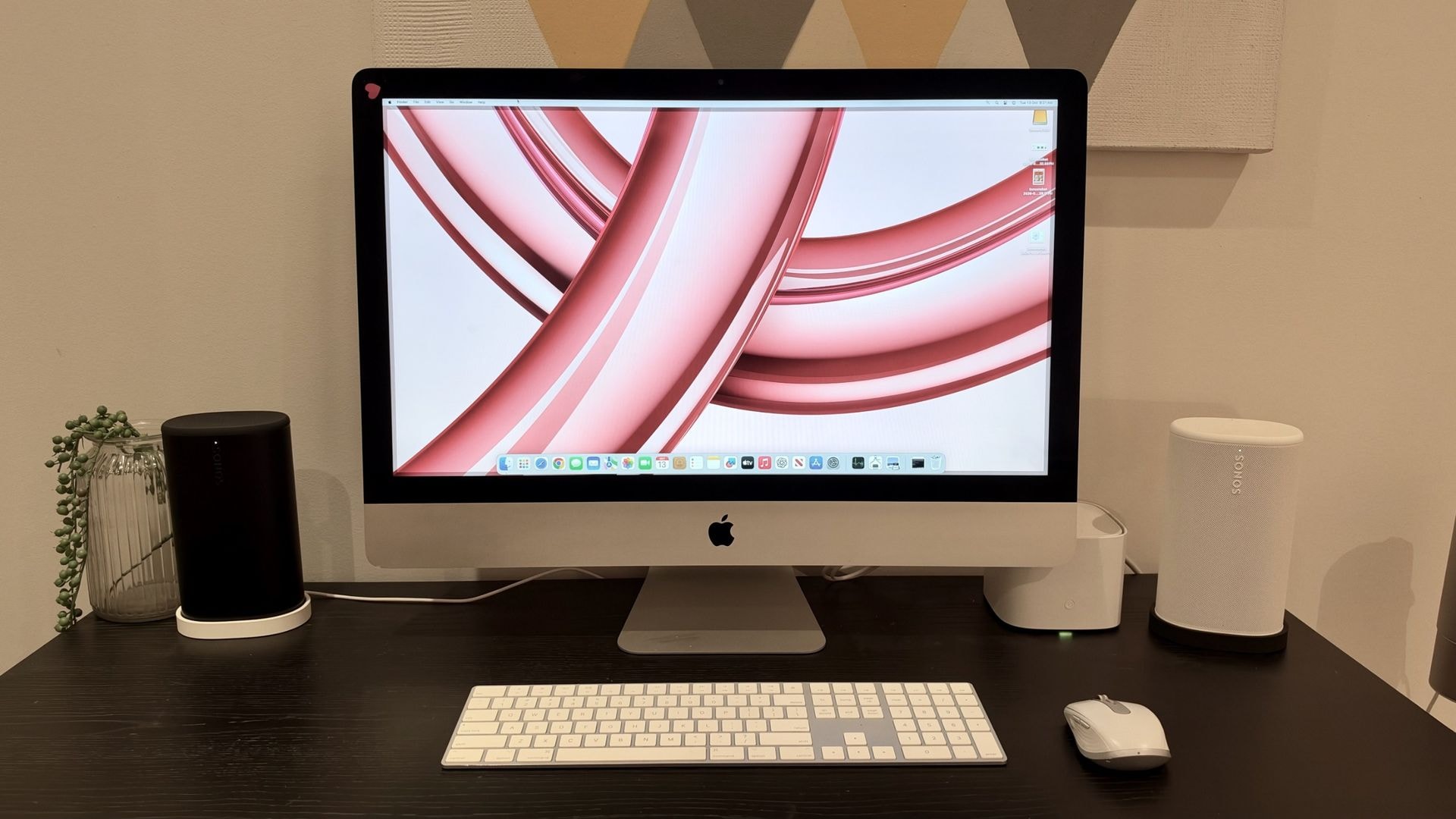
Interest in vintage technology has surged recently. Driven by nostalgia, many users are attempting to breathe new life into old hardware gathering dust on shelves rather than purchasing expensive new models. This experiment explores the modernization of a 2013 27-inch Apple iMac, demonstrating that older hardware still holds potential.
The primary goal was to make the computer functional for web browsing, light creative work, and daily tasks. Instead of buying a 24-inch M4 iMac, which carries a significant price tag, the author opted for a budget-friendly upgrade costing 310 Australian dollars.
The upgrade focused on two main components: increasing the RAM and adding an SSD. Upgrading the RAM on the 2013 model is straightforward due to accessible slots on the back panel. Increasing memory from 8GB to 24GB provided the system with more headroom for multitasking. Regarding storage, replacing the internal drive is complex and risky due to the iMac's design, so the decision was made to use an external SSD connected via the USB 3.0 port.
The Role of AI and Results
Artificial Intelligence played a significant role in the process. With the help of ChatGPT, it was possible to select compatible components and install macOS Sonoma, which is no longer officially supported on this model. While this method carries certain risks regarding security updates, it provided the computer with the capabilities of a modern operating system.
The results are mixed. The computer takes about two minutes to boot, which is slow by modern standards. However, once logged in, it performs quite adequately. Browsing and using Canva are possible without major interruptions, though minor lag persists. The 27-inch display, with its 2560 x 1440 resolution, remains relevant today, making workspace management comfortable.
Conclusion: Is the Effort Worth It?
If you expect an old Intel-based Mac to match the speed of modern Apple Silicon devices, you will be disappointed. This upgrade is not a solution for professional or resource-intensive work. However, it is an excellent way to prevent old hardware from becoming electronic waste while gaining a functional desktop for simple tasks.
For users looking to give old equipment a second life, such projects offer an interesting experience. If you have a device at home that is only collecting dust, it is possible to use it again with a small investment, provided you have patience and realistic expectations.