Pumpkin Lights: Bring Halloween Spirit to Your Mac Menu Bar
Fun Meets Functionality
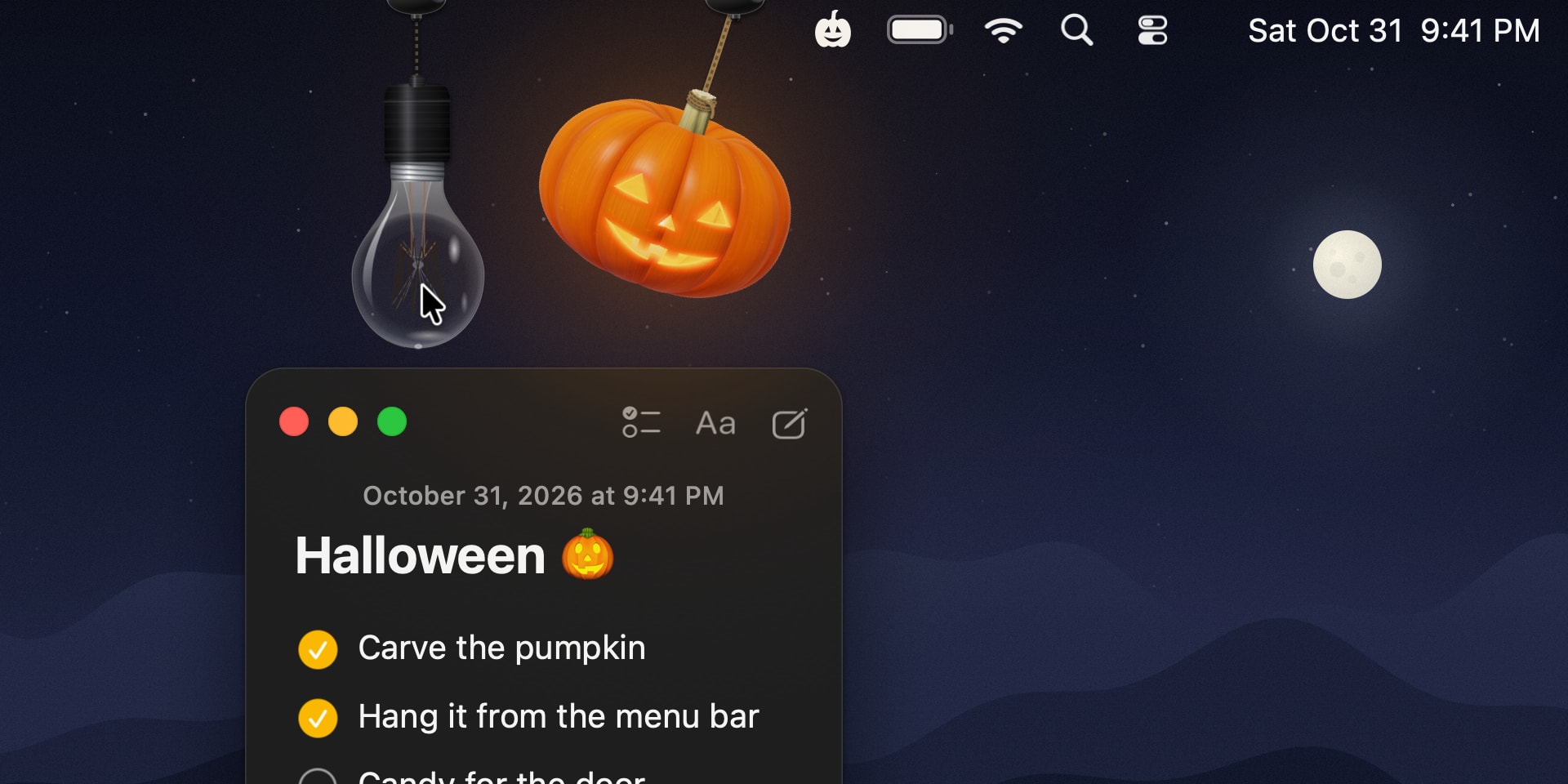
With Halloween approaching, a fun and practical new application called Pumpkin Lights has arrived for Mac users. This small utility places a 3D pumpkin, rendered using ray-tracing technology, directly into your computer's menu bar. It serves as more than just a seasonal decoration; it offers a unique way to manage system settings.
The core concept is simple: instead of navigating through system menus to toggle between Light and Dark modes, you can do so through the interactive pumpkin. By clicking or dragging it, the modes switch instantly. According to the developer, the goal was to liven up a routine daily task by introducing the tactile sensation of interacting with a physical object.
Customization Options
Pumpkin Lights is not limited to a single design. Users can choose from four different colour variations to customise the pumpkin’s appearance. The app features a real-world physics simulation, allowing you to manipulate the pumpkin, spin it, or swing it on the rope from which it hangs.
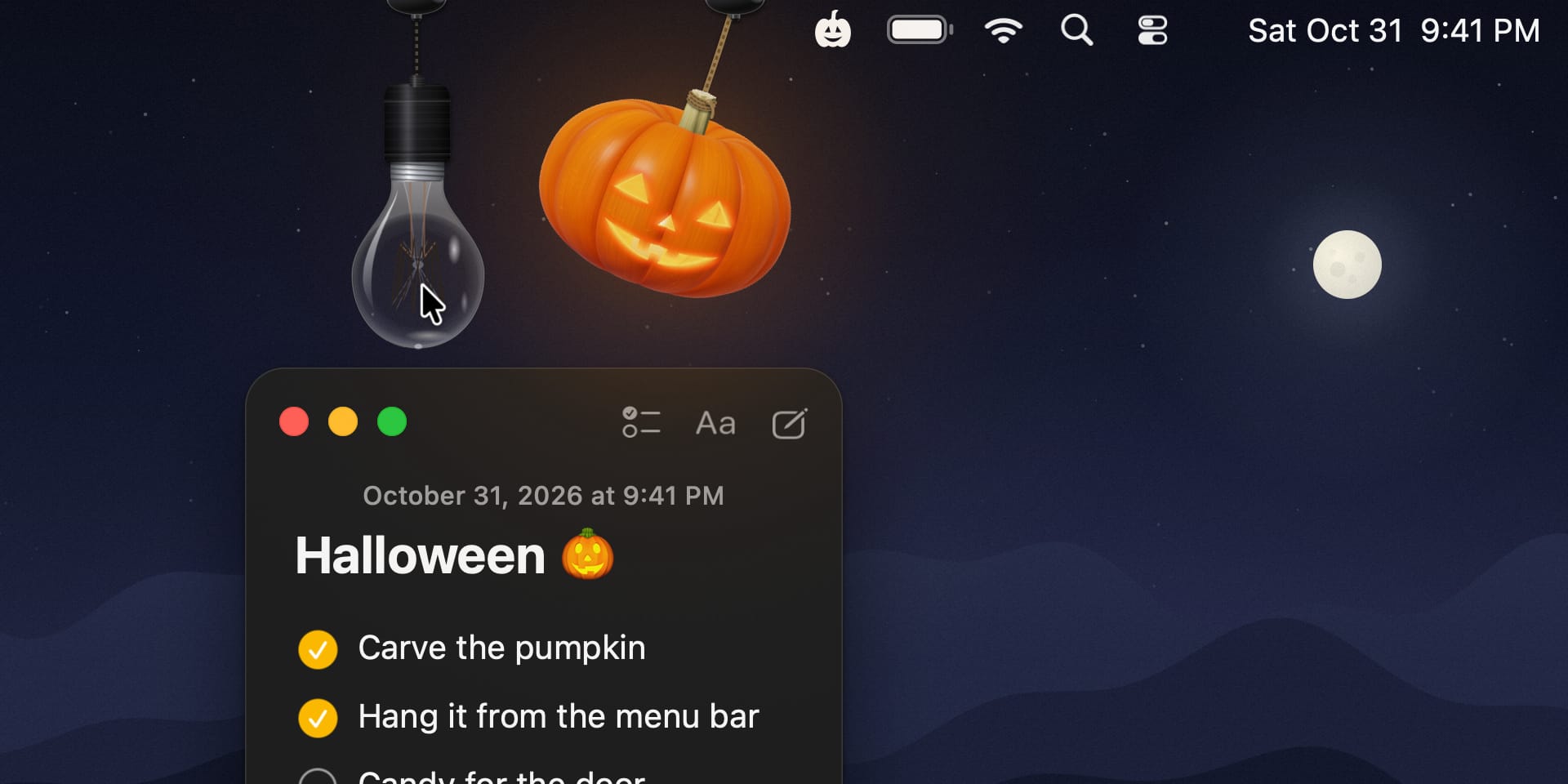
Beyond switching light modes, the application performs several other functions. It allows you to:
- Open specific applications or websites;
- Keep your Mac awake;
- Mute system audio;
- Execute custom commands or Shortcuts.
How to Get the App
Pumpkin Lights is completely free and available for any Mac running macOS 14 Sonoma or later. The developer paid close attention to details, such as the lighting effects on the pumpkin’s carved face and the dynamics of the rope movement, ensuring the app remains engaging with repeated use.
This application is a perfect example of how independent developers can enrich the macOS ecosystem with simple yet creative solutions. If you want to fill your desktop with festive cheer, Pumpkin Lights is a compelling addition to your computer.