Pixel 11 Pro’s HiLight Feature Now Supports WhatsApp Messages
The latest software update allows users to customise notification colours for specific contacts.
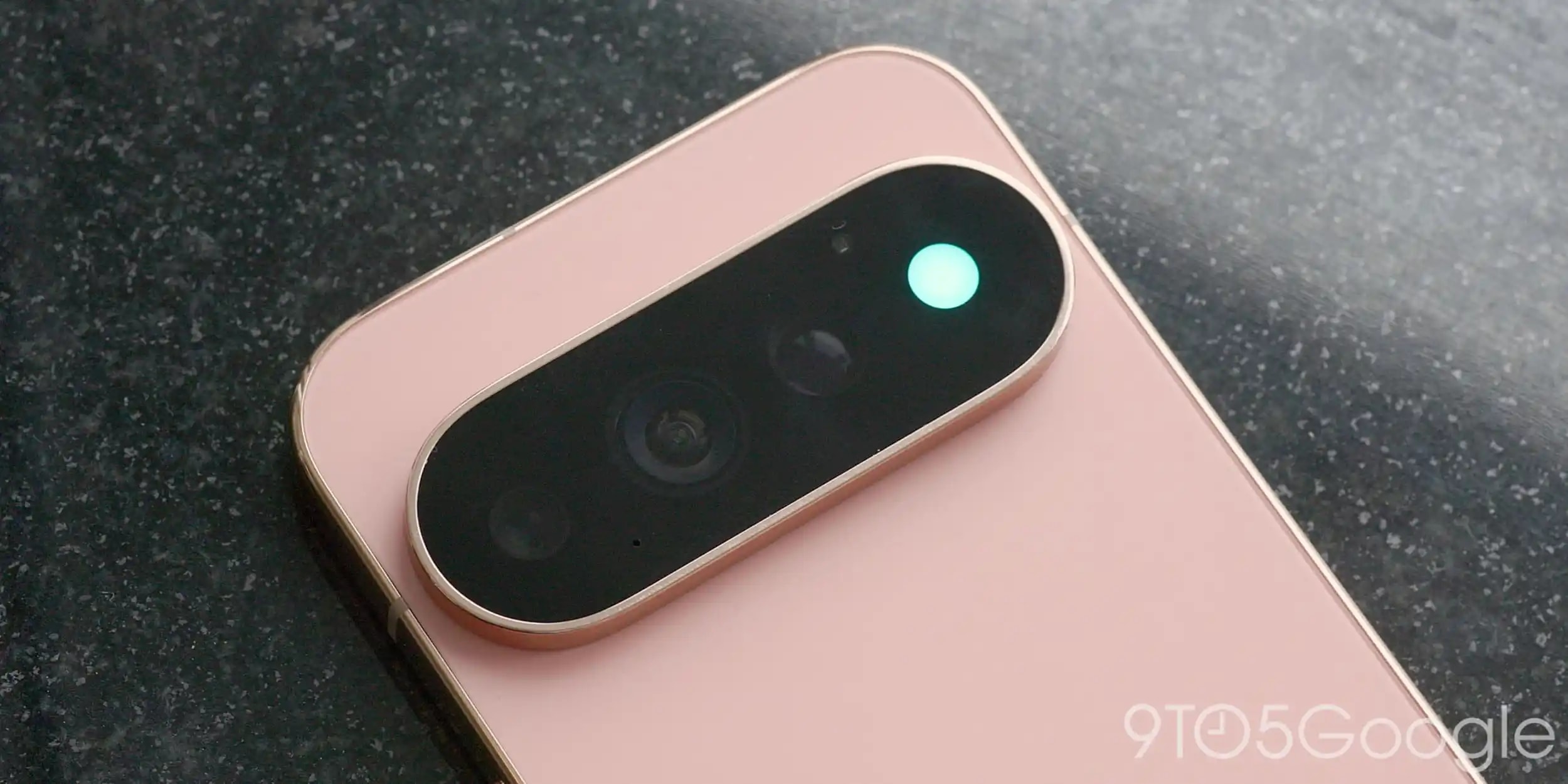
Google has released a significant software update for Pixel 11 Pro users. As part of the November Pixel Drop, the company has expanded the functionality of HiLight, which previously offered limited options. Smartphone owners can now associate specific colours with not only incoming calls but also WhatsApp messages. ## What is HiLight and how does it work? HiLight is a standout visual feature on the Pixel 11 Pro that allows users to set different coloured lighting based on specific contacts. It is a simple yet effective solution that lets you know who is calling or messaging without needing to look at the screen. While the feature was initially focused on standard Google Messages and calls, Google’s Director of Product Management, Shenaz Zack, has officially confirmed that support now extends to WhatsApp. Although WhatsApp calls were compatible with HiLight from the start, support for messages is a welcome addition for many. Given that WhatsApp is one of the most popular communication channels globally, this integration significantly improves the user experience. The change is part of the Android 17 QPR2 update, which is currently rolling out to all Pixel 11 Pro owners. ## Why does this matter? The Pixel series has always been distinguished by software optimisation and practical features that simplify daily life. Tools like HiLight help users manage digital communication more effectively. When your phone is placed on a table, the coloured indicator allows you to distinguish priority notifications from others with ease. For users who rely heavily on WhatsApp for communication with friends and business partners, this update will prove particularly useful. It reinforces Google’s strategy of continuously refining existing services by adding features tailored to real-world needs. If you are a Pixel 11 Pro user, ensure your device is updated to the latest version. To activate the feature, go to settings and locate the HiLight configuration menu, where you can assign your preferred colours to your contacts.