New Wear OS Update Introduces a Persistent Status Bar
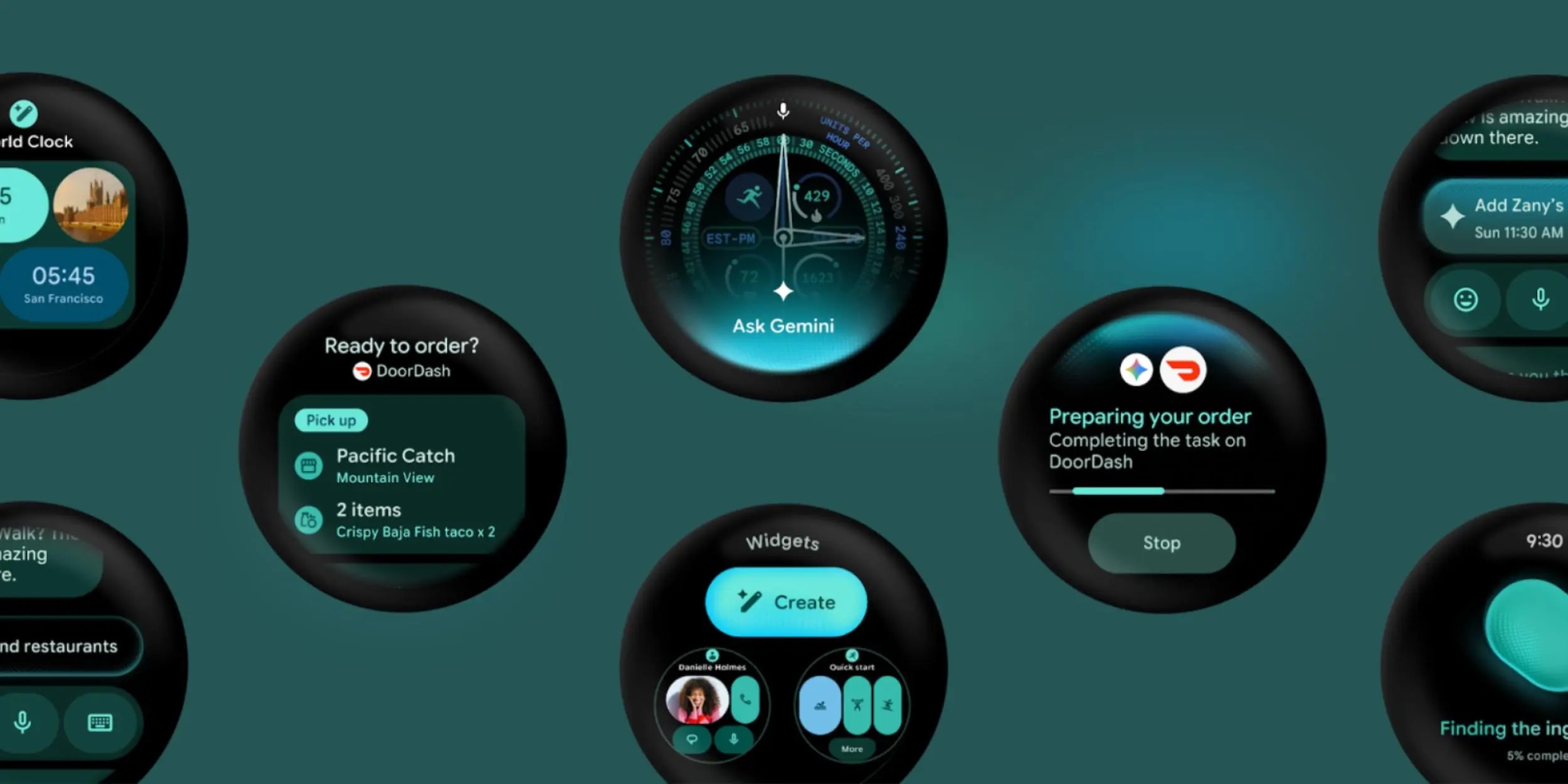
Wear OS Interface Changes
Google has officially confirmed that a future version of Wear OS will include a new system-wide status bar. Long a staple of Android smartphones and tablets, this feature is now making its way to the circular displays of smartwatches. The status bar will be positioned at the top of the screen, providing a persistent view of the current time and essential system indicators.
Details of the update emerged through a special emulator released in Android Studio. Google has provided developers with the opportunity to test how this bar integrates across various applications. Standardised typography and design ensure that information remains consistent and legible across all apps.
App Adaptation and Wear OS 7.1
Although the status bar is becoming a core part of the system, Google has accounted for applications that require a full-screen experience. Developers will have the option to hide the bar when necessary, allowing users to enjoy an uninterrupted visual experience during activities such as gaming or media playback.
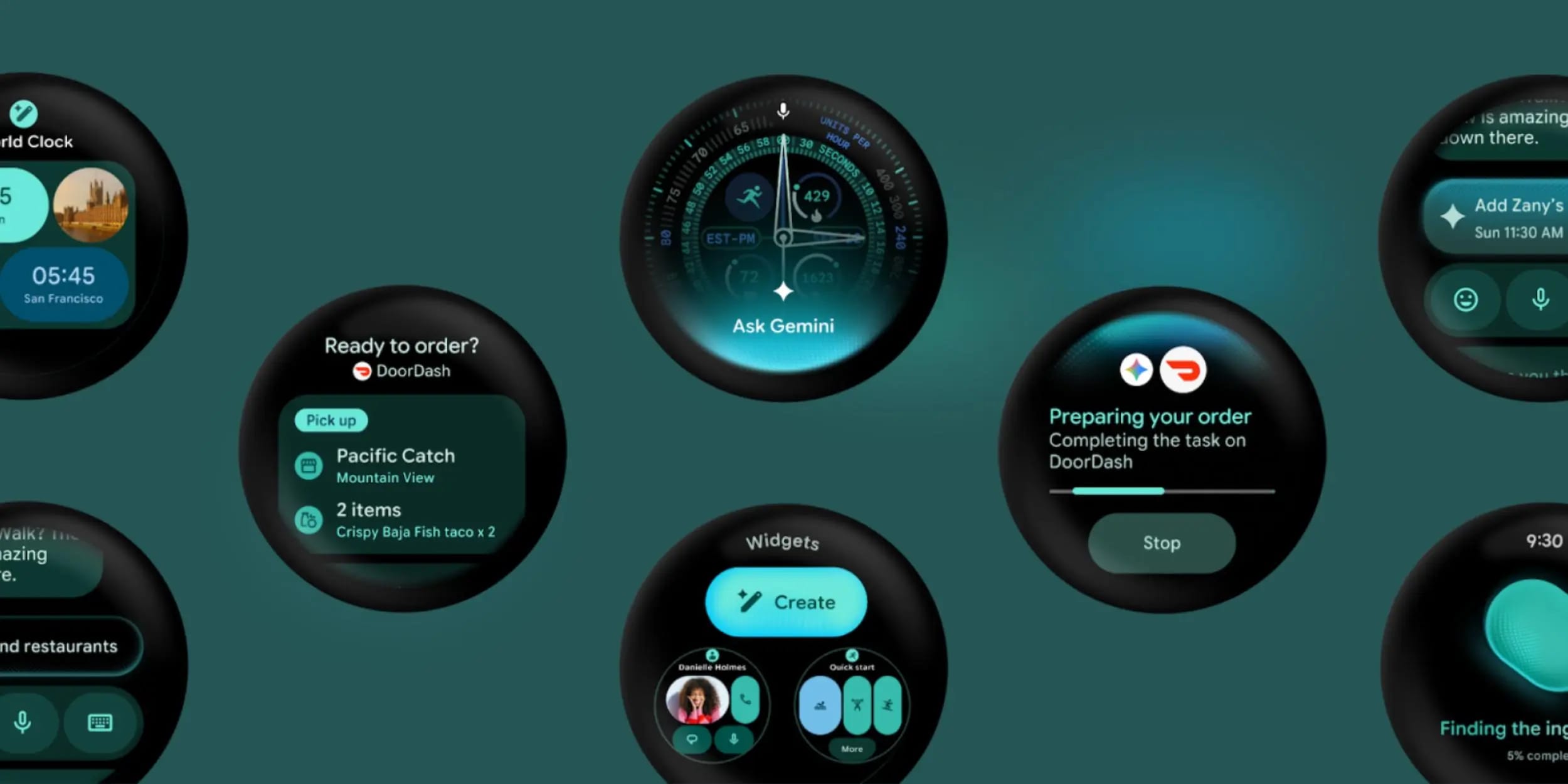
Interestingly, the new feature appeared in the Wear OS 7.1 test emulator, which is based on Android 17, codenamed "CinnamonBun." However, the company clarified that the status bar will not be present in the final, stable version of Wear OS 7.1. The current emulator is intended solely for gathering early feedback from developers.
What This Means for Users
The Wear OS platform is constantly evolving, aiming to bring the convenience of smartphones to the wrist. The addition of a status bar means users will no longer need to use specific gestures or exit an app to quickly check the time or system notifications. It represents a small but significant step toward interface unification.
For users of the Pixel Watch or other Wear OS-powered smartwatches, this change will make the platform more intuitive. While the feature is still in the testing phase, it highlights Google's strategy to make Wear OS more stable and convenient for everyday use.