Microsoft Paint Security Flaw: How to Update Your Application
A serious security flaw in Microsoft Paint has left users confused. Here is how to verify your version and ensure your system is protected.
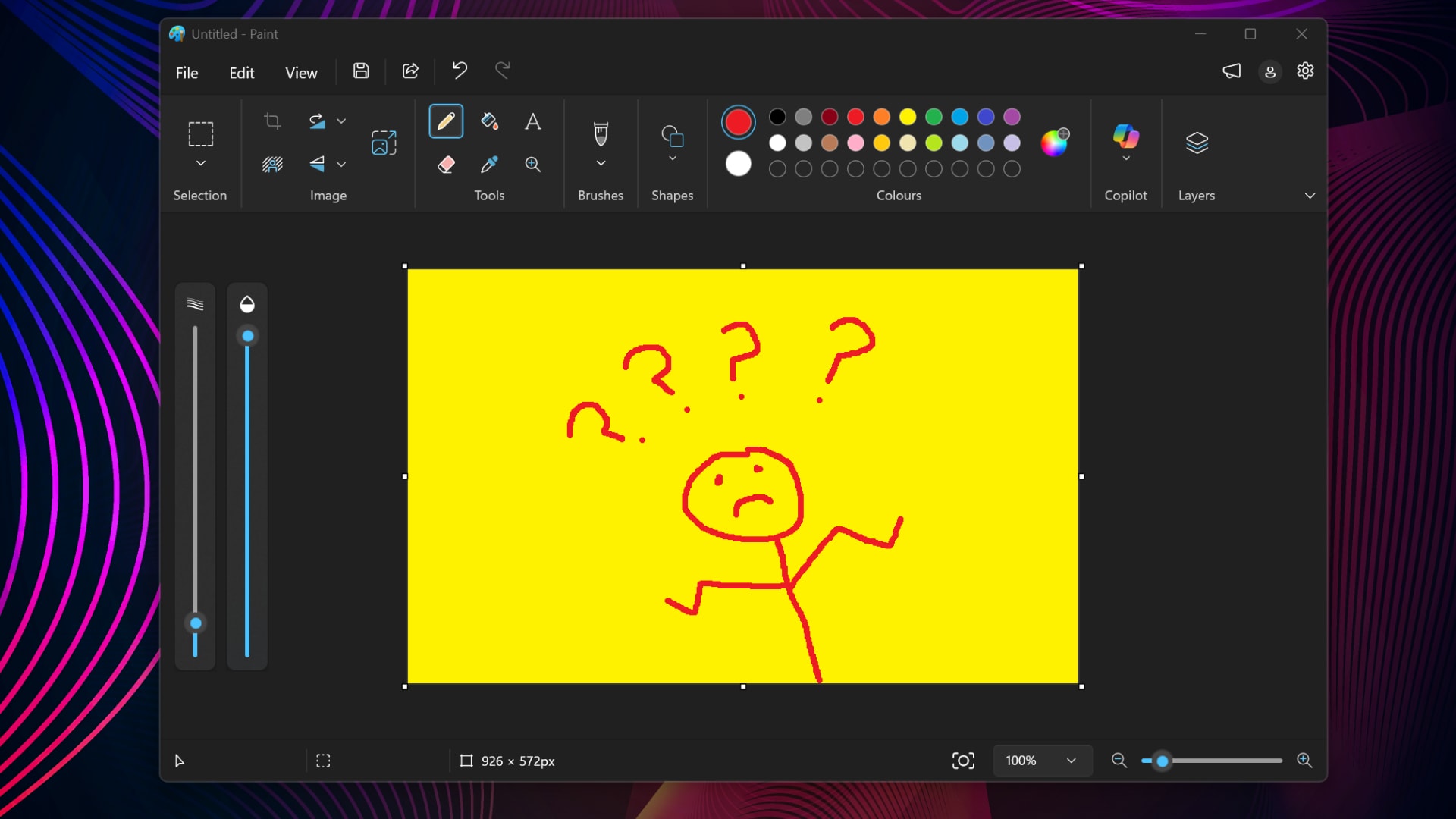
It is unlikely anyone expected Microsoft Paint to make headlines for cybersecurity, yet that is the current reality. Microsoft disclosed a serious vulnerability in the application on October 13 and released a patch, but the update process has proven to be quite chaotic.
What you need to know about the threat
Initially, the flaw was assigned a CVSS score of 8.1, categorising it as a high-severity risk. Later, on November 9, Microsoft reassessed the situation and downgraded the rating to 7.0. The company also updated the vulnerability description; while it was initially considered a network attack vector, it is now confirmed as a local vulnerability. This means that for the threat to be realised, a user must open a specially crafted file.
Although the situation has been clarified, the information remains confusing. Some sources suggested the flaw could be exploited automatically without user interaction, but the official stance now points to a more specific scenario. Regardless, taking security measures is essential.
How to manually update Paint
The issue is that automatic updates from the Microsoft Store do not always function reliably. Many users, particularly those on corporate computers, experience delays, and in some cases, the store has even offered older versions. To ensure your computer is running a secure version, follow these steps:
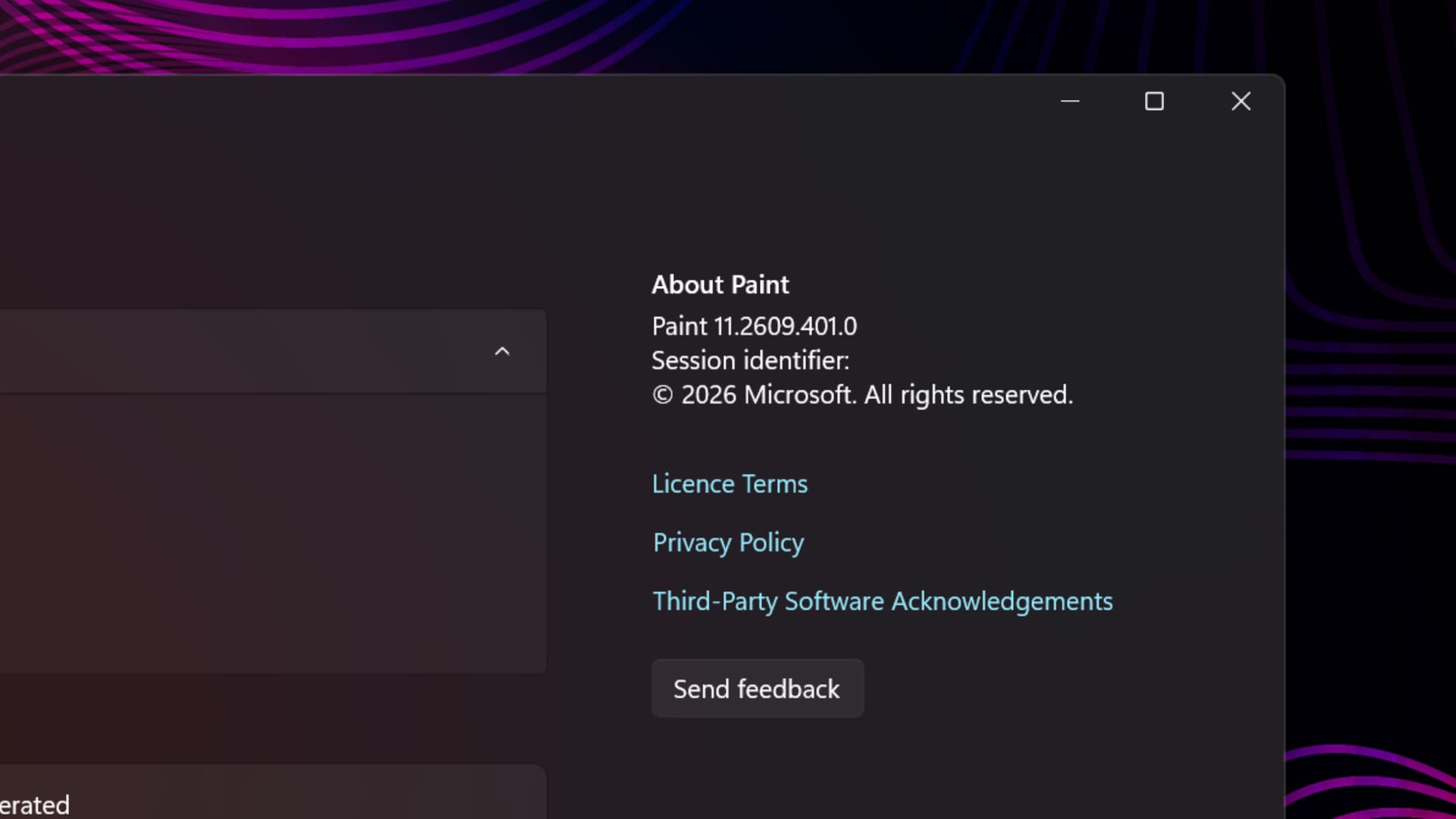
- Open the Microsoft Paint application.
- Navigate to the Settings menu.
- Check the version number in the 'About Paint' section.
If your version is lower than 11.2609.401.0, you must visit the Microsoft Store and trigger the update manually. An alternative method is using Windows PowerShell: type the command Get-AppxPackage -Name Microsoft.Paint | Select-Object Name, Version and press Enter. If you are using a work computer and your update permissions are restricted, contact your system administrator.
Why this matters
Such 'chaotic' updates from tech giants create additional stress for users. When security standards and version numbers change frequently, it is difficult to determine if a system is truly protected. This case serves as a reminder that even simple applications like Paint can become targets for attackers.
For users of Windows 11, the advice is simple: do not rely solely on automatic processes. Periodically check the status of your applications in the store. Even though the situation remained somewhat unclear on Microsoft's end, having the latest version is always the best defence.