Liquid Cooling Systems: Why You Need to Change Your Coolant
Coolant is not a permanent solution; here is how to maintain your cooling system for peak performance.
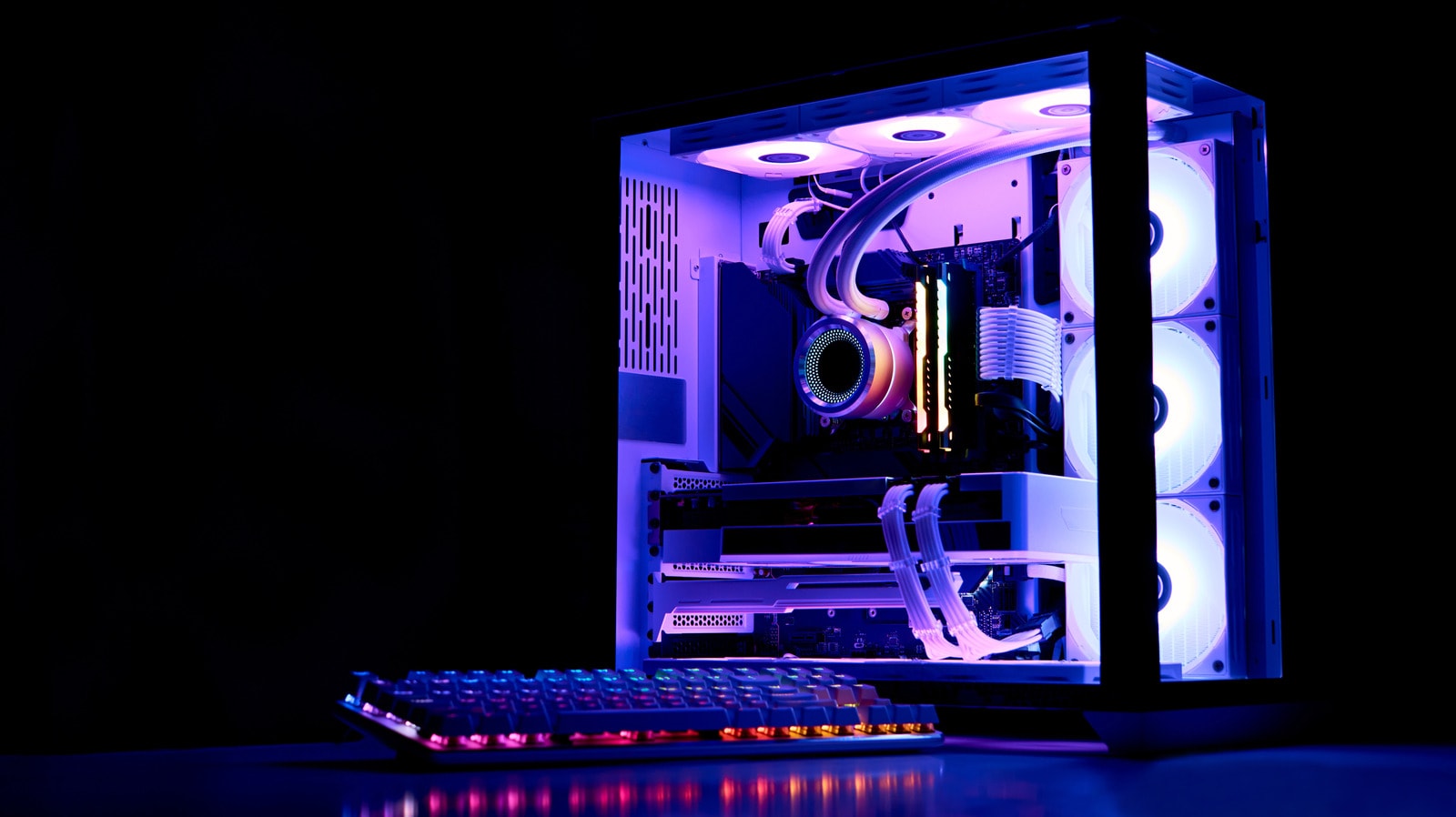
Why Coolant Degrades
Liquid cooling systems have become an essential part of modern, high-performance computers. While this technology effectively manages heat in processors and graphics cards, it requires specific attention and maintenance from the user. Many mistakenly believe that the fluid inside the system remains effective for years, but the reality is quite different.
The primary enemy of coolant is the breakdown of its chemical composition over time. These fluids contain special anti-corrosion additives designed to protect metal components from oxidation. As these substances degrade, they lose their protective properties, posing a direct threat to your internal hardware. Furthermore, the fluid loses its lubricating qualities, which negatively impacts the water pump and accelerates its wear.
The Risks of Contaminated Fluid
Beyond chemical changes, sediment and biological contaminants—including algae—can develop within the system. This is particularly common in fluids that contain dyes or decorative pigments. Such additives accelerate the clogging of tubes and blocks, reducing the system's flow rate and ultimately causing the computer to overheat.
If you notice that the fluid has changed colour, become cloudy, or that residue has appeared on the walls of the tubes, it is a sign that the system requires immediate cleaning and a full fluid replacement. Another significant indicator is a sharp rise in temperature. If your processor is running hotter than usual despite the workload remaining the same, your coolant may have reached the end of its lifespan.
How Often Should You Change the Coolant?
Specialists recommend changing your liquid cooling fluid at least once a year. If you use transparent or coloured fluids that contain higher concentrations of pigments, it is better to perform this procedure every six months. This maintenance schedule will protect your system from damage and ensure your computer continues to operate stably.
Replacing the fluid is not a complex process, but it does require precision and caution to ensure no air remains trapped in the system and that no liquid spills onto electronic components. Regular technical checks and timely fluid updates are the best way to ensure your system performs reliably for the long term.