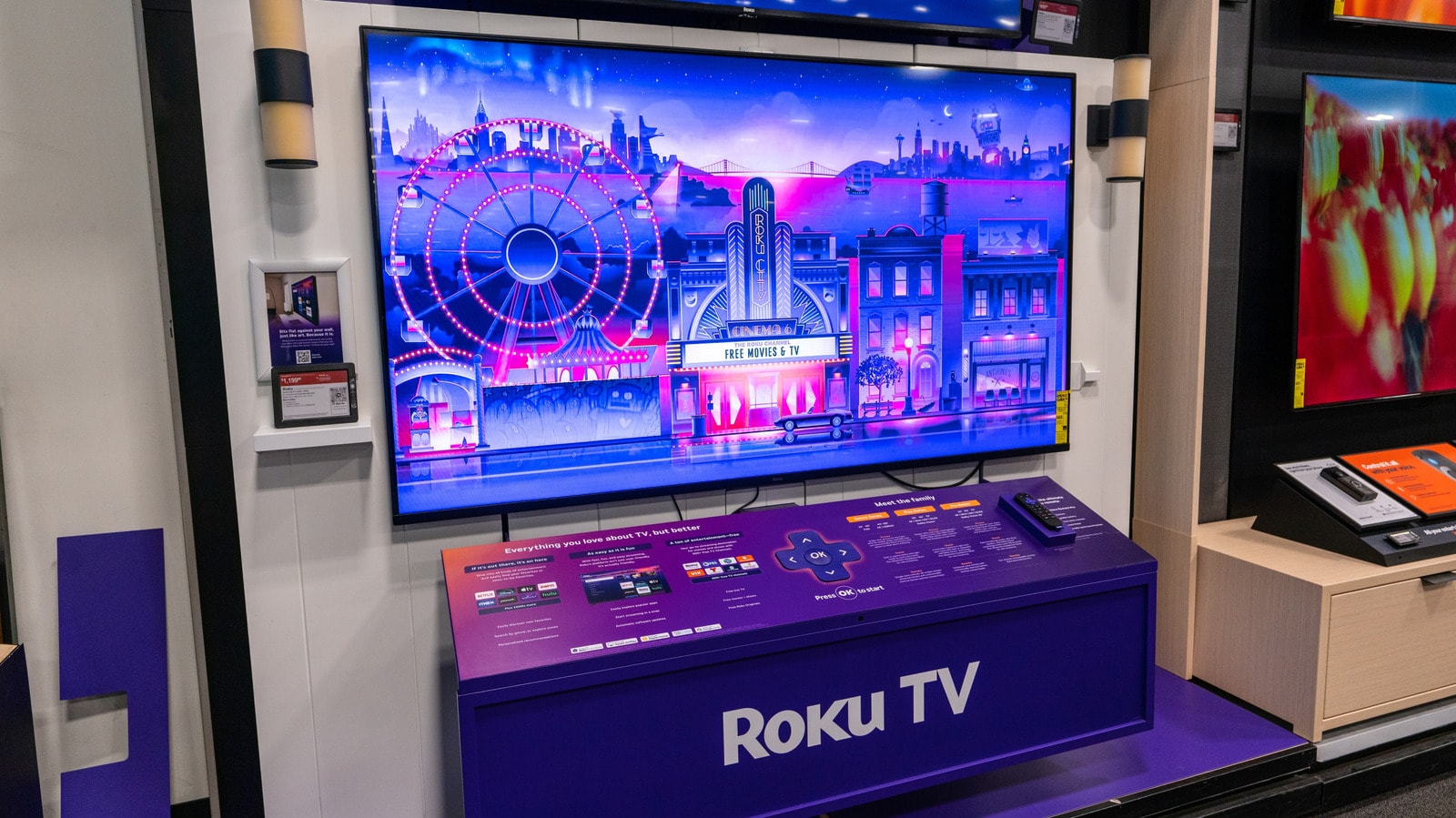
If Your Roku TV Has Started Talking, Here Is How to Turn It Off
28 September, 06:531 min read
What is the Roku voice assistant? Many users may find themselves in a situation where their Roku TV suddenly begins to narrate menus, apps, and settings. This is not a technical malfunction, but rather a special accessibility feature designed for users with visual impairments. However, if you have accidentally enabled this feature, it can become quite bothersome. ## How to disable the screen reader Fortunately, turning off the Screen Reader is very simple and requires only your remote control. The easiest way is to press the star (*) button on your remote four times in quick succession. This action will instantly toggle the audio commentary on or off. If this method does not work, you can manually adjust the settings: 1. Go to the Roku Home menu. 2. Select Settings. 3. Look for Accessibility. 4. Select Screen Reader and change its status to Off. This setting will be saved permanently, meaning the voice will not bother you again after restarting the TV. Although official Roku support is limited in Georgia and devices are often imported through unofficial channels, this feature is universal for all models. If you are using a TV from this brand, this brief guide will help you easily resolve the issue and return to watching your content in comfort.