How to Watch Videos on Apple CarPlay While Parked
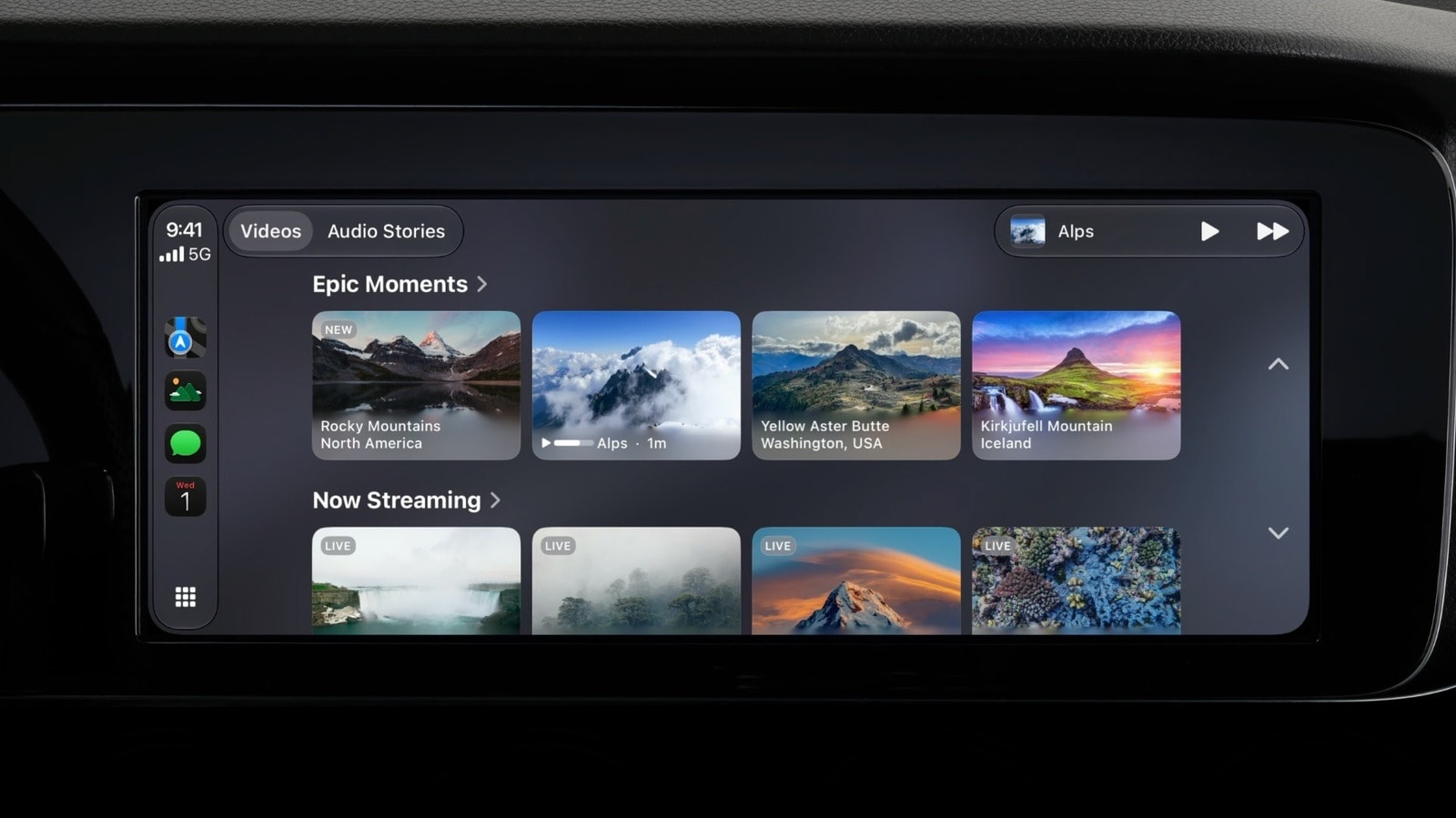
New Capabilities in Apple CarPlay
Integrating iPhone apps into your vehicle's dashboard via Apple CarPlay has long been possible, though the experience was previously limited to navigation, music, and messaging. With the release of iOS 27, Apple has enabled video content playback, provided the vehicle is in a parked state.
It is important to note that this feature is not universal; it depends on both software and specific vehicle hardware capabilities. The system automatically detects the status of the car and will cease video playback as soon as the vehicle begins to move, ensuring adherence to safety standards.
Technical Requirements and Compatibility
Not every vehicle is equipped to display video. According to Apple's specifications, the vehicle's display must have a minimum resolution of 1,920 x 1,080 pixels. Furthermore, the system must support the HEVC video codec and have at least 4GB of RAM. Unfortunately, many older models do not meet these requirements, rendering video playback impossible on those units.
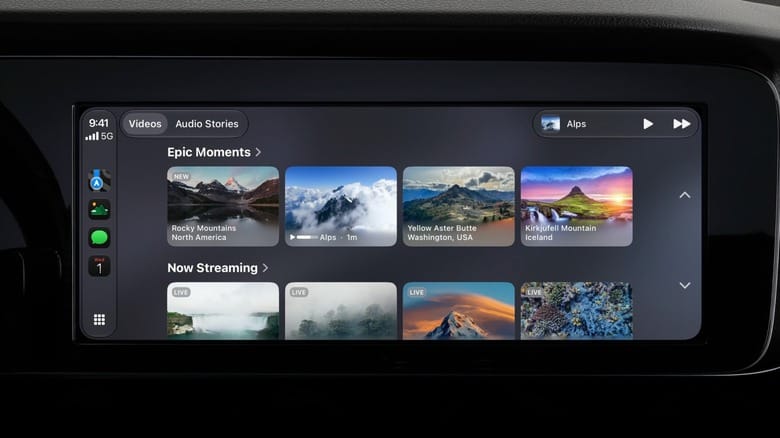
If your vehicle meets the technical criteria, there are two ways to watch videos. The first is to use CarPlay-supported apps that appear directly on the main system screen. The second method involves AirPlay: if an application is not natively adapted for CarPlay, you can stream video from your iPhone directly to the car's display using AirPlay. This requires iOS 26.4 or a newer version.
What to Do If Your Car Is Not Supported
If your vehicle is not compatible with Apple's native video features, there are alternative solutions. The market offers "AI box" devices from manufacturers such as Carlinkit and Ottocast. These devices add an Android-based system to your vehicle's dashboard, allowing you to install applications like YouTube and Netflix.
However, it is crucial to remember that these third-party devices often bypass safety restrictions, allowing video to play even while the vehicle is in motion. This is extremely dangerous and can lead to driver distraction, significantly increasing the risk of traffic accidents. We strongly advise that you only enjoy video content when the vehicle is completely stationary and parked in a safe location.