How to Use the Shortcuts App on MacBook to Streamline Your Routine
Automate your daily workflow with natural language commands on macOS.
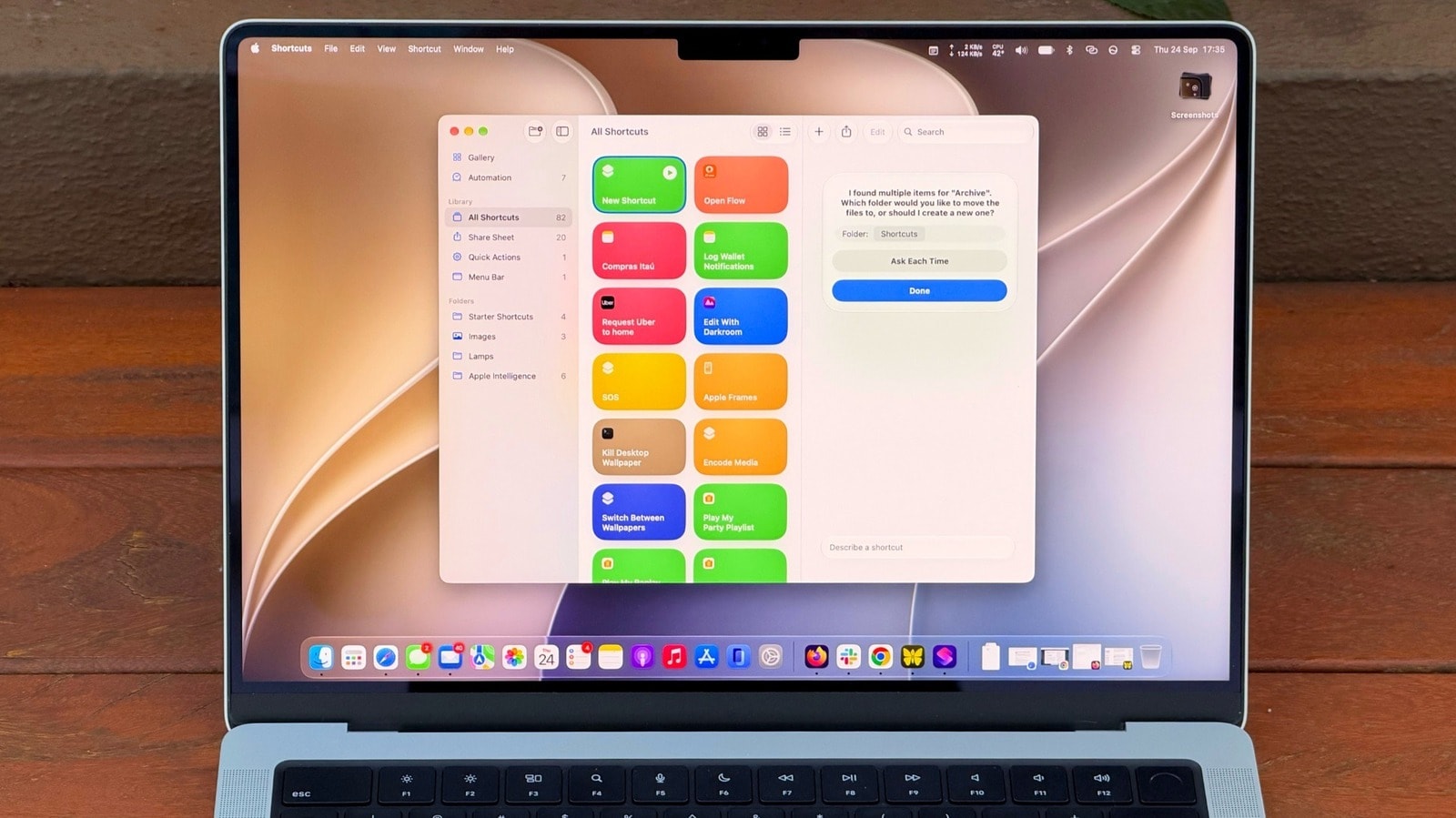
One of the most useful, yet frequently underrated tools in macOS is the Shortcuts app. MacBook users can now simplify monotonous and repetitive processes using natural language commands. Shortcuts enables users to transform complex actions into a single, simple command. While building scripts and automation previously required technical knowledge and detailed configuration of specific parameters, this updated approach significantly changes the process. The system allows users to create desired algorithms through simple text instructions, making the automation of complex operations accessible even to those without programming experience. ## What Automation Capabilities Are Available The use of Shortcuts on a Mac covers various daily tasks—whether it is batch renaming files, resizing photos, streamlining the sending of emails, or automatically exchanging data between applications. Natural language support allows you to simply describe the result you want to achieve, and the application will construct the necessary steps itself. This capability is particularly useful for those who perform the same digital actions throughout the workday. For MacBook users, this feature is an effective way to save significant time and optimise their workflow.