How to Use Android Auto Outside Your Car: A Practical Hack
Give your old tablet a new purpose as a minimalist, distraction-free dashboard.
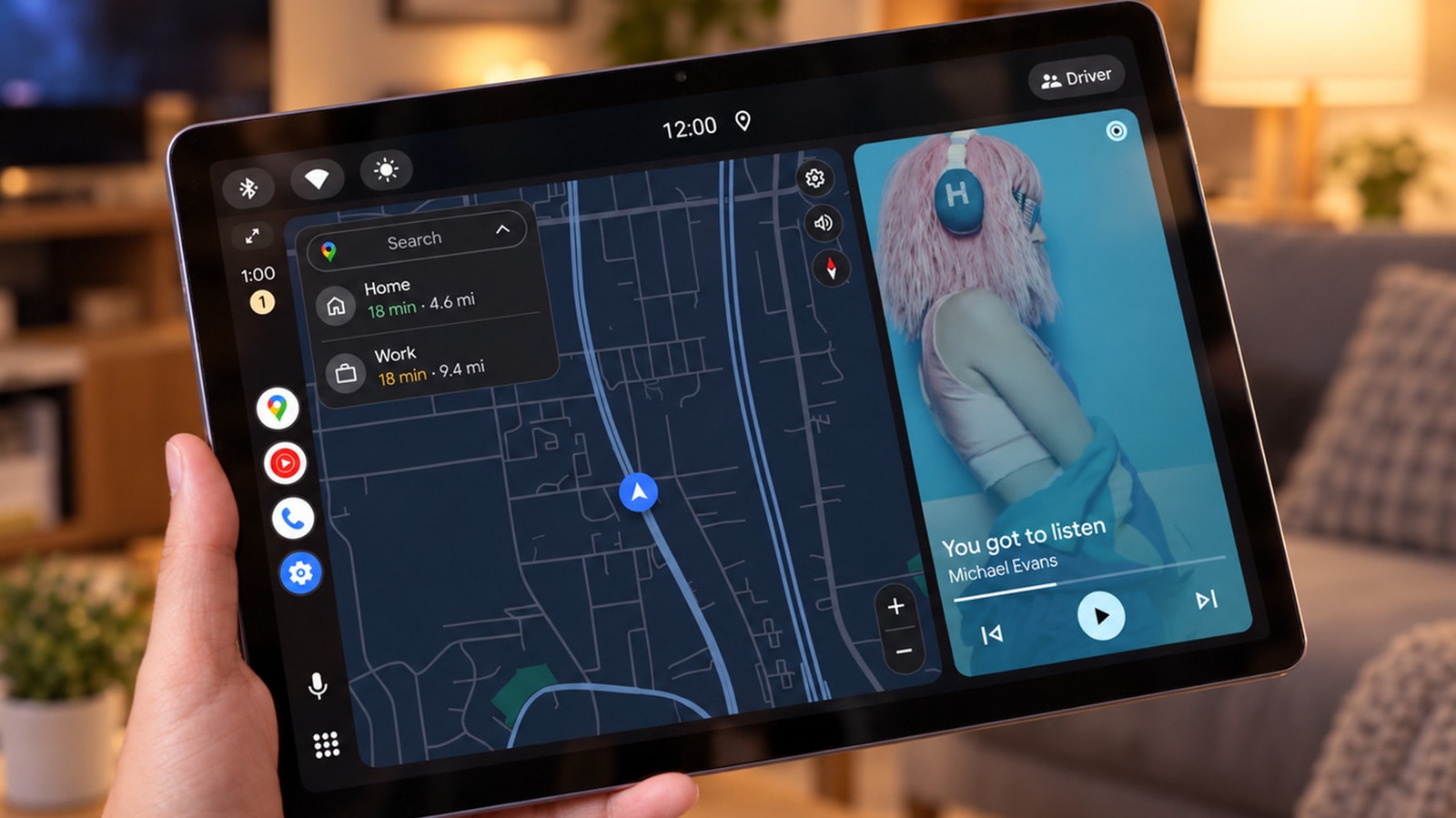
Many of us associate Android Auto exclusively with in-car infotainment systems, designed to simplify navigation and music control while driving. However, the software’s potential extends far beyond the vehicle. By repurposing an old Android tablet, you can create a dedicated dashboard that helps you reduce reliance on your smartphone.
How the System Works
The concept behind Android Auto is straightforward: your smartphone handles the primary processing, while the screen simply projects the interface. If you install a receiver app on a secondary device, such as an old tablet, it can function as a vehicle display. This is an ideal solution for older hardware that struggles to run modern applications, as the processing load remains minimal.
To get started, you will need a smartphone running Android 11 or newer, a compatible tablet, and a USB cable that supports data transfer. Applications such as Open Headunit (formerly Headunit Revived) or Headunit Reloaded are available on the Google Play Store for approximately $4 to $5. Once installed, your smartphone will automatically connect to the tablet, and the Android Auto interface will appear.
Advantages and Limitations
The primary benefit of this method is improved focus. Android Auto features a simplified design with large buttons, allowing you to manage music, podcasts, or messages without the temptation of social media. It serves as an excellent "focus tool" for a workspace because it limits the list of accessible applications, shielding you from unnecessary digital distractions.
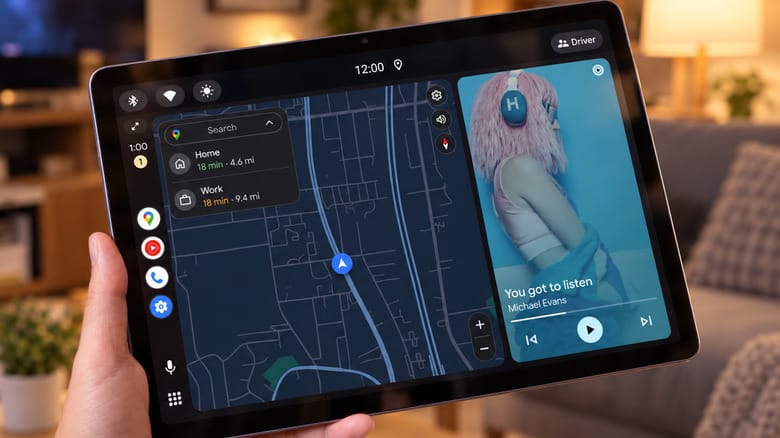
Of course, there are trade-offs. For instance, if your tablet’s battery is degraded, the constant USB connection will occupy the charging port, which can be problematic. It is also important to remember that this is not an official Google Home dashboard—it is a workaround that may come with minor technical glitches. Additionally, notification privacy could be a concern if your workspace is shared with others.
Why You Should Try It
If you have an old device you are reluctant to throw away, this project is the perfect way to give it a second life. It is more than just a technical experiment; it is a way to reduce daily digital noise. While Google’s official guidelines do not account for this type of installation, it remains a fun and useful solution for enthusiasts.
Many users have older hardware that has slowed down due to a lack of operating system updates. With this method, you can create a functional, minimalist panel that is genuinely useful for following recipes in the kitchen or controlling music at your desk.