How to Unlock Your iPhone Duo Using Your Apple Watch
A convenient alternative to the side-mounted Touch ID sensor
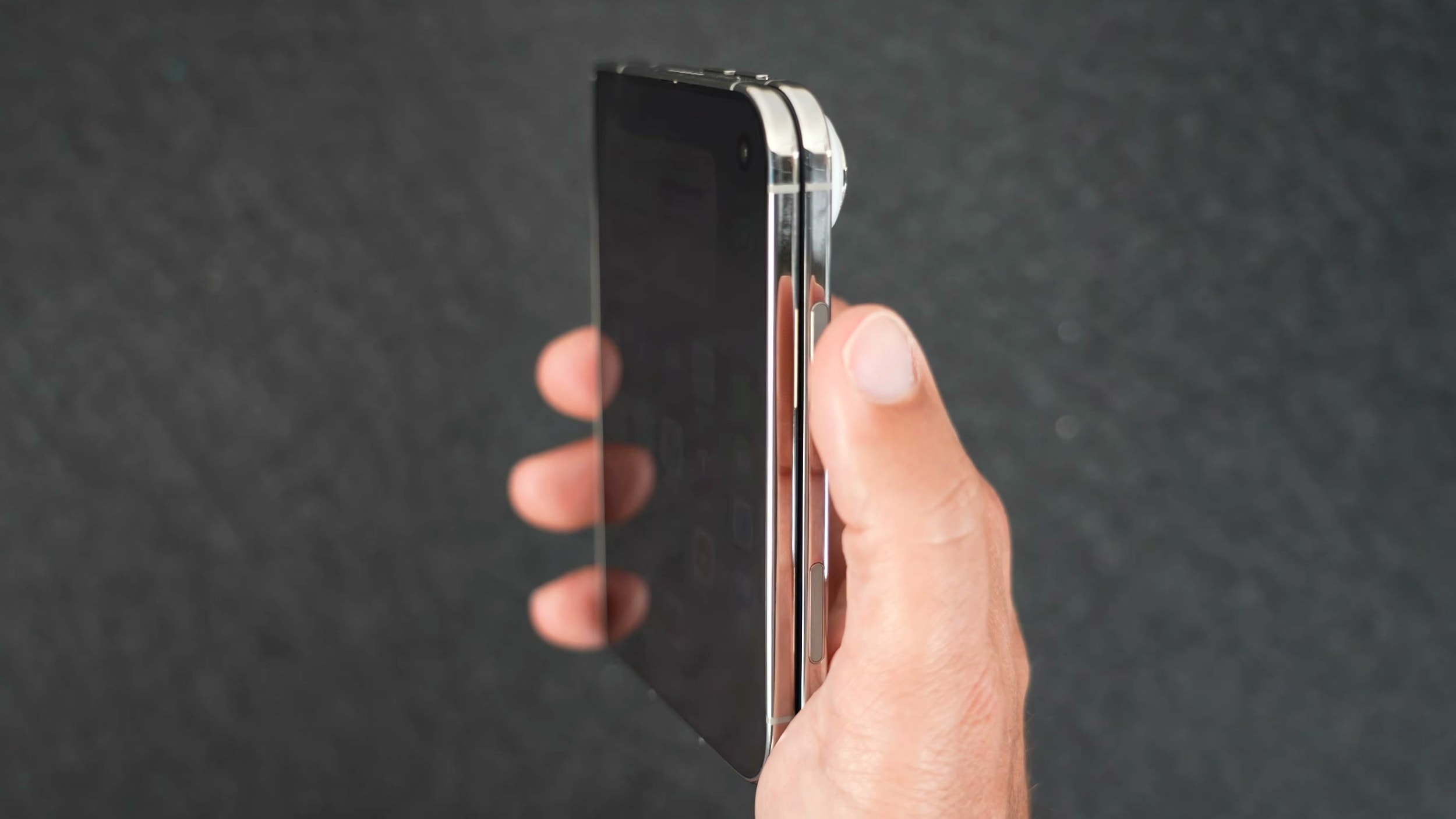
A New Option for iPhone Duo Users
The launch of the iPhone Duo raised questions among some users, particularly regarding biometric security. The device utilizes a Touch ID sensor integrated into the side button, which many perceive as a step backward compared to the established Face ID. However, Apple has provided a practical alternative to address this: the ability to unlock the device with an Apple Watch.
This feature allows you to unlock your smartphone automatically without placing your finger on the side button, provided you are wearing your smartwatch. It offers an experience that comes closest to the convenience of Face ID currently available for this model.
Requirements for Activation
It is important to note that the 'Unlock with Apple Watch' feature only works with specific models. To ensure the service functions correctly, you must own an Apple Watch Series 9 or newer, an Apple Watch Ultra 2 or newer, or an Apple Watch SE 3.
If your device meets these requirements, activating the feature is straightforward:
- Open the Settings app on your iPhone Duo.
- Go to the 'Touch ID & Passcode' section and enter your passcode.
- Scroll down until you see the 'Unlock with Nearby Devices' tab.
- Toggle the switch next to your Apple Watch. If you have multiple watches connected, enable this feature for each one individually.
How It Works in Practice
The process is quite simple: ensure your Apple Watch is on your wrist, unlocked, and in close proximity to your iPhone Duo. As soon as you pick up the phone or touch the screen, the watch will automatically authenticate the device. After that, simply swipe up from the bottom of the screen to access your home screen.
It is also worth noting that if you wish to make this process even faster, you can disable the requirement to swipe up from the bottom of the screen in the settings. This allows for phone unlocking with minimal interaction.
For users in Georgia, where the Apple ecosystem is quite popular, this feature will significantly simplify the daily routine for iPhone Duo owners. It serves as further proof of how the company strives to harmoniously connect different devices for user convenience.