How to Turn on Your Android Flashlight Without Unlocking Your Phone
Master the quick-access features on your Pixel and Galaxy devices
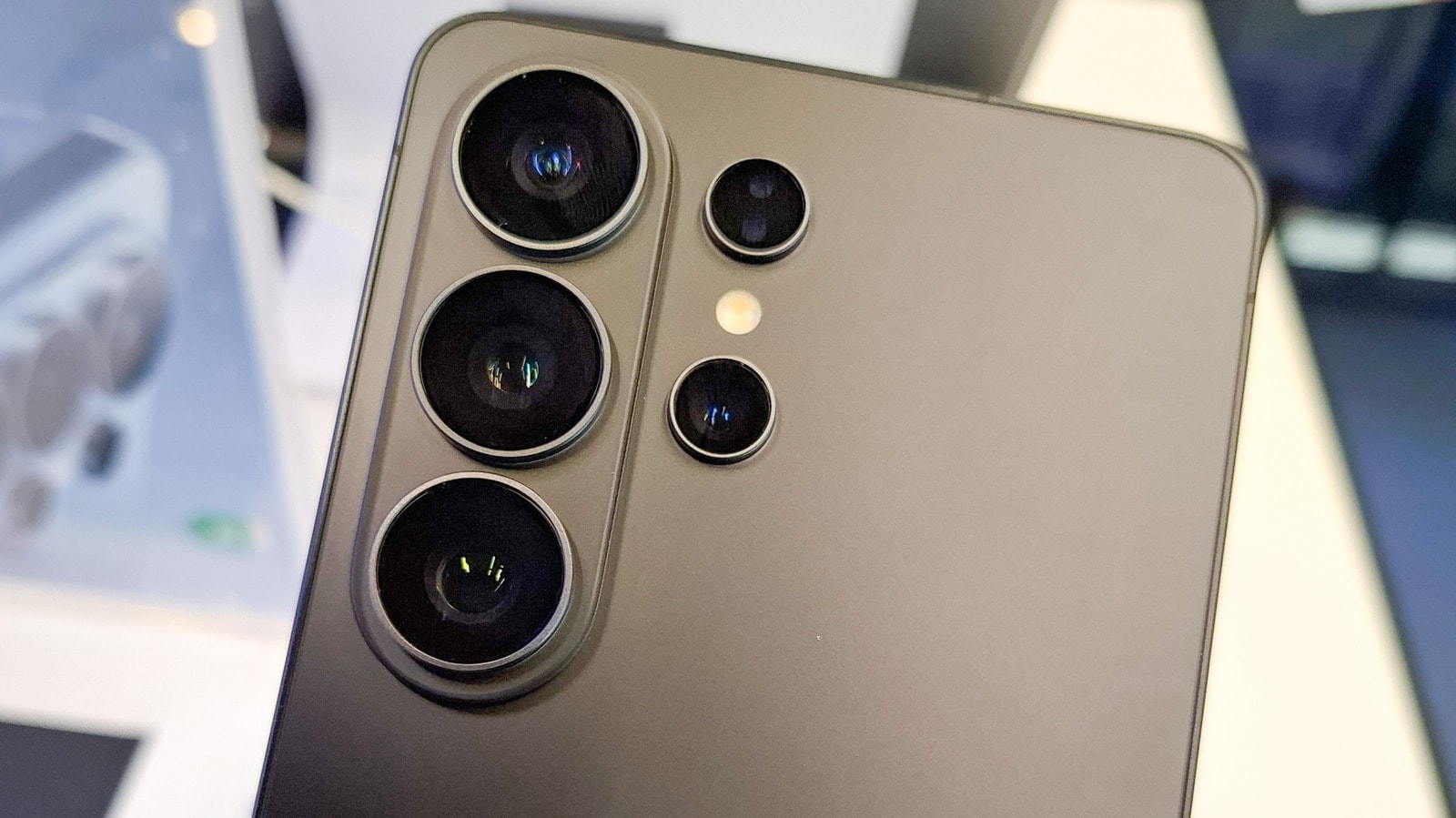
Quick access for emergencies
We often find ourselves in situations where we need a flashlight immediately, but unlocking a smartphone takes precious time. Fortunately, modern Android devices, specifically Google Pixel and Samsung Galaxy, offer simple ways to activate the flashlight without unlocking the screen. This feature is particularly useful in dark environments or during emergencies.
Customising your Google Pixel
Pixel owners have several ways to activate the flashlight. The simplest method is to swipe down from the top of the screen to access the Quick Settings menu. If the flashlight icon is not on the first page, you can tap the pencil icon to rearrange the menu and move it to your preferred position.
Furthermore, Pixel devices feature the Quick Tap function. By navigating to Settings > System > Gestures > Quick Tap, you can set the flashlight to turn on by double-tapping the back of the phone. You can also customise the lock screen: long-press the screen to enter the 'Customize' menu, where you can add the flashlight icon directly to the lock screen via the Shortcuts section.
Samsung Galaxy capabilities
Samsung users can utilise the Quick Panel. By swiping down from the top corner of the screen, you will see the tools panel, which can be edited by tapping the three dots or the pencil icon in the corner.
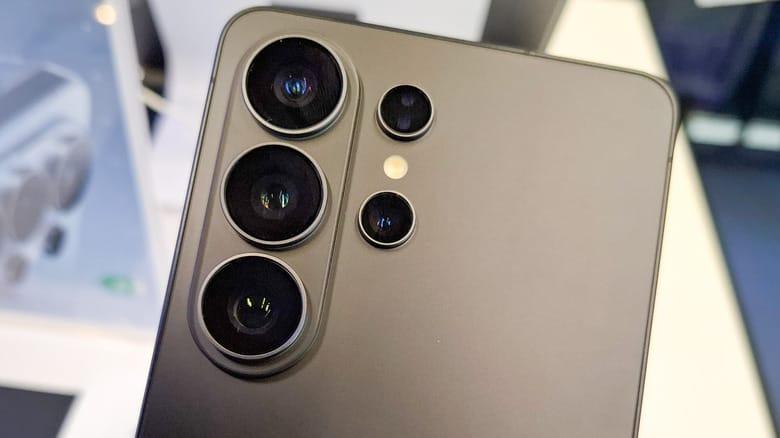
Samsung also allows you to change the shortcuts located in the bottom corners of the lock screen. By default, these are set to 'Phone' and 'Camera', but you can replace one of them with the flashlight by long-pressing on the screen. If this function is not working, go to Settings > Lock Screen & AOD and ensure that the 'Touch and Hold to Edit' option is enabled.
Voice assistants and other methods
Voice assistants are available on both manufacturers' devices. Simply say 'Hey, Google,' followed by the command 'Turn on the flashlight.' This method works even when the phone is locked, making it the fastest hands-free solution.
While modern Pixel devices do not have a feature to turn on the flashlight by shaking the phone, unlike some older devices, you can achieve similar functionality using third-party applications. However, official settings are generally more stable and secure for daily use.