How to tell if your USB-C port supports video output
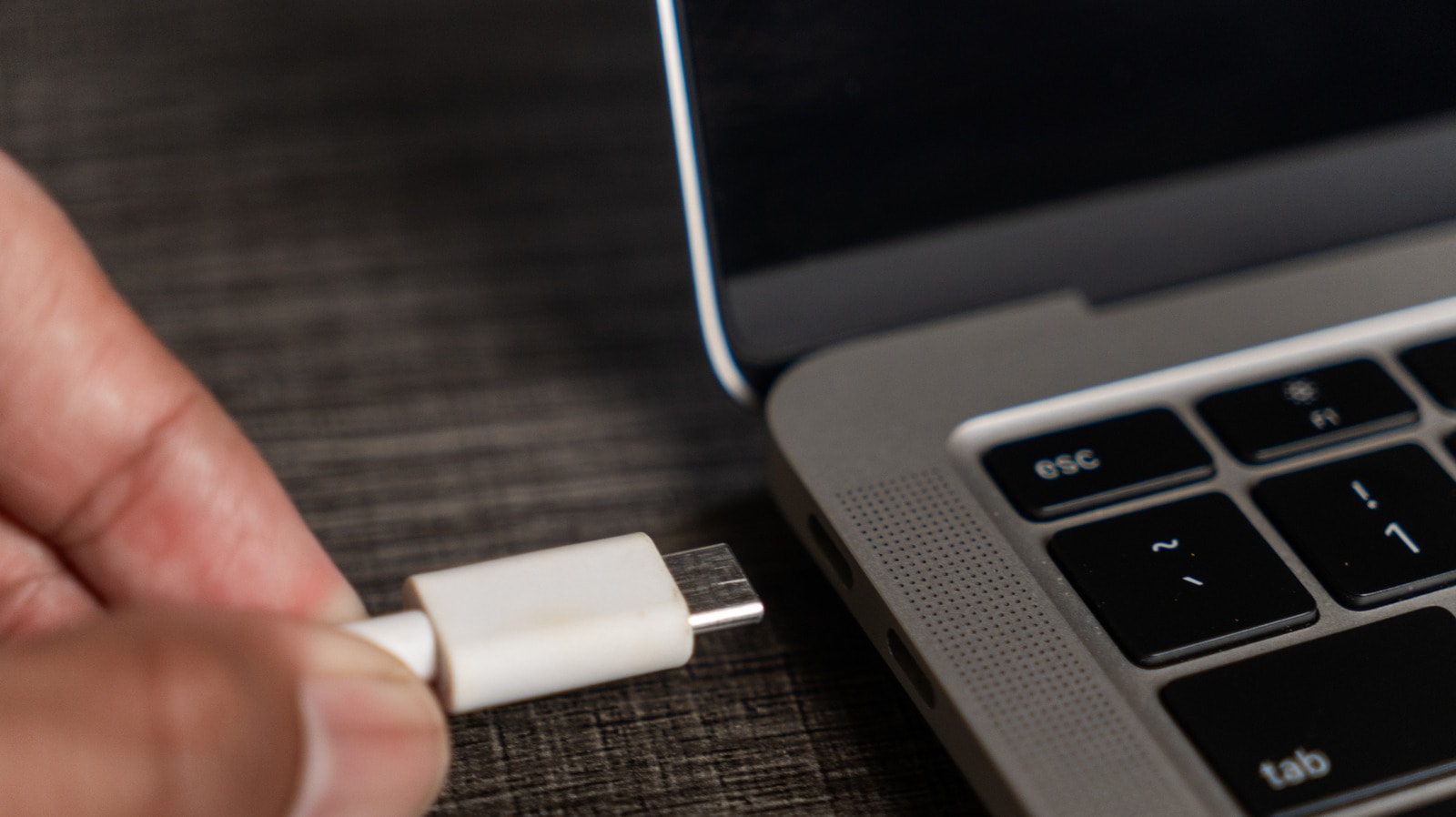
USB-C port capabilities
The USB-C standard has become increasingly popular in the modern tech world. This universal connector is widely used for charging various devices, high-speed data transfer, and connecting peripherals. However, whilst all USB-C ports look completely identical on the outside, significant differences exist in their technical functionality.
As tech outlet Engadget notes, one of the most common misconceptions among users is that any USB-C port can automatically output a video signal to an external monitor, TV, or projector. In reality, the physical format of the port does not guarantee that the device supports video transmission.
Why knowing port type matters
When attempting to connect a laptop, tablet, or smartphone to an external display, users need to know exactly what their specific device is capable of doing. Some USB-C ports are designed solely for receiving power and charging batteries, whilst others only provide basic data exchange speeds.
Engadget explains that knowing your device's specific USB-C port specifications and capabilities in advance significantly simplifies choosing the best video transmission option. This approach helps avoid purchasing the wrong cables, hubs, or adapters, ensuring a smooth and stable connection to your monitor.
What users should consider
Before purchasing external monitors or additional accessories, it is essential to carefully check your device's official technical documentation. Knowing port capabilities beforehand helps determine whether the device allows direct video output or if special adapters will be required.
For readers in Georgia who frequently purchase USB-C accessories and monitors, accurately evaluating port functionality saves both time and money, ensuring selected equipment operates seamlessly and effectively.