How to Safely Wipe an Old Laptop Before Selling It
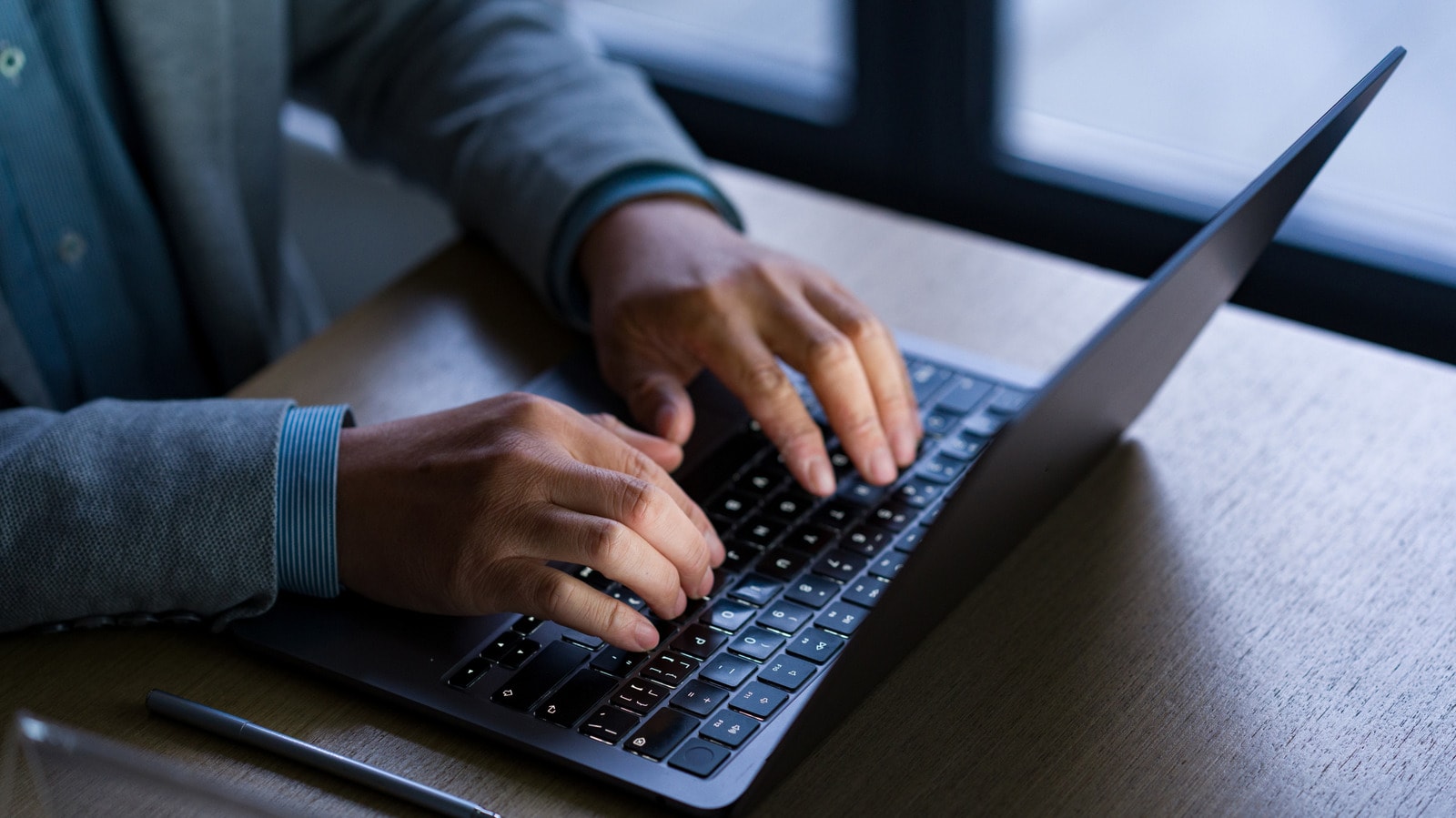
Many of us replace an outdated laptop with a new model from time to time. However, before handing the device to a new owner, selling it, or taking it in for recycling, you must ensure that all your personal data is completely erased. As Engadget reports, simply moving files to the recycle bin is not enough, as experienced users can easily recover them.
Secure data deletion
The first step you should take is backing up your important files to an external drive or cloud storage. Once you are sure that every document, photo, and password has been saved, it is time to start wiping the system. Modern operating systems such as Windows and macOS feature built-in factory reset tools. This process not only deletes your files but also reinstalls the operating system from scratch, ensuring that your data disappears completely.
Why this matters
If you simply clear files without performing a full system reset, access to your accounts might remain open. This includes email, banking applications, and social media networks where automatic login is enabled. Security experts recommend logging out of all services and unlinking the device from your Apple ID or Microsoft account before passing it on.
Selling second-hand electronic devices is particularly popular in Georgia. Following these recommendations is therefore essential not just from a technical standpoint, but to safeguard the privacy of your personal information. It is always better to spend a little extra time thoroughly wiping the system than to risk your digital security.