How to Replace the Battery in Your Google Pixel Tag: A Practical Guide
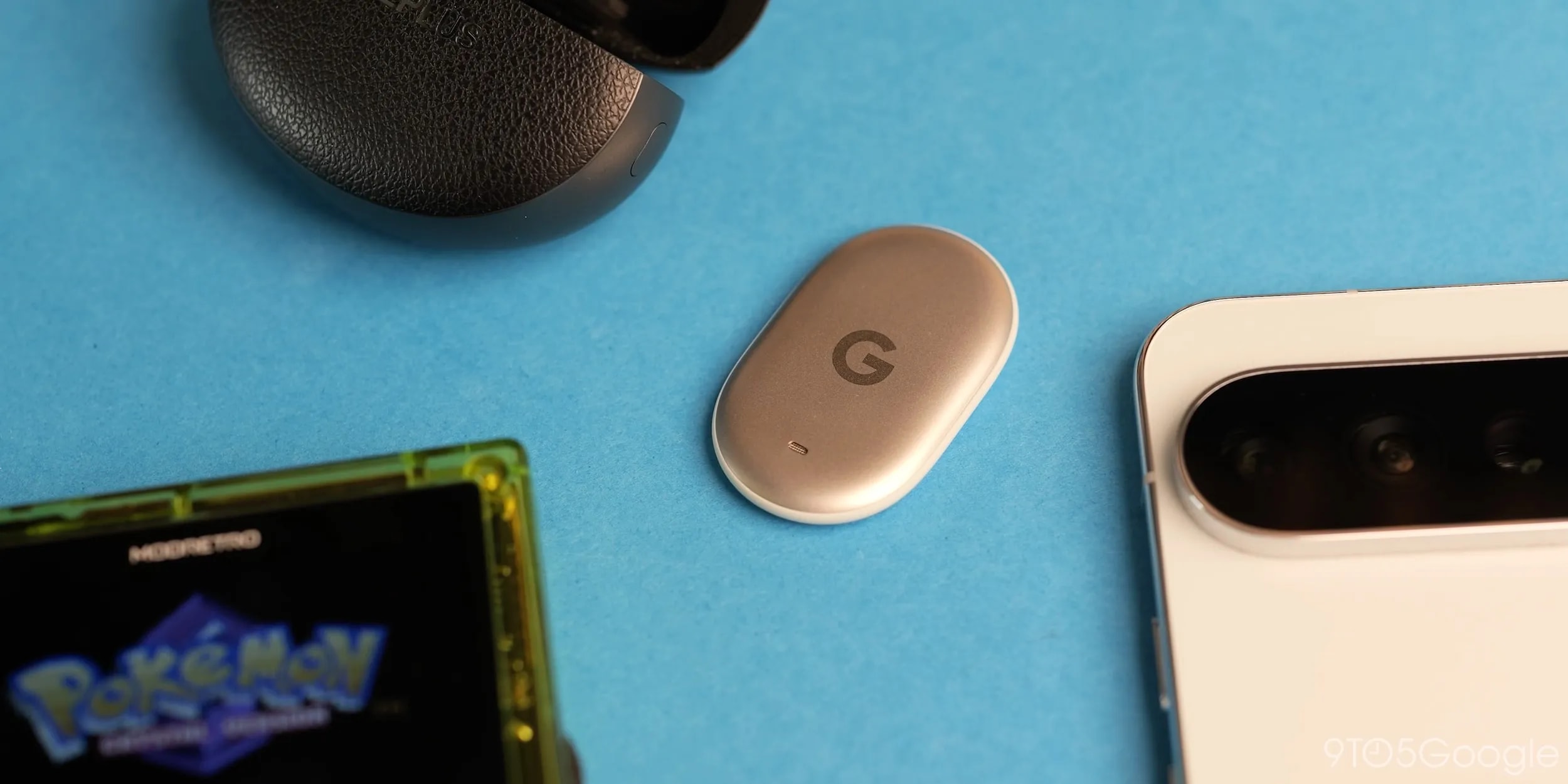
Battery replacement nuances
Like other smart trackers on the market, the Google Pixel Tag relies on a standard battery. It typically lasts about a year, after which you will need to replace it. However, because of the device’s sleek and smooth design, many users may find removing the back cover surprisingly difficult.
The main challenge lies in the device's shape. If you try to remove the cover with one hand, you will likely struggle. The best method is as follows: place one thumb on the base or middle of the Pixel Tag, and use your other hand to twist the cover counter-clockwise. Once the cover loosens, the battery will fall out on its own. Note that this process may be more difficult the first time due to the factory seal, but the cover will open much more easily thereafter.
What to keep in mind
After inserting a new battery, check that the device is working correctly. If the Find Hub does not detect the Pixel Tag, the battery may not be seated properly. In this case, you will need to remove the cover again, adjust the battery position, and ensure the casing is closed tightly.
As for the battery itself, the Pixel Tag uses a CR2032 cell, which is widely used in wristwatches and various types of trackers. These batteries are quite affordable: you will find options from premium brands, such as Duracell, as well as more budget-friendly alternatives. Prices range from $7 to $10, depending on the number of batteries in the pack. It is recommended to keep a spare on hand so that the device shutting down does not come as a surprise.
Why this is important
Technologies like the Pixel Tag are becoming an integral part of our daily lives. Their simple maintenance and the ability to repair them independently provide added convenience for users. Although the device's design is aesthetic, Google engineers ensured that users could replace the battery without the need for special tools.
For users who actively use such technology to track their belongings, these instructions are particularly relevant, as technical support services often do not cover the repair of such small gadgets. Now that you know how to handle the battery replacement process, you can confidently continue to look after the safety of your items.