How to Prevent Your Wi-Fi Router from Overheating and Failing
Protect your home network by managing your hardware's temperature.
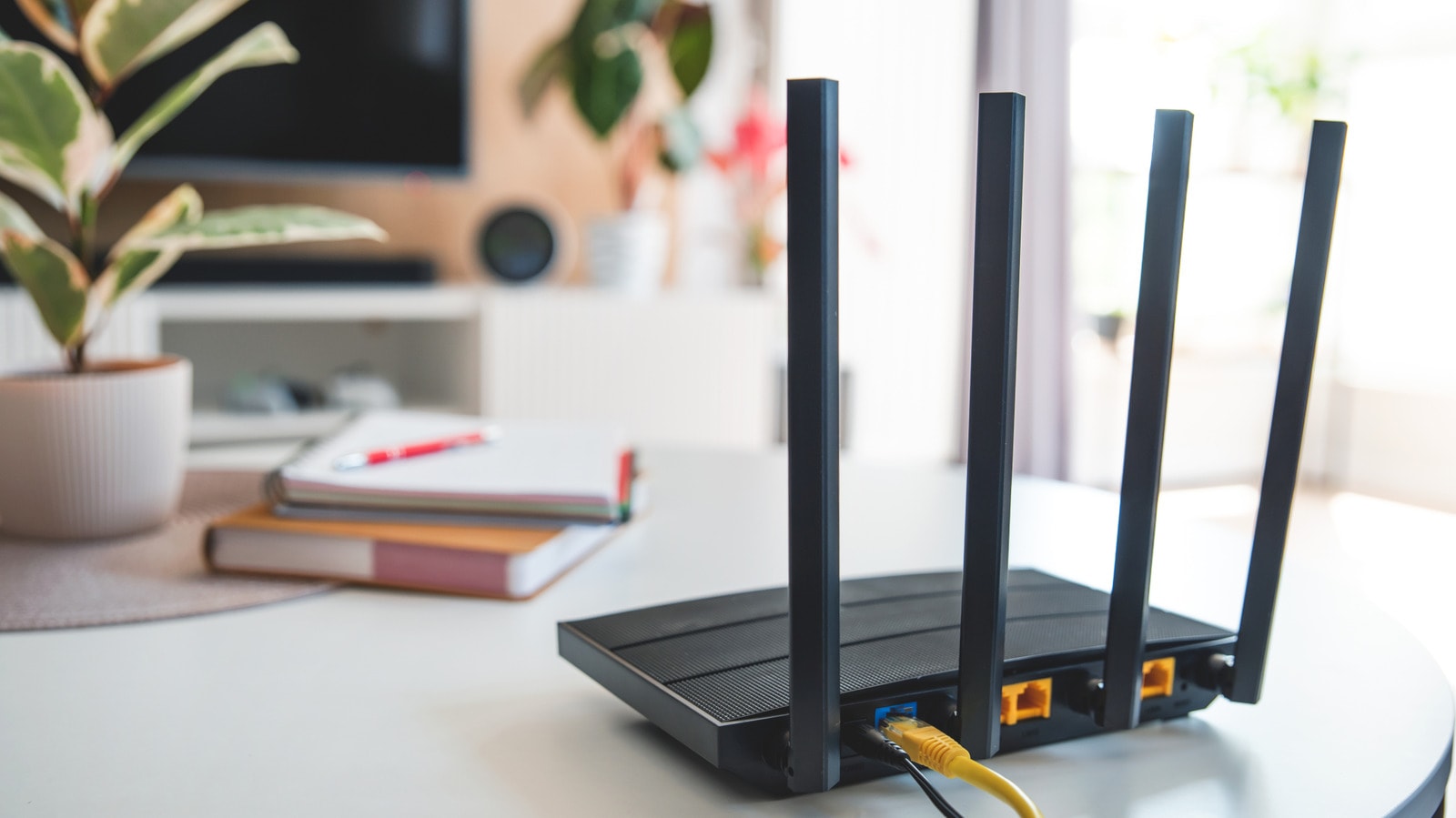
Modern Wi-Fi routers, like any other electronic device, generate heat during operation. However, if the device feels uncomfortably hot to the touch, it is a warning sign. Inside the router, processors, memory modules, and radio components work intensely during high-performance tasks, which generates heat.
Why do routers overheat?
Modern devices use System on a Chip (SoC) architecture, meaning all primary components are integrated onto a single chip. When a router transfers data at high speeds, the load on the processor increases, causing the temperature to rise. If the router exceeds safe thermal limits, the system initiates "throttling"—artificially reducing processor performance to prevent overheating. This directly impacts internet quality, leading to connection drops, speed reductions, or spontaneous device reboots. If the issue persists, constant high temperatures can cause irreversible damage to internal components, leading to total hardware failure.
How to keep the device cool
First, ensure your router is in a well-ventilated area. Users often place them in narrow furniture niches or crowd them near other electronics, such as computers or gaming consoles, which also emit heat. Additionally, keep the device away from direct sunlight.
Hygiene is the second important factor. The ventilation holes on the router's casing can become covered in dust over time, blocking air circulation. Clean the device regularly to remove dust. Furthermore, do not forget to update the firmware. Manufacturers frequently release updates that optimize system performance and often resolve software bugs that cause overheating.
When are radical measures necessary?
If improving ventilation and updating the software do not help, check the power supply unit. A faulty or incorrectly selected adapter may provide unstable voltage to the router, causing excessive strain on components. Using the original power adapter or one with the correct specifications may resolve the issue entirely.
If none of these methods work, it is likely that the hardware is physically degrading. In such cases, replacing the device is the best solution to ensure your home network remains stable and secure. It is always better to address the problem at an early stage than to be caught without internet access unexpectedly.