How to Prevent Your Smartphone From Overheating When Using CarPlay and Android Auto
Essential tips to protect your device battery and performance during long drives.
The Technological Challenge in the Car
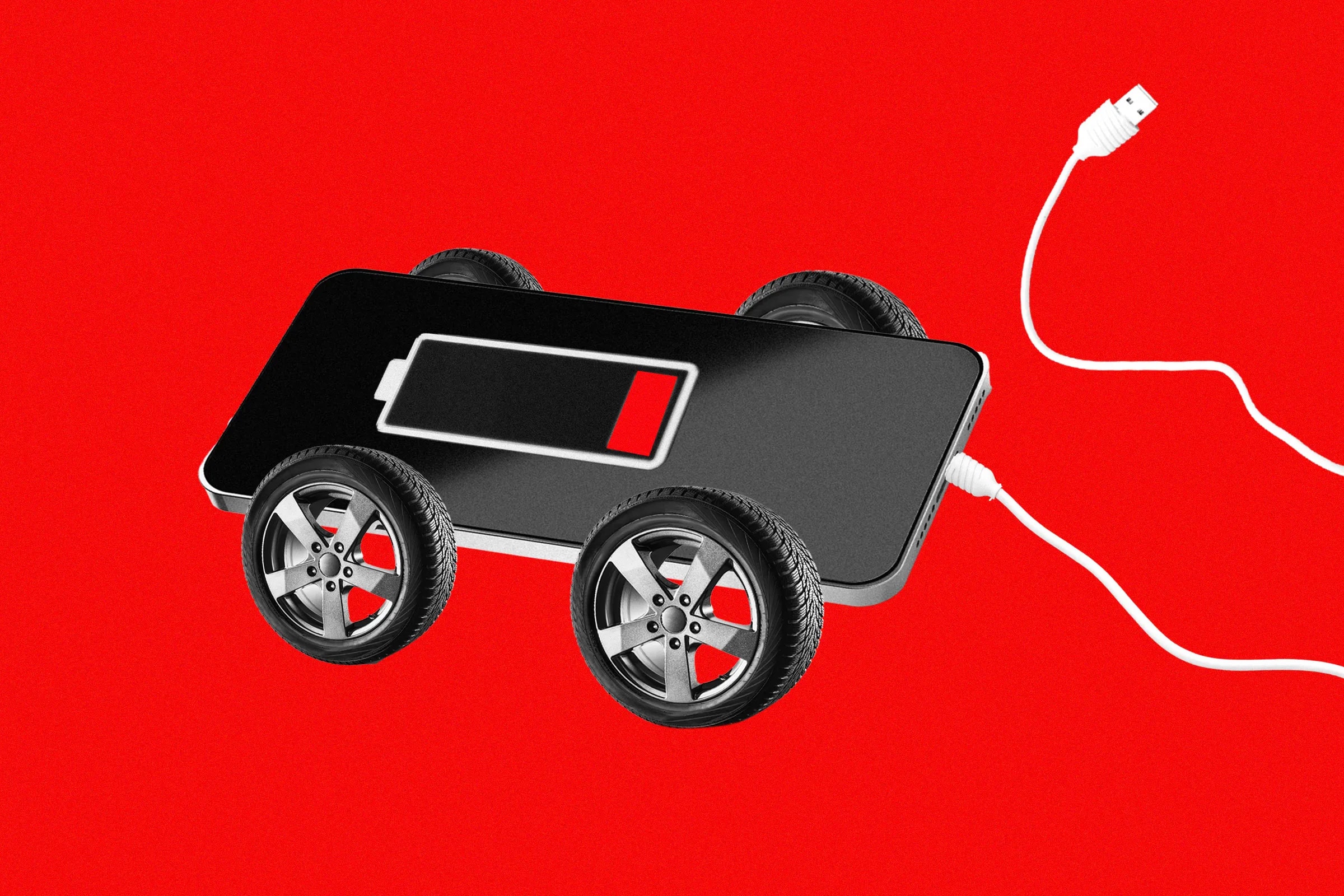
Apple CarPlay and Android Auto have become integral parts of modern vehicles. They allow drivers to utilise their smartphone's resources instead of the often clunky, standard car interface. However, this convenience comes at a cost: your smartphone is simultaneously performing daily tasks and powering the car's large display, which often involves real-time map updates and constant data streaming. As a result, the device heats up quickly and loses battery capacity.
How to Reduce Smartphone Load
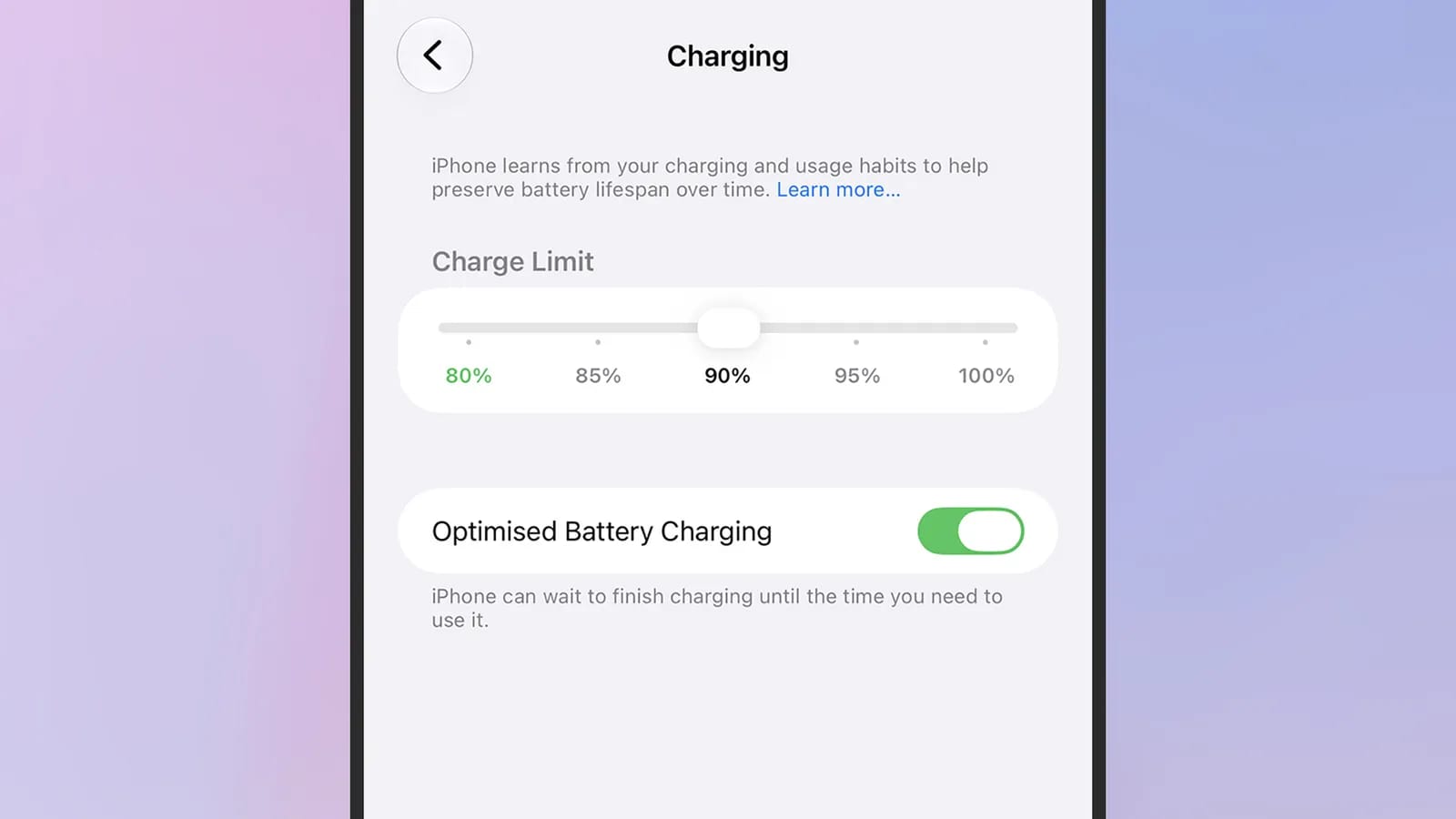
If you use a wireless connection, the device is under more strain than with a wired connection. However, wired connections also cause problems, as the charging process itself generates heat. To avoid this, try setting charging limits in your smartphone settings or simply avoid charging the phone while driving unless absolutely necessary. In particular, avoid the car's integrated wireless charging pads, which often generate excess heat.
Another effective method is to pre-download data. If you download maps, music, and podcasts before your trip, your phone will not need to constantly connect to the internet, reducing the load on the modem, which is a primary source of heat. The offline maps feature in Apple Maps and Google Maps is easily accessible from profile settings.
Physical Cooling Methods
Where you place your smartphone is crucial. If the phone is in direct sunlight, it will heat up much faster. Try to keep it in a cool, shaded place, such as the glove compartment. If you have a phone mount, it is ideal to install it near the car's air conditioning vent; this will provide your device with a natural, homemade cooling system.
Also, if the trip is long, you can remove the phone's protective case. The risk of dropping the phone while driving is minimal, and cases often trap heat, preventing the device from cooling down. Keep in mind that minimising various background tasks while driving will also have a positive effect on the device's temperature.
Why This Is Important
Smartphone overheating not only causes discomfort but also accelerates battery wear and damages device components in the long run. In hot summer conditions, when the car interior heats up quickly in the sun, following these rules is particularly relevant. Always check your phone's temperature and, if necessary, reduce the load so that your gadget works reliably for a long time.