How to Prepare Your PlayStation 5 for GTA 6: Best Settings
Optimise your console settings now to ensure a seamless experience in Leonida.
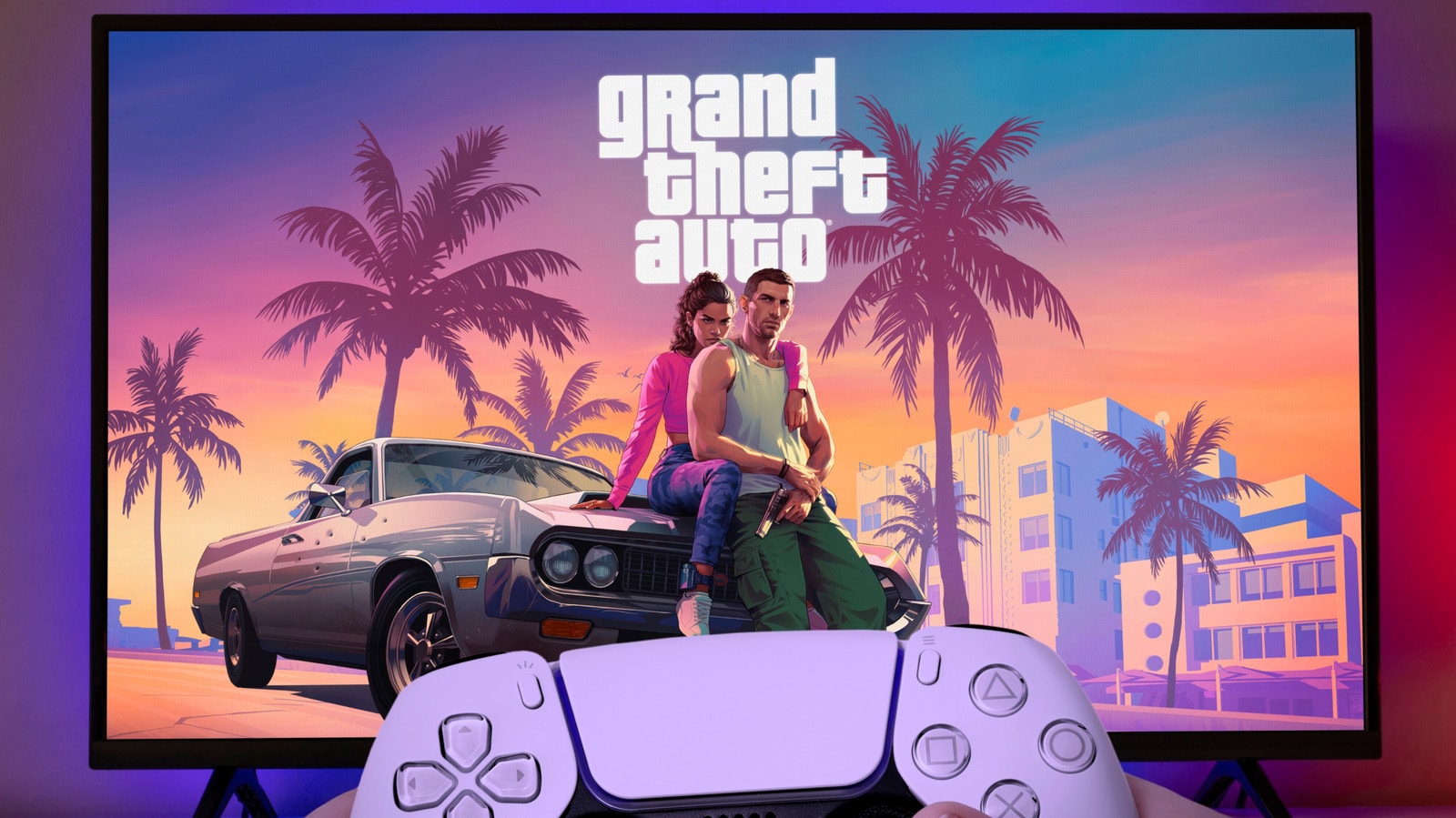
The anticipation for Grand Theft Auto VI, which has spanned over 13 years, is finally nearing its end. Judging by the footage released by Rockstar, the game promises to be one of the most visually demanding projects ever created. To avoid technical hitches and ensure the visual fidelity is as perfect as possible when you step into the world of Leonida, we recommend adjusting your PlayStation 5 settings in advance.
VRR and 120Hz: Smoothness and Stability
The first feature to consider is Variable Refresh Rate (VRR). This allows your television to sync its refresh rate with the frames generated by the console. This is particularly important for a massive game like GTA 6, where the frame rate may fluctuate. In the Settings > Screen and Video > Video Output menu, ensure VRR is enabled. Additionally, activate the 'Apply to Unsupported Games' feature, which will further improve stability.
It is also beneficial to enable 120Hz Output. Even if many players expect a 30fps limit, a 120Hz signal provides better frame dynamics. Remember that this requires an HDMI 2.1 cable and a compatible port on your television.
HDR Calibration and Image Quality
In GTA 6, players will navigate everything from dark, neon-lit clubs to the scorching Florida sun. Proper HDR settings are crucial to ensure no details are lost. Ensure HDR is enabled on your television, then follow the instructions in the console's Adjust HDR section. If your television supports HGIG mode, be sure to enable it so that the console handles all image processing.
3D Audio: Creating an Immersive Environment
For the game's atmosphere, sound is just as important as visuals. Sony's 3D Audio technology allows you to pinpoint exactly where sounds are coming from, whether it is pedestrians on the street or the engine noise of an approaching car. In the Settings > Sound > 3D Audio (Headphones) menu, you can create a personalized profile. The system will ask you several questions regarding sound direction to tailor the audio experience to your hearing. Keep in mind that if you are using wireless headphones, they will require a USB adapter, as the PS5 does not support direct Bluetooth audio transmission.
By following these simple steps, your console will be ready for the premiere of GTA 6. Of course, once the game is released, be sure to check the in-game settings as well, but system-level preparation is the best starting point.