How to Maximize Performance in Call of Duty: MW4 with an RTX 3060 Ti
Achieving the perfect balance between visual quality and frame rates.
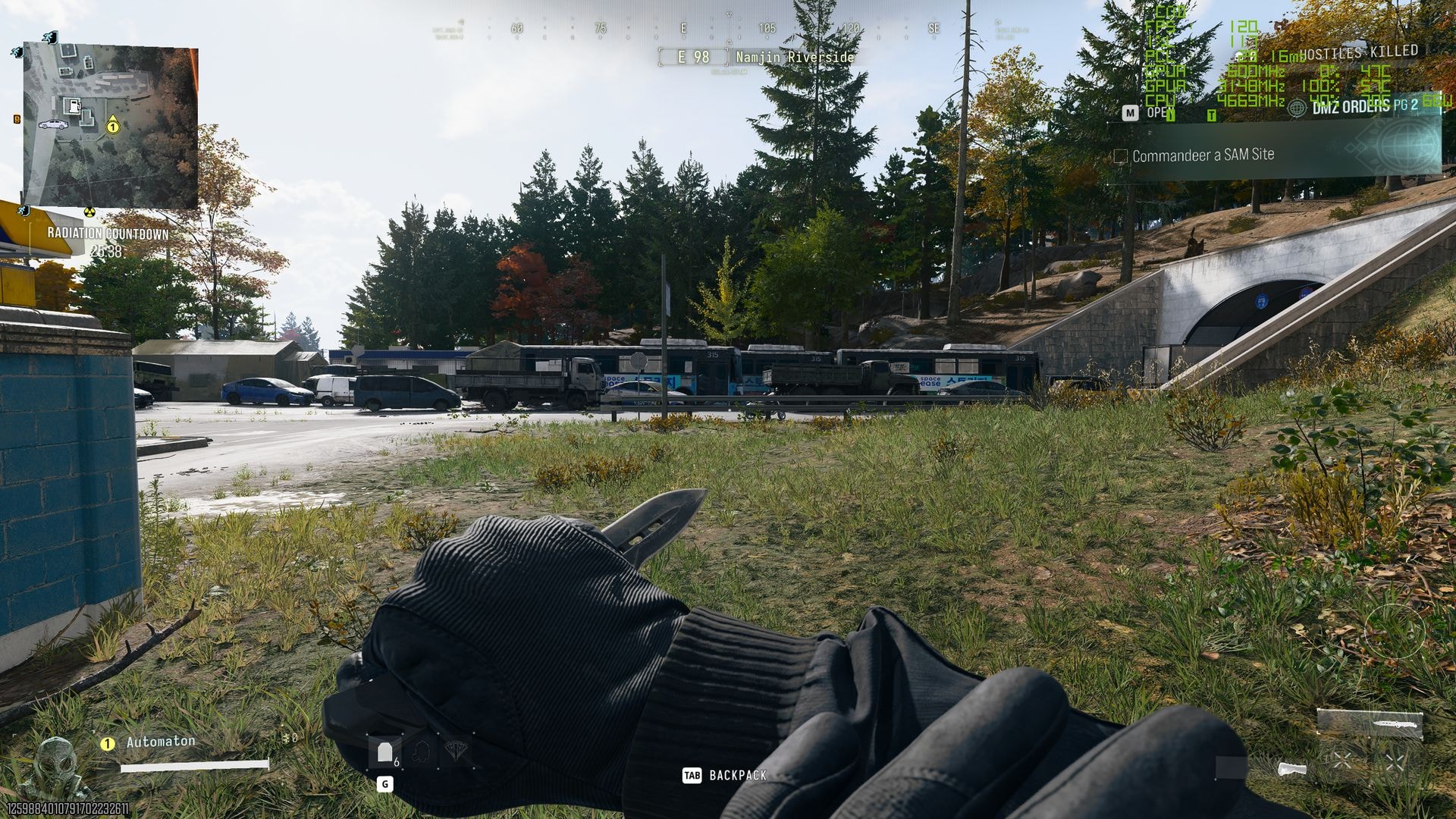
The release of Call of Duty: Modern Warfare 4 has left many players wondering if their hardware can handle the new shooter comfortably. Activision has officially identified the RTX 3060 Ti as a recommended graphics card, aiming for 90 frames per second (fps) at high graphical settings. Practical testing confirms this is a realistic goal, though minor adjustments are necessary for an optimal experience.## Optimizing Settings for 1440p ResolutionTesting shows that at 1440p resolution in native mode, the RTX 3060 Ti struggles to maintain a stable 90 fps. The most balanced results come from the "Balanced" graphics profile, which yields an average of around 60 fps without additional technologies.To achieve truly smooth gameplay, enabling DLSS (Deep Learning Super Sampling) in "Quality" mode is essential. By utilizing the CNN model at 1440p, the frame rate increases from 60 to 97 fps. This change has a negligible impact on visual quality while making the game feel significantly more dynamic.## 1080p and the Importance of DetailFor those using a 1080p monitor, the RTX 3060 Ti shows much greater potential. With DLSS enabled, reaching an average of 130 fps is possible, making it ideal for 144Hz or 165Hz displays. However, keep in mind that dropping to 1080p on a 27-inch 1440p monitor can make the image appear blurry, so it is better to stick with 1440p and enable DLSS.Selecting the right graphical settings is also crucial. Experts advise avoiding "Minimum" and "Basic" presets, as they significantly degrade visual quality. The "Balanced" preset remains the best middle ground. If you want environmental elements like trees and bushes to look more natural and less pixelated, try setting "Detail Quality" to "High." This slightly reduces the frame rate but provides a notable improvement in visual fidelity.## What to Expect in Different Game ModesIt is worth noting that these figures are primarily based on the campaign mode. In more expansive modes like DMZ, where there is a higher density of textures and objects, the frame rate may drop by 5-10 units. Nevertheless, the RTX 3060 Ti remains a reliable choice for those wanting to enjoy high-end graphics and strong performance in Call of Duty: MW4.Ultimately, the best strategy for RTX 3060 Ti owners is to use the "Balanced" preset, enable DLSS in "Quality" mode, and set detail levels to high. This combination ensures both visual clarity and a stable, smooth gameplay experience, which is vital for fans of modern shooters.