How to Keep Your Internet Running During Power Outages
Ensure your home network stays online when the lights go out.
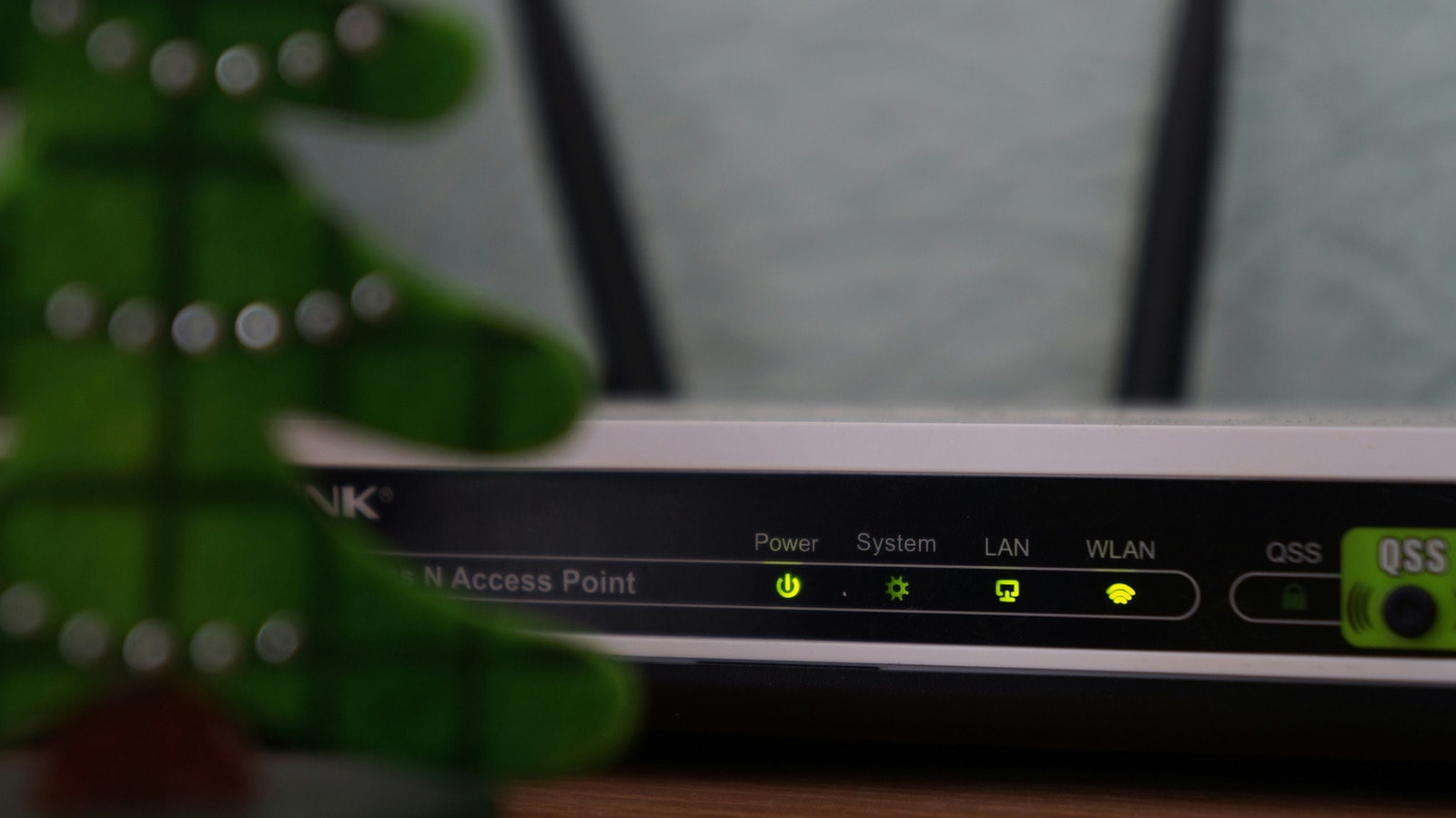
In the modern world, losing internet access—especially during working hours or important online activities—creates significant discomfort. While laptops have their own batteries and can continue to function for a time, home network equipment like routers and modems stop working as soon as the power goes out. However, there are simple and effective ways to keep your home network stable during an outage.
Check Your Network Structure
The first step is to identify which devices provide internet to your home. For cable internet, this usually involves a modem and a router, or a single device that performs both functions. Users with fibre-optic internet should pay attention to the ONT (Optical Network Terminal) device—the box where the optical cable enters the home. Some providers include a battery backup system with this equipment, but it is often intended only for telephone lines. It is best to check with your operator beforehand to see what capabilities your equipment has.
UPS: The Most Reliable Solution
The most effective way to maintain internet access is an Uninterruptible Power Supply (UPS). This device is placed between the wall outlet and your networking hardware. In the event of a power cut, the UPS automatically switches to battery mode, ensuring the device continues to run without interruption. Various models are available on the market: for less than $100, you can purchase a device that will keep a router running for an hour or more. It is important to test the UPS after purchase: disconnect it from the power source and observe whether the internet remains active.
Alternatives: Inverters and Batteries
If you already own power tool batteries (such as those from DeWalt, Milwaukee, or Ryobi), you can use special inverters compatible with your brand's batteries. This is a much cheaper option, with third-party models available from $30. However, this method has one drawback: it does not work automatically. When the power goes out, you will have to manually connect and restart the devices, which takes time.
Tips for Efficiency
Remember that backup power sources are intended only for critical infrastructure. Do not attempt to plug in a television or game console, as this will instantly drain the battery. Also, keep in mind that these methods only work if there is no network failure on the provider's side. If the internet supply is cut off completely, the best solution is to use your smartphone's hotspot. With the right planning, you can stay connected even when the entire neighborhood is without power.