How to Keep Your Fitness Data When Switching Devices
Ensure your health history and training progress follow you to your new gadget.
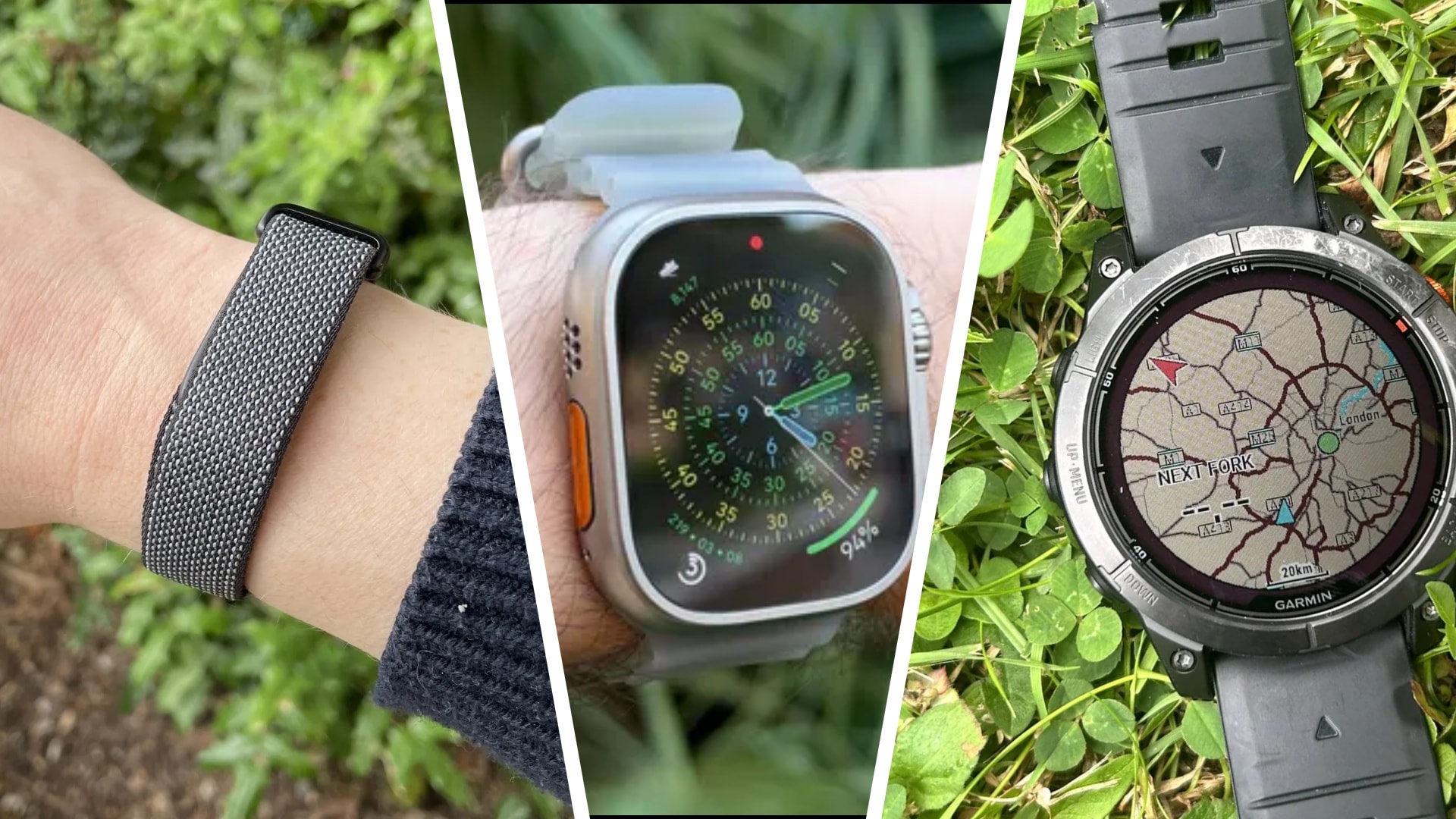
Many of us face a dilemma when it is time to replace an old fitness tracker. Often, we want to change brands—switching from a compact Fitbit to a more robust, professional running watch, for example. However, buying a new gadget often brings the fear of losing years of accumulated data: workout history, sleep stages, and heart rate metrics.
Fortunately, by 2026, leading companies like Apple, Google, and Garmin have made the data migration process as simple as possible. Even so, the process varies depending on whether you are staying within the same ecosystem or moving to an entirely new platform.
Data Storage and Backups
The first and most important step is to synchronize data with your old device. Before pairing a new watch, ensure the application on your smartphone is updated and that all recent workouts and health metrics are uploaded to the server.
If you are changing brands, exporting your data is essential. For instance, Garmin users can download a complete archive from the Garmin Connect website (Data Management → Export Your Data). In the case of Apple, you can export all your data in XML format from the profile section of the Apple Health app. It is important to keep these files in a secure location, such as on a computer or in cloud storage.
Moving Within and Outside Ecosystems
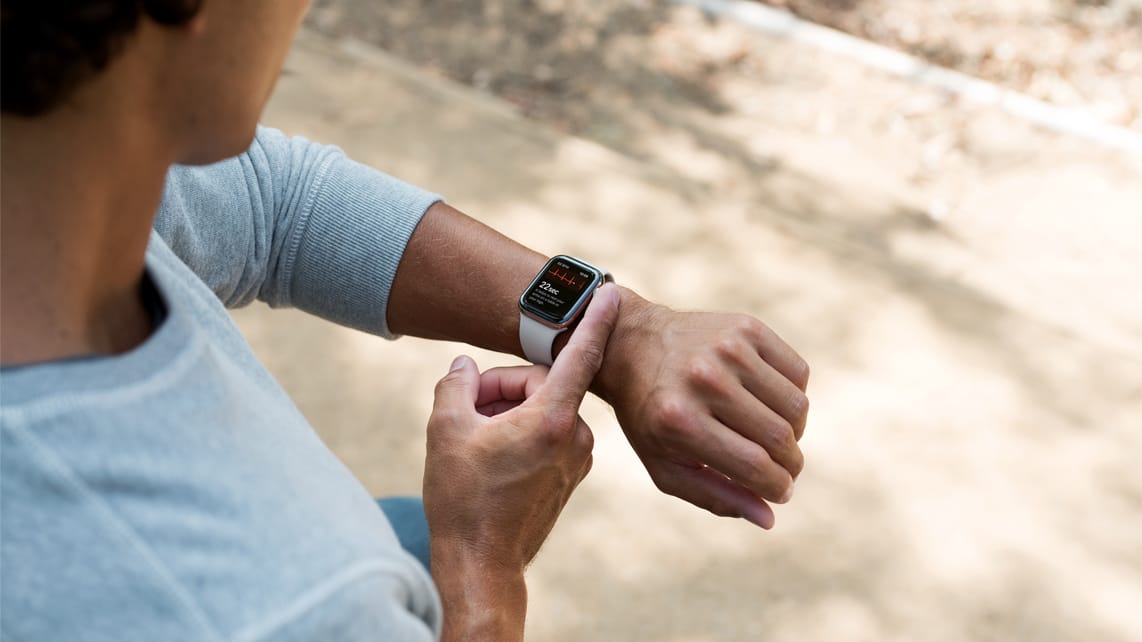
If you stay with the same brand—such as upgrading to a new Apple Watch model—the process is automatic. Through iCloud, your health history will automatically transfer to the new device. Similar simplicity applies to Garmin, where your account consolidates your entire history.
Difficulties arise when switching between different manufacturers. You should keep in mind that some data, such as specific sleep scores or recovery indices, may not transfer because each company uses different algorithms to calculate them. However, general workout data (in FIT, TCX, or GPX formats) is compatible with almost all platforms.
Strava: The Universal Bridge
If you want your workout history to be accessible regardless of which device you use, Strava is the best solution. This platform allows you to consolidate data from different manufacturers into one space. You can upload old workout files to the Strava website and maintain your progress.
Finally, after setting up your new device, be sure to verify the accuracy of your data. Check for duplicated workouts and ensure no important details are missing. Do not rush to factory reset or sell your old device until you are certain that all data has been successfully migrated to the new system.