How to Improve Roku TV Picture Quality with Settings
Simple adjustments to display modes and motion smoothing can transform your viewing experience
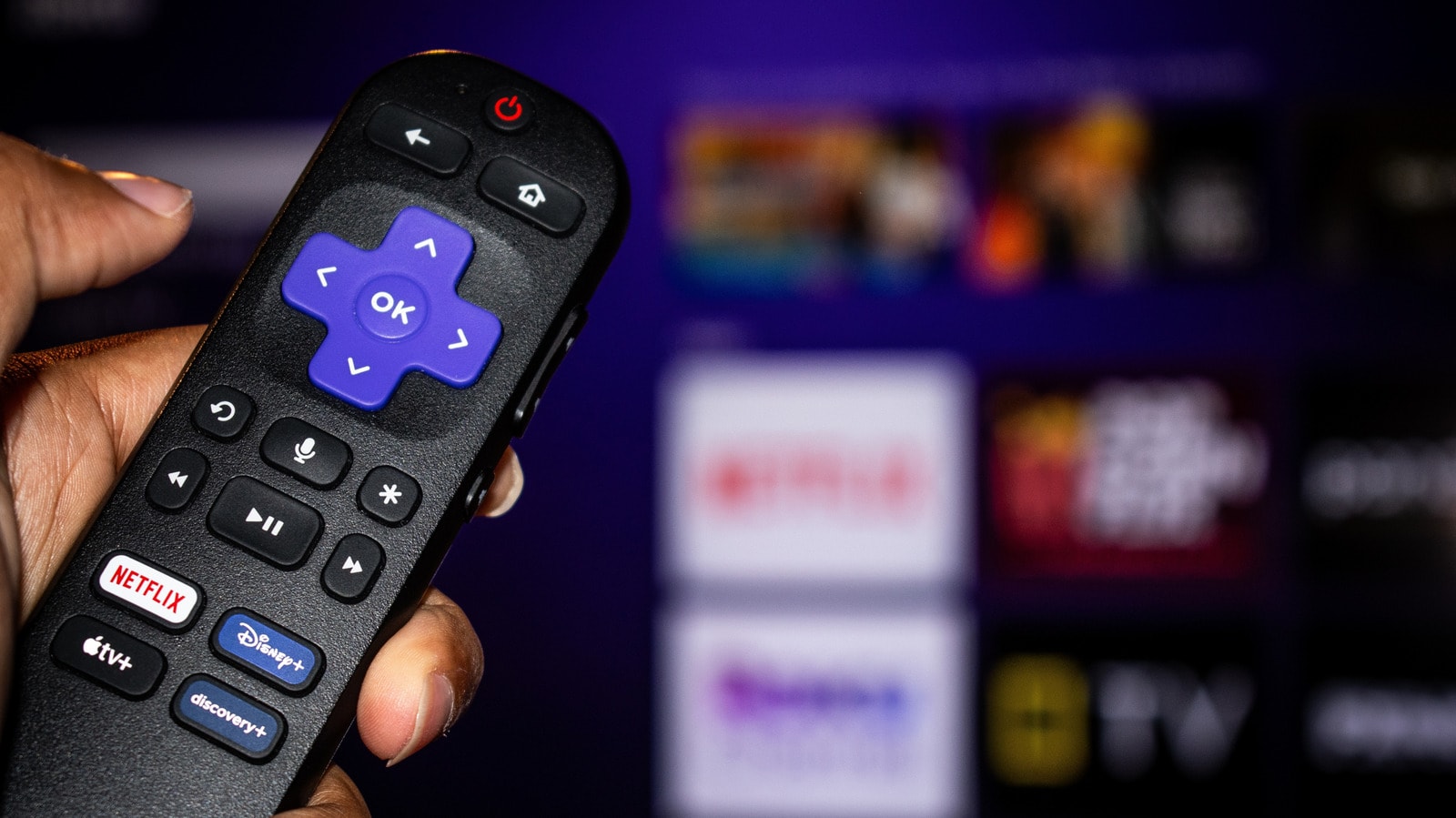
Many users do not realise that hidden options inside Roku TV settings can significantly improve picture quality. As reported by Engadget, factory default settings are rarely optimised for maximum clarity and detail, yet any owner can easily adjust them.
What to change in the settings?
First, pay attention to picture modes. Standard or "Dynamic" modes frequently oversaturate colours and distort contrast. Experts recommend choosing "Cinema" or "Movie" mode, which provides the most realistic colour palette and delivers a much more balanced picture.
Additionally, it is important to disable features such as motion smoothing. While this setting can occasionally be useful for live sports broadcasts, it makes films appear unnatural and creates the dreaded "soap opera effect". Turning this feature off restores original cinematic accuracy.
Why does this matter?
Selecting the right settings not only increases visual clarity but also reduces eye strain during prolonged viewing sessions. The Roku TV interface allows users to save customised picture settings for each individual input, including separate HDMI ports. This means you can maintain distinct profiles optimised for a gaming console, streaming platforms, or cable television.
Roku devices continue to grow in popularity in Georgia, particularly among viewers who favour services such as Netflix, YouTube, and other international streaming platforms. By applying these simple tweaks, you can make the most of your television's visual performance without spending any extra money.