How to Disable the Glowing Apple Logo on the New MacBook Pro
Apple provides a simple Terminal command to control the iconic glowing logo on its latest professional laptop.
A Blast from the Past with New Technology
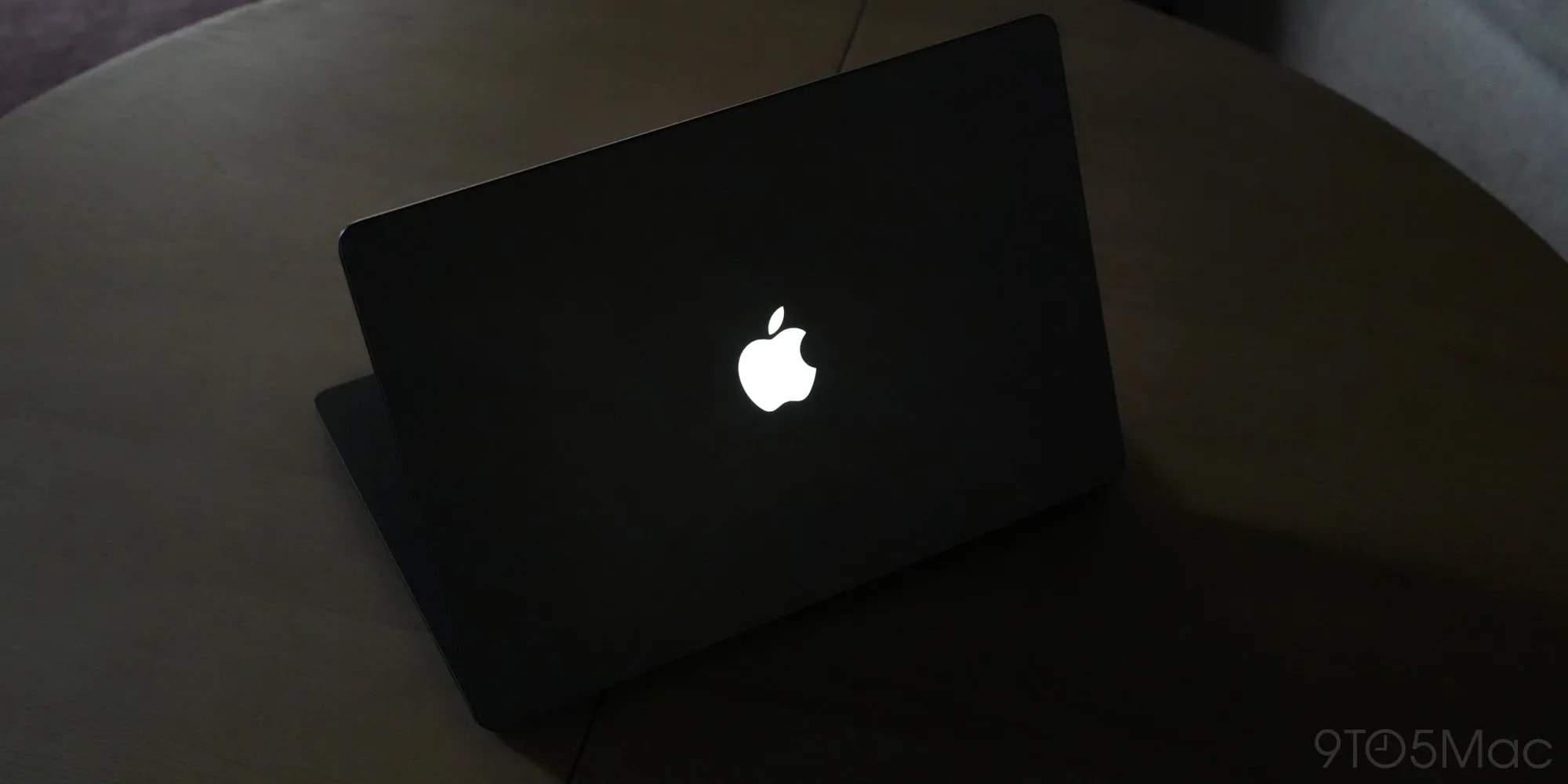
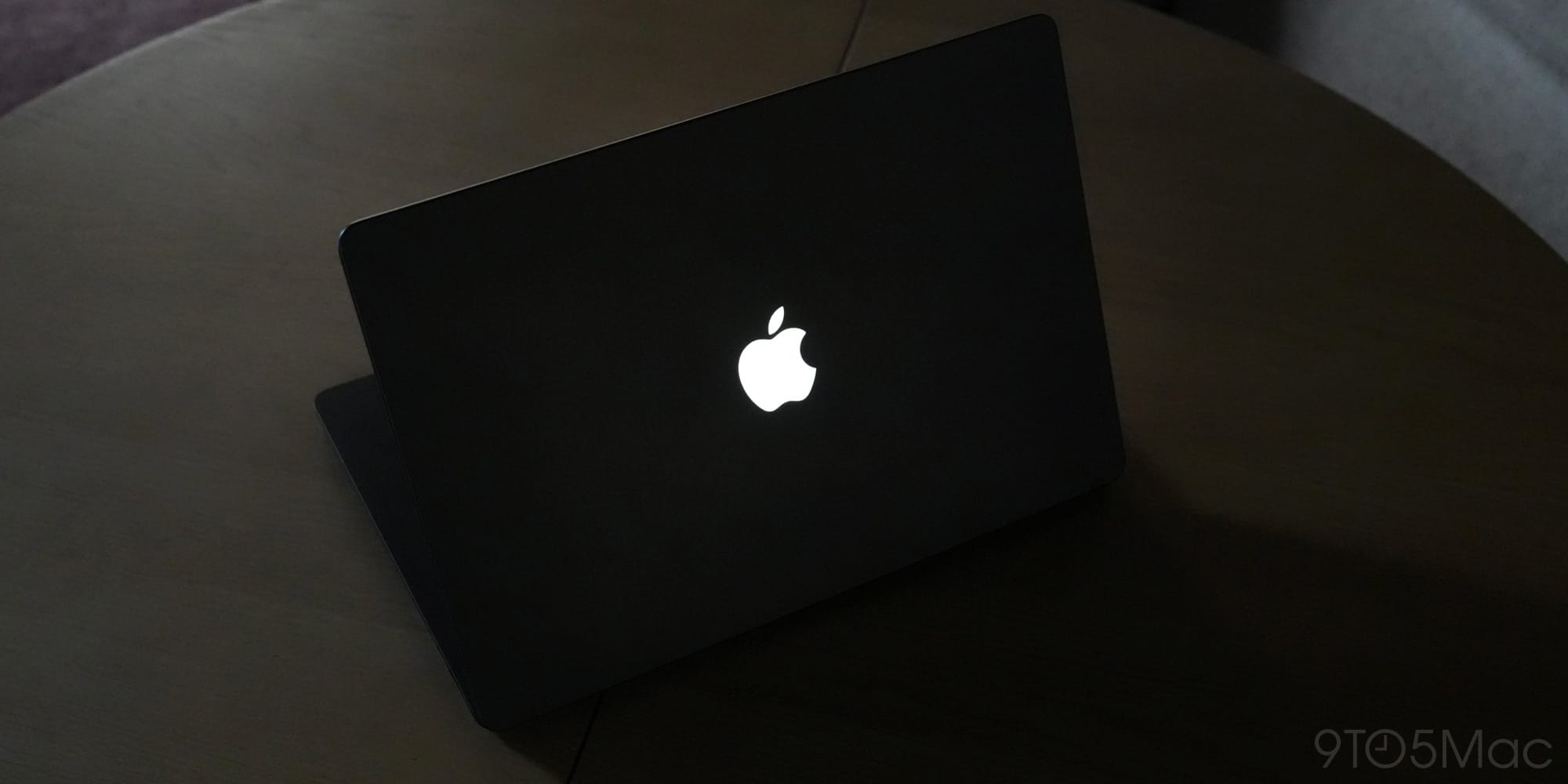
The new MacBook Pro, featuring a modern PROLED XDR display, returns to the market after a one-year hiatus with its iconic design. For many users, the most welcome update is the glowing Apple logo on the lid, a signature feature of the company for many years. However, unlike older models that used the screen's backlight to illuminate the logo, the new OLED technology requires an entirely different approach.
In the new model, the brightness of the logo is directly linked to display settings and ambient light sensors. The system automatically adjusts the logo's intensity based on the lighting conditions of the room. When the laptop is closed, the logo takes on a polished metallic appearance, maintaining the design aesthetic introduced after 2016.
How to Disable the Logo Illumination
Although the glowing logo is a desirable design element for many, Apple recognizes that not every user wants it active at all times. The company has published official instructions on how to disable this effect entirely.
The process is straightforward and requires the use of Terminal. To turn off the logo illumination, open Terminal and enter the following command:
sudo defaults write com.apple.CoreBrightness LEBacklightMode -int 0
The system will prompt you for your administrator password to complete this action. If you decide to restore the logo lighting in the future, you can use the following command:
sudo defaults delete com.apple.CoreBrightness LEBacklightMode
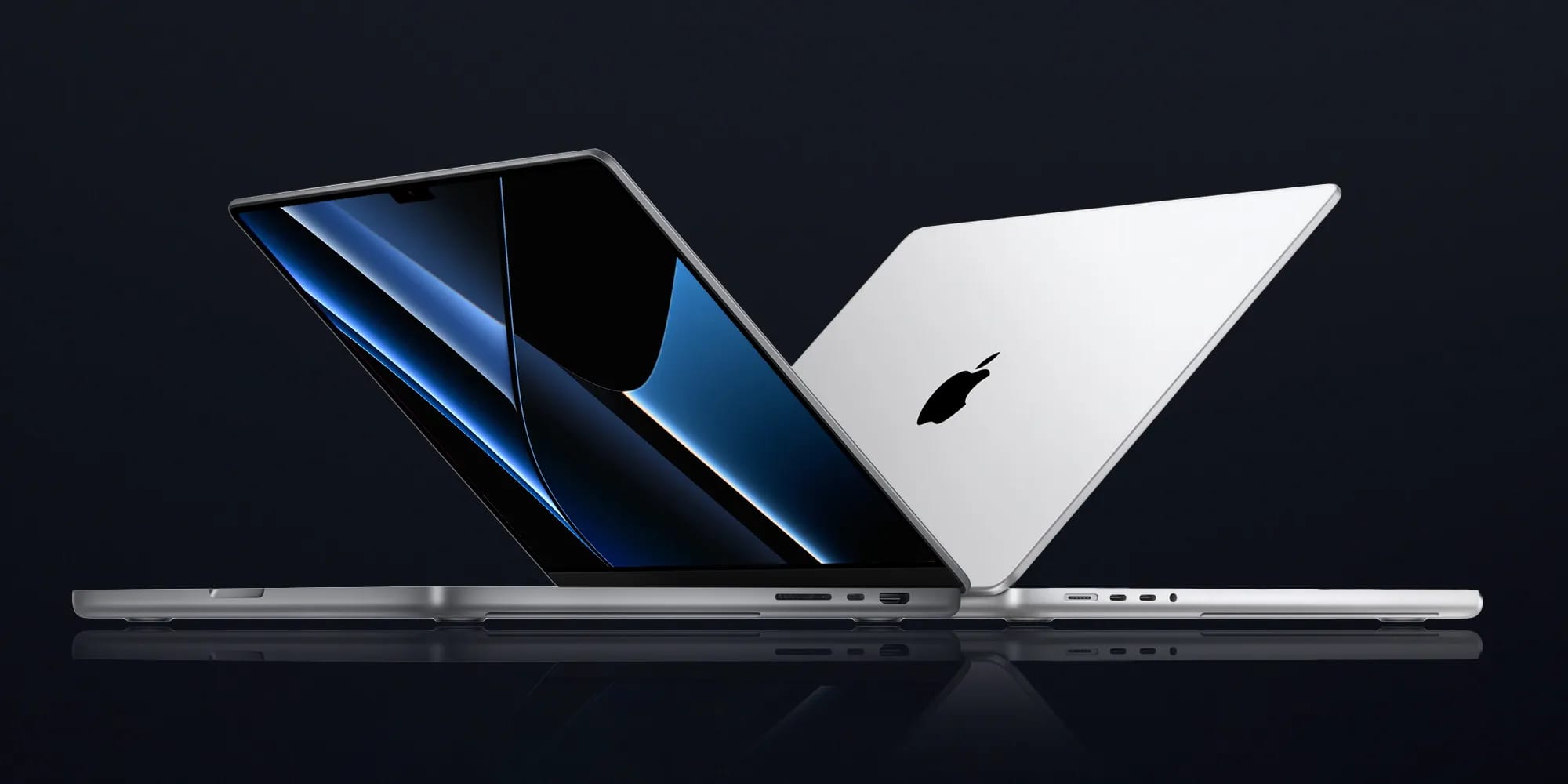
It is important to note that if you reinstall macOS, the logo lighting settings will reset to their default state and will reactivate. This method is intended for users who want full control over their device's visual appearance and prefer that their laptop does not attract extra attention while in use.
What This Means for Users
This move by Apple underscores the company's desire to give professional users more freedom in managing their hardware. While the MacBook Pro is a premium product, the ability to personalize its design elements is an important factor for those who use the device in professional environments.
For users who plan to purchase the new MacBook Pro, this capability is particularly useful if you use the laptop for presentations or in environments where excess light might be distracting. Using Terminal allows you to easily tailor the device to your specific needs, which remains one of the primary advantages of the macOS platform.