How to Detect AI-Generated Emails in Gmail
Pangram's new browser extension analyses your inbox to distinguish between human and machine-generated correspondence.
Artificial intelligence has become an inseparable part of our digital lives, assisting with everything from writing essays and screenplays to generating social media posts. However, as AI makes its way into our email inboxes, a pressing question arises: how often are we reading messages from real people, and how often are we interacting with text generated by algorithms?
How Pangram's integration works
Pangram, a tool specialising in the detection of AI-generated text and images, has launched a new browser extension. It integrates directly into the Gmail interface to automatically analyse incoming emails. To use the service, users must subscribe to a monthly plan starting at $20, as this feature is not included in the free version.
To activate the integration, users simply connect their Gmail account via the Pangram dashboard. For security, the company states that email content is not stored after scanning and is not used to train AI models. The initial scan covers the last 100 emails, after which the system monitors new incoming messages in real time.
Results and accuracy
Practical testing has shown that Pangram is quite effective at distinguishing between human and machine-generated text. In a test involving 108 emails, 8 were identified as fully AI-generated, while 37 were marked as human-written. The remaining messages fell into a "mixed" category. Notably, the system identified texts written by popular AI assistants, such as Microsoft Copilot, without error.
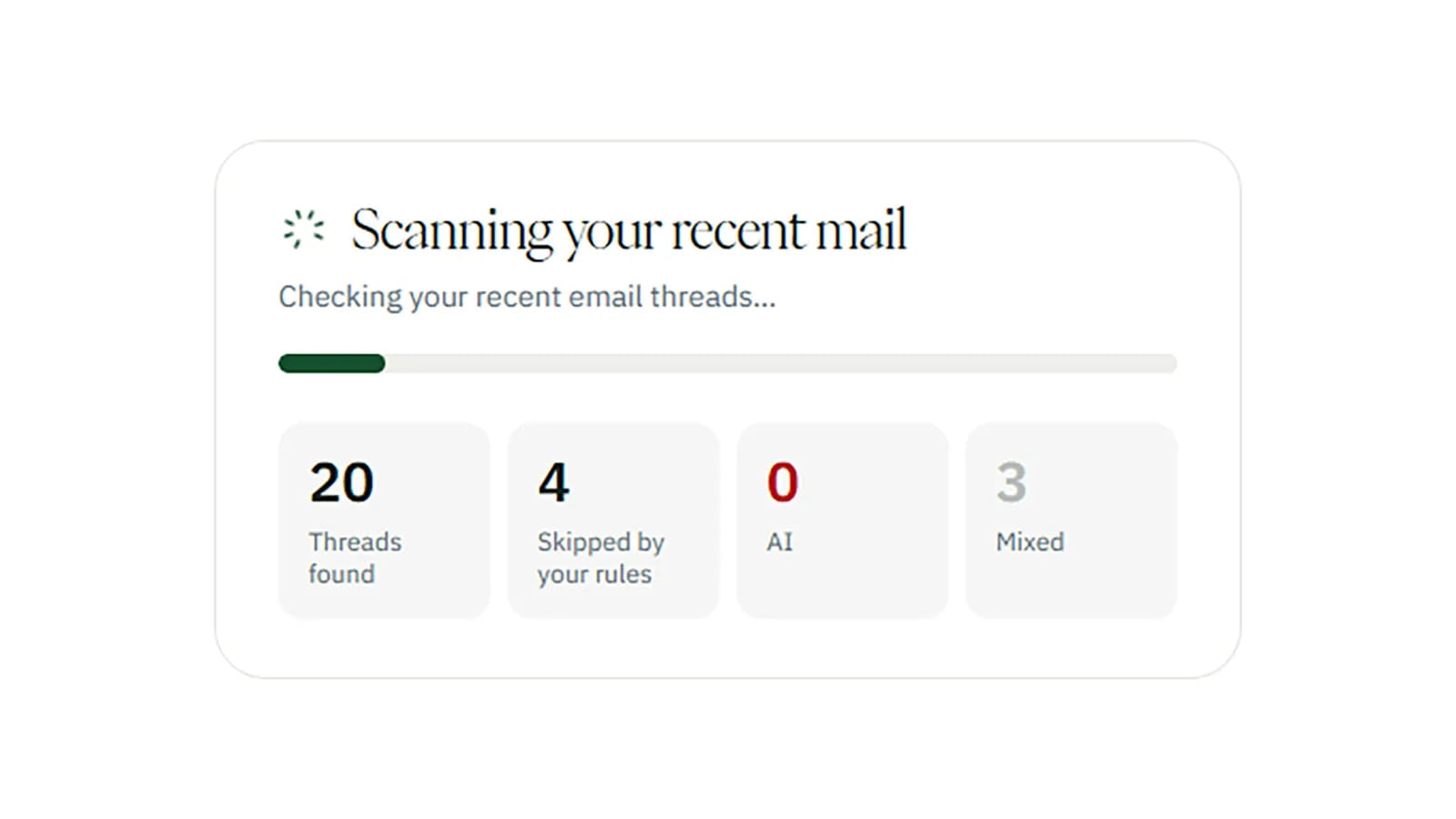
However, the system has limitations. For instance, detecting AI in very short emails is difficult, so these messages often remain unanalysed. Additionally, the scan only covers the first part of an email, meaning that if a correspondent switches to using AI mid-conversation, the system may fail to detect it.
Practical benefits
Users can set filters to automatically move AI-generated emails to the archive or spam folder. It is also possible to add specific senders or domains to an exception list, ensuring that emails from family members or supervisors are not scanned. This feature is particularly useful for those who want to keep their inbox focused on "authentic" communication.
While this technology is still evolving, it represents a significant step toward digital transparency. For users who rely on Gmail for both personal and professional correspondence, such tools help clarify the nature of the content we encounter daily. Pangram's approach demonstrates that in the age of artificial intelligence, identifying the source of information is becoming just as important as reading the content itself.