How to boost GPU performance without buying new hardware
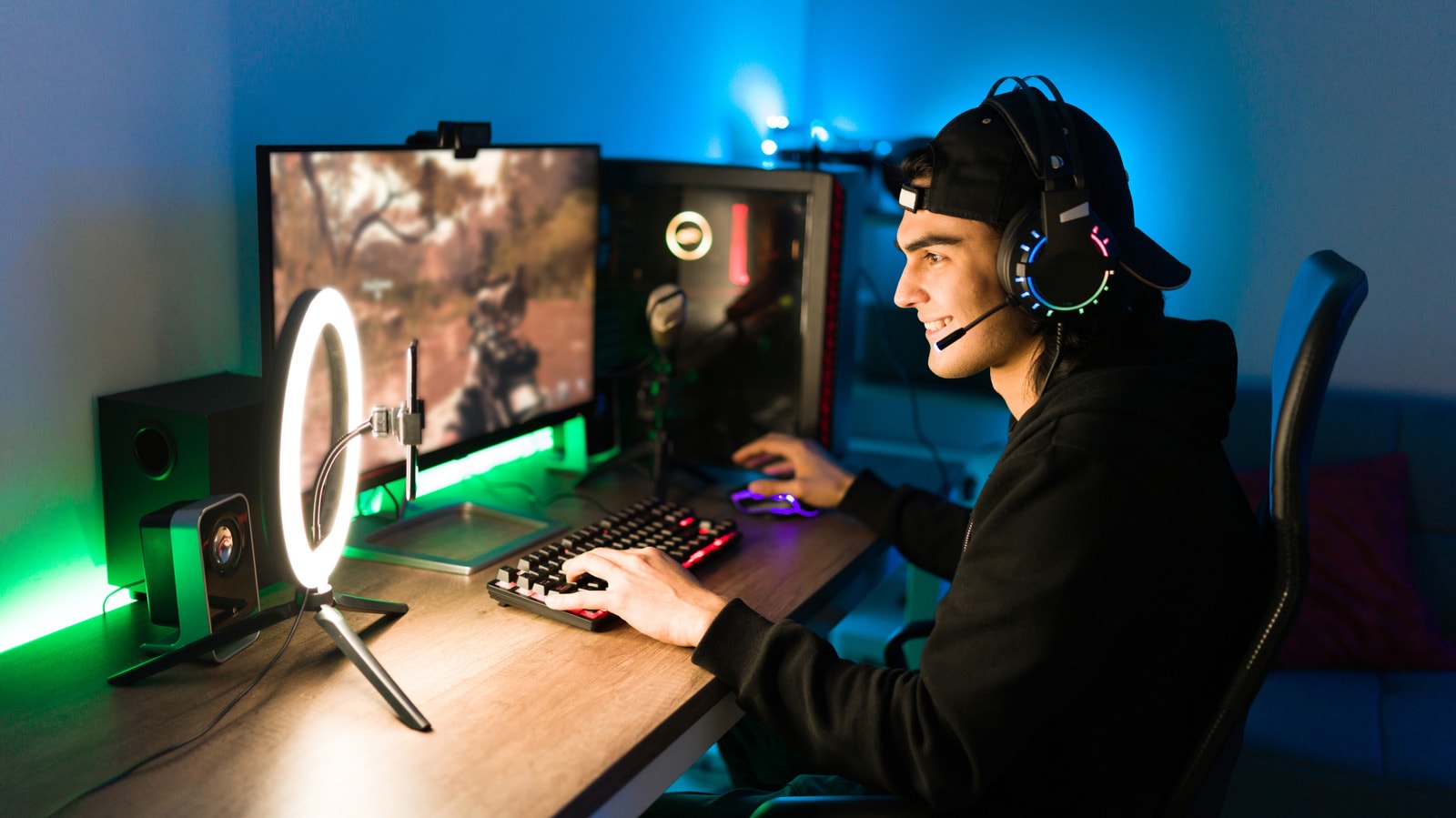
Optimising your GPU
Owners of aging graphics processing units (GPUs) do not need to rush out and buy new hardware immediately. Although fully utilising fancy features in modern games may prove difficult, reaching high frame rates (FPS) remains entirely achievable with proper optimisation.
Which settings to tweak
The first step to boosting performance is reviewing in-game graphics settings. Turning off or lowering features such as shadow quality, anti-aliasing, and texture resolution significantly reduces the workload on your graphics card. These adjustments allow for a more stable and enjoyable gaming experience, even if your hardware is several years old.
Regular driver updates are equally essential. Manufacturers frequently release software patches that enhance optimisation for specific games. Before deciding to purchase a new graphics card, ensure your system is fully up to date.
Why this matters
Given component price fluctuations in the Georgian tech market, upgrading PC hardware can be a costly endeavour. Maximising existing resources through proper optimisation is the best way to maintain comfortable gaming performance for longer without making additional investments.