How to Adjust iPhone Duo Volume Buttons Based on Screen Orientation
Optimise your foldable experience with dynamic volume controls
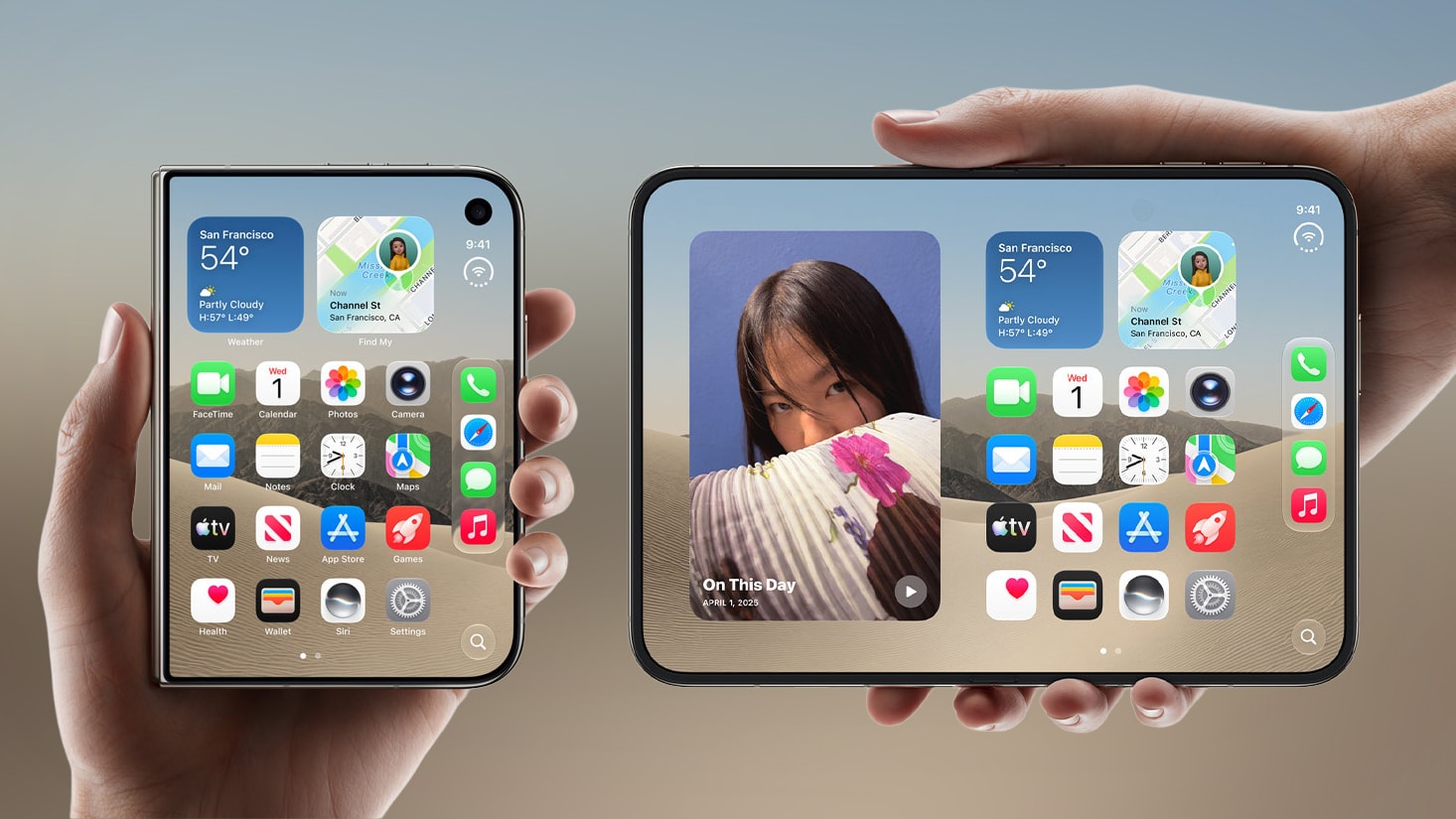
Flexible Control for a Foldable Smartphone
The unique foldable design of the iPhone Duo allows users to utilise the device in various formats. However, frequent screen rotation often creates a minor but frustrating issue: the position of the volume buttons shifts, leading users to confuse the increase and decrease functions. Fortunately, Apple has developed a simple solution to eliminate this discomfort.
How to Activate Dynamic Buttons
The iPhone Duo operating system includes a feature that dynamically changes the functionality of the volume buttons. This means the top or right button will always be responsible for increasing the volume, while the bottom or left button will decrease it, regardless of how you are holding the phone.
To activate this feature, follow these instructions:
- Open the Settings app on your iPhone Duo.
- Go to the Sounds & Haptics section.
- Locate and toggle off the switch labelled Fixed Position Volume Controls.
Once this setting is disabled, the system will automatically begin adapting the button functions to the screen orientation. If you prefer the buttons to maintain a fixed function, simply toggle the same setting back on.
Important Note: Orientation Lock
There is one crucial detail to consider: if you have the Orientation Lock enabled on your iPhone Duo, the volume buttons will not adapt to the device's position in your hands. In this case, the button configuration will follow the orientation to which the screen is locked. Therefore, for maximum comfort, it is recommended to disable the orientation lock.
Although Apple's official documentation suggests that dynamic buttons should be the default setting, in practice, it is often necessary to adjust it manually. This minor change significantly improves the user experience of the iPhone Duo, fully unlocking the potential of the device's foldable construction.