How Long Does Computer RAM Actually Last?
Understanding the factors that influence the longevity of your system memory.
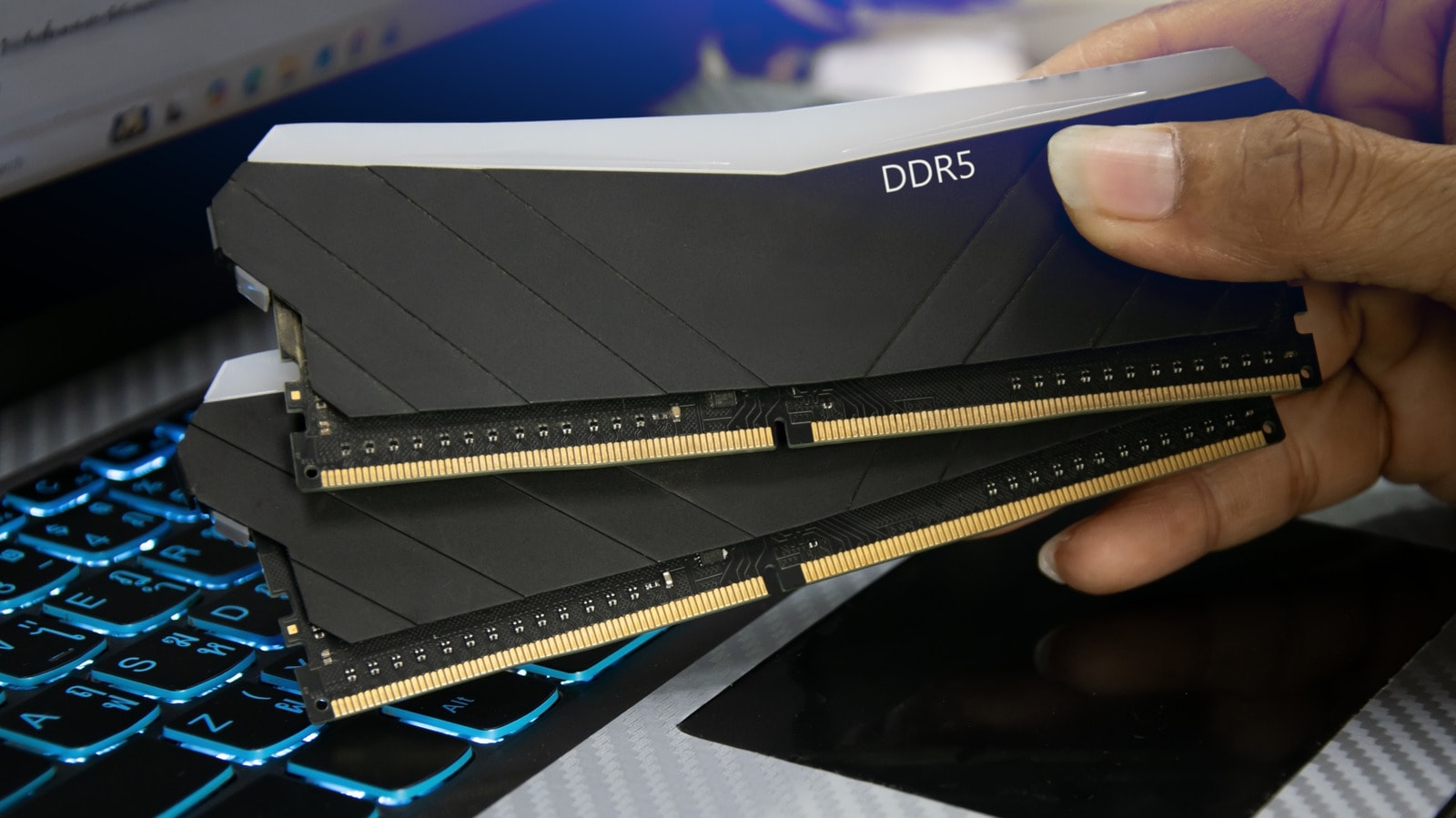
Memory Resources and Modern Challenges
RAM prices have risen sharply, largely due to the massive expansion of artificial intelligence data centres. Tech giants like Apple have been forced to increase device costs to maintain profit margins. Given this economic climate, it is becoming increasingly important for users to extend the lifespan of their hardware, including their RAM, for as long as possible.
The good news is that RAM is inherently a durable component. On average, the physical lifespan of RAM ranges from 3 to 15 years. This wide range depends on both manufacturing quality and how the user maintains the hardware. Products from well-known brands like Samsung, Corsair, and G.Skill are generally reliable, whereas choosing unknown manufacturers always carries certain risks.
What Accelerates RAM Wear?
The primary factors that 'kill' RAM are overheating and constant heavy loads. If your computer is used mainly for office tasks, web browsing, and streaming, the memory remains under minimal stress. However, video editing, running AI algorithms, or playing high-graphics games leads to intensive data read-write cycles, which generates heat alongside power consumption.
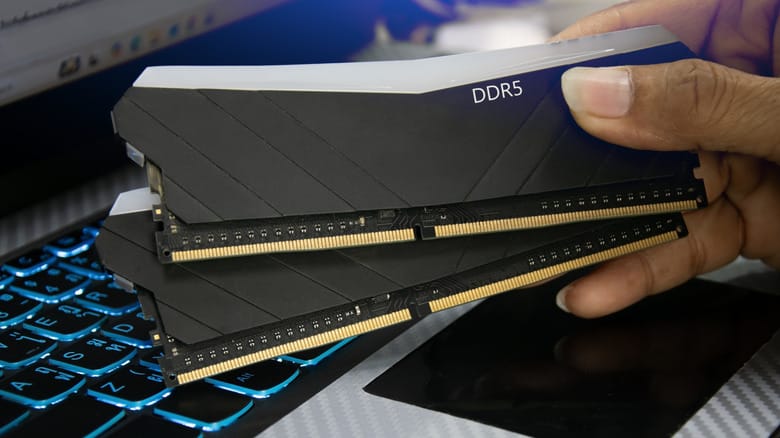
Overclocking is particularly damaging. This process increases voltage and temperature, which, without proper cooling, significantly reduces the component's lifespan. Additionally, environmental conditions should not be overlooked; high temperatures inside the PC case and unstable voltage are enemies of memory modules.
Upgrade or Maintain?
Users often believe that switching to DDR5 is essential, but in reality, DDR4 still performs its function perfectly for daily tasks. Furthermore, 32GB of DDR4 memory often yields better results in multitasking than 16GB of DDR5. The main limiting factor here is motherboard compatibility; new processors often support only the latest memory, forcing users to update their entire computer architecture.
In conclusion, if you do not engage in extreme overclocking and do not constantly load the system with heavy computations, your RAM will likely outlast the rest of your computer. Technological progress is so rapid that you will likely need to purchase a new computer long before your current memory fails. For users, where upgrading hardware is often associated with significant costs, proper maintenance of memory and ensuring adequate cooling is the best way to save money.