How and When to Restart Your Fitbit
Why is a restart necessary?
Modern smartwatches, including Fitbit models, are complex gadgets that operate continuously. Occasionally, they may freeze, stop synchronising with the Google Health app, or inaccurately track steps and sleep phases. In such cases, the most effective first aid is a device restart. This process is similar to rebooting a computer or router; it clears the temporary memory and resolves software glitches without deleting your data.
It is important to distinguish between a "Restart" and a "Factory Reset." A restart is safe and does not affect your health data. A factory reset, however, wipes the device entirely and should only be used if you are giving the gadget away or selling it.
How to restart different models
Due to the variety of Fitbit models, the procedure differs. For example, on Versa 4 or Sense 2 models, go to Settings > About > Shutdown > Yes. For Charge 5, 6, or Inspire 3, you will find the option under Settings > Restart Device > Restart.
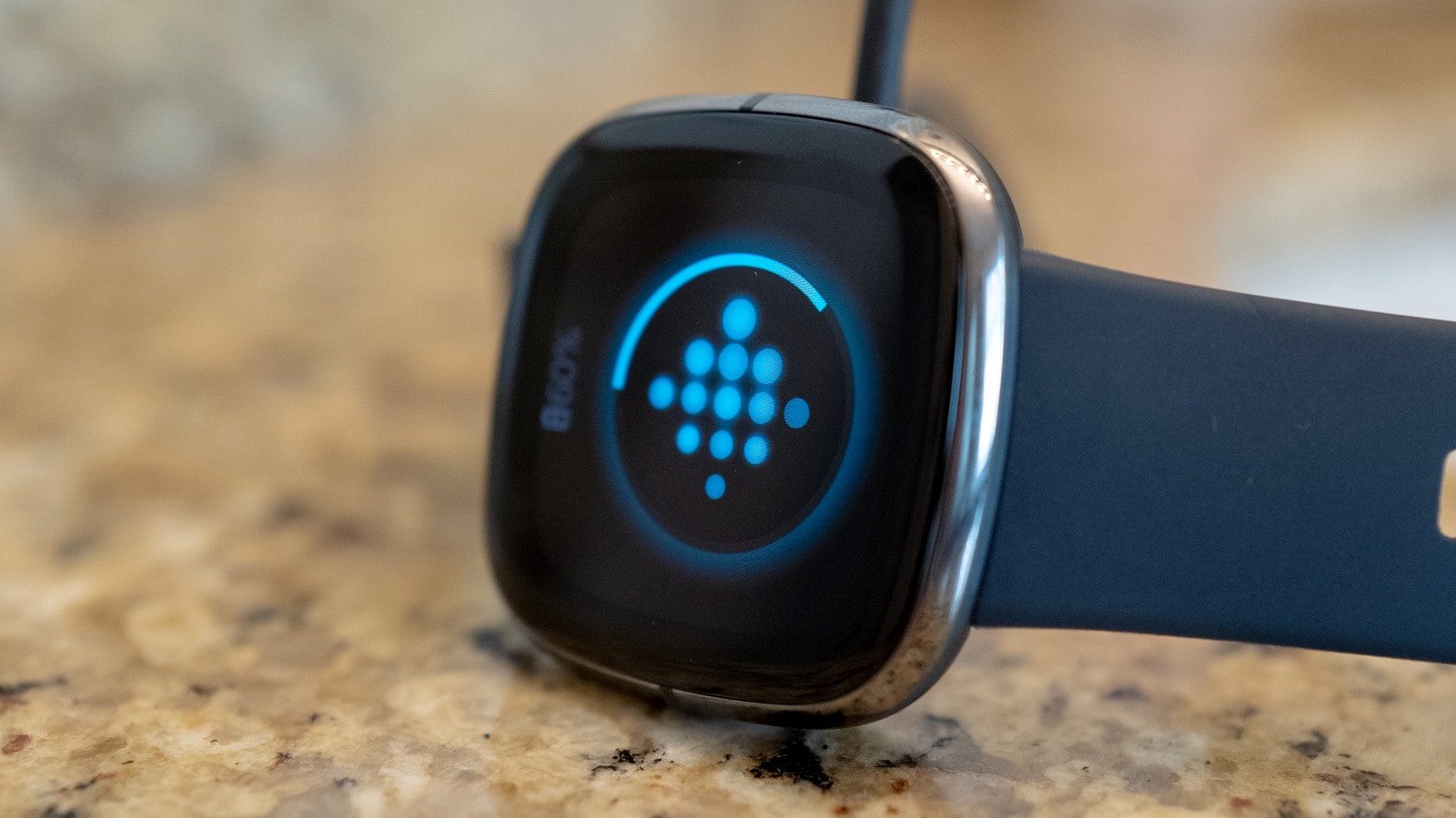
If the screen is frozen and you cannot access the menu, use the manual method. For Charge 5 and 6, while connected to the charging cable, press the button three times quickly and wait 10 seconds until the Fitbit logo appears. For the new Fitbit Edge, you must hold the side button for 10 seconds, after which you should select Restart from the system menu.

For screenless models like the Fitbit Air, connect the device to the charger and hold the back button for 10 seconds until the side indicator flashes white. Google engineers strongly warn against inserting any sharp objects, such as needles, into the sensor holes, as this can cause irreparable damage to the device.
When should you consider a new device?
Generally, there is no limit to how often you can restart your device, though it is not necessary to do so regularly. If your Fitbit frequently requires a restart to function properly, it may indicate that the device is reaching the end of its life cycle. In such cases, frequent malfunctions may be related to hardware issues that software restarts can no longer resolve.
For Fitbit users, these tips are particularly relevant where access to warranty services is often limited. Before contacting a service centre or purchasing a new watch, always try the manufacturer-recommended restart methods, as most problems can be resolved this way.