Googlebook: The New Operating System and Its Challenges
Google is shifting from ChromeOS to a new Android-based platform, but is it ready for the mainstream?
Premium Hardware at a Premium Price
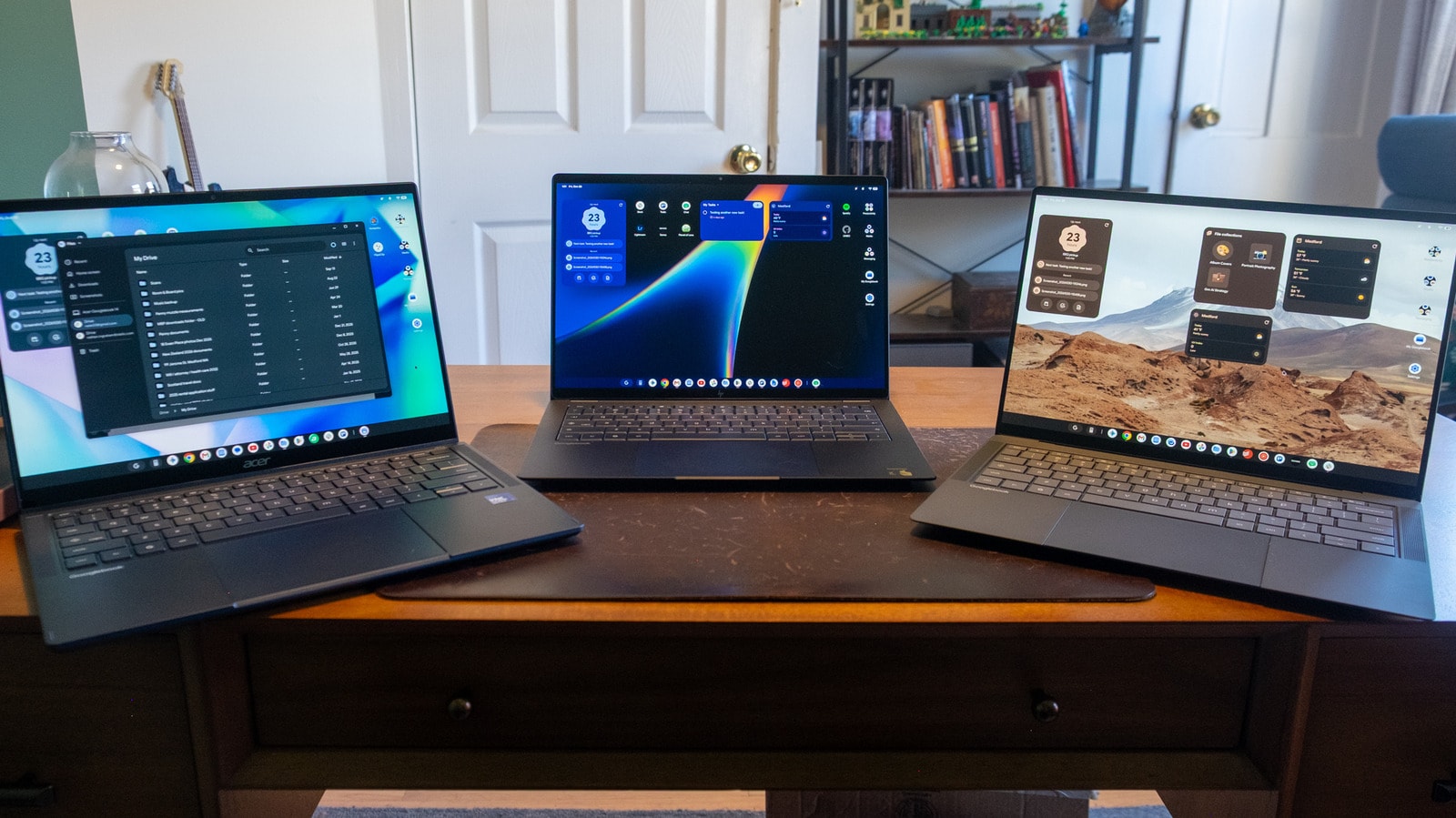
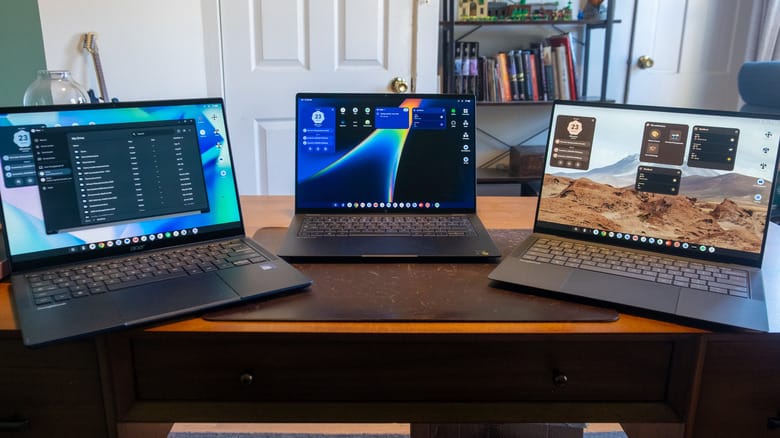
The first wave of Googlebook devices includes models such as the ASUS Googlebook 14, Acer Googlebook 14, and HP Googlebook 14. These machines are undeniably impressive, featuring slim chassis, high-quality OLED displays with Corning Gorilla Matte glass, and modern processors like the Intel Core Ultra 5 or Snapdragon X Elite.
However, the pricing is a hurdle. The entry-level model starts at $899, while the ASUS version tested costs $1,299. At this price point, consumers can easily purchase far more versatile Mac or Windows laptops. While early Chromebooks were defined by their affordability, Googlebook is currently targeting the premium segment, which naturally raises expectations for the user experience.
System Interface and Integration
The setup process for Googlebook is as streamlined as possible. By using your Android smartphone, you can sync all your data, passwords, and Google account details in seconds. The interface visually resembles ChromeOS, though there are notable changes: system information—such as the time, notifications, and settings—has been moved to the top of the screen. While this clears up the bottom taskbar, it also reduces the available vertical screen space.
Unfortunately, the system lacks some convenient features found in ChromeOS, such as direct integration of the Calendar and Google Tasks into the date panel. Furthermore, synchronization issues have been identified; for instance, Chrome tab groups do not yet sync between Googlebook and other devices, which is a significant drawback for productivity.
The App Compatibility Problem
Googlebook relies on two primary sources for applications: web apps and Android apps from the Google Play Store. Here, we encounter a familiar issue: many developers have yet to optimize their apps for larger screens. Many applications simply stretch to fit, failing to utilize the laptop's screen potential and creating an awkward working environment.
While Google’s own apps, including Google Photos, Calendar, and Keep, are well-adapted, the majority of third-party applications are not yet ready for a full desktop experience.
What Does the Future Hold?
Googlebook is a bold attempt to strengthen the Android ecosystem in the laptop market. While the technical foundation is excellent, the software remains "raw." Future updates are expected to bring both functional improvements and more affordable models. For users who primarily perform browser-based tasks, these devices may be of interest, though at this stage, the balance between price and capability is not yet in the consumer's favour.