Google Updates Gemini App Interface on Android
New Navigation and Simplified Access
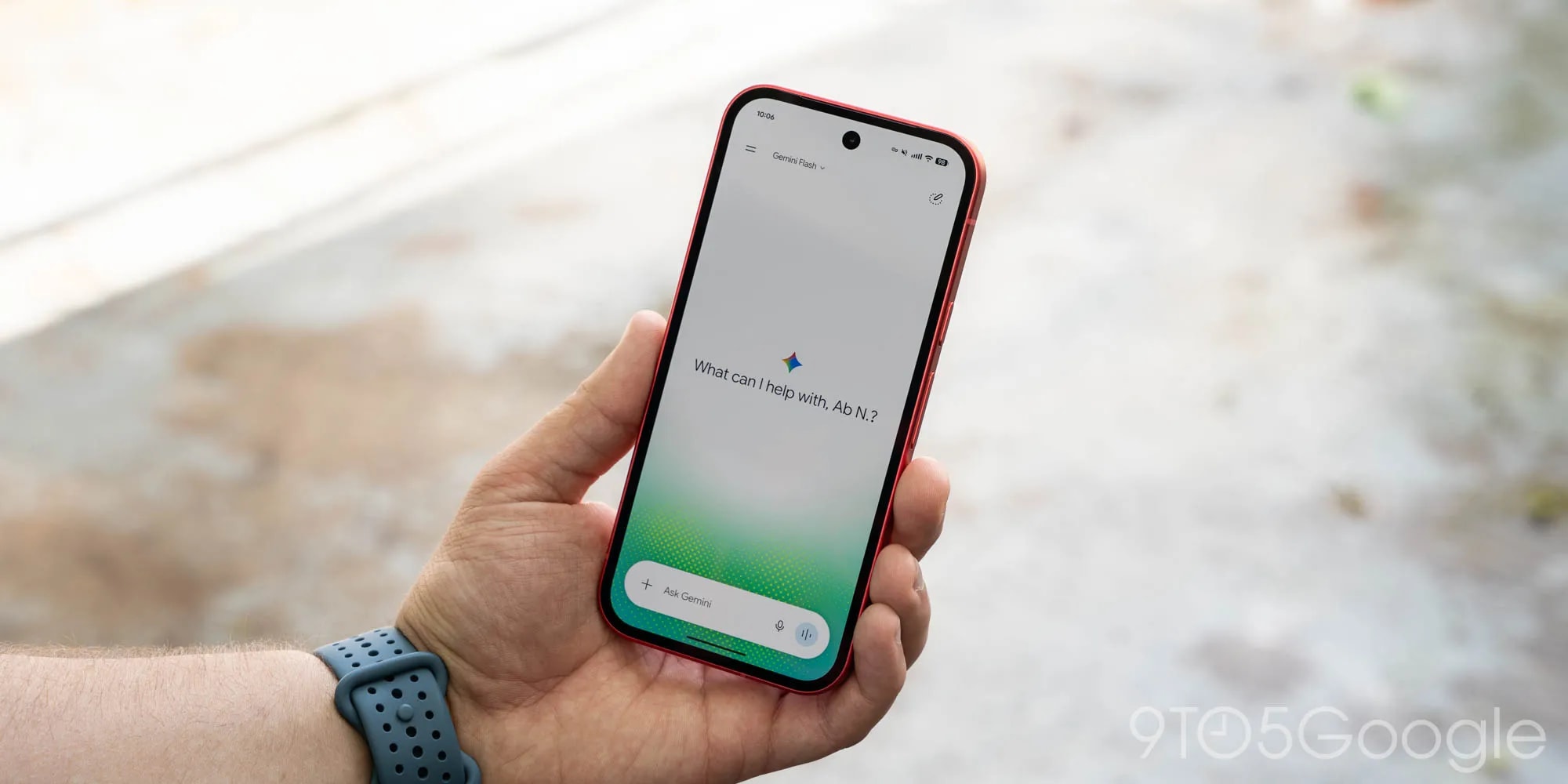
Google has introduced significant visual and functional changes to the Gemini mobile app. Following the rollout of the Spark-to-Task update, Android users now have access to a redesigned sidebar and a restructured settings menu. These changes are designed to make the application more organised and intuitive.
One of the most noticeable updates is the placement of the search bar, which has been moved to the top right corner of the screen. While the 'New chat' button remains at the top of the navigation panel, the 'Library' button has been moved from the bottom to sit alongside it. To prevent the panel from feeling cluttered, the app now displays only the five most recent chats, with additional content accessible via a 'More' button.
A Unified Settings Experience
Significant changes have also been made to the settings menu. Previously, users had to navigate between the account menu and a separate 'Gemini Settings' section. Google has now consolidated these into a single, unified page. The account menu is now dedicated exclusively to switching profiles, accessing help, and providing feedback.
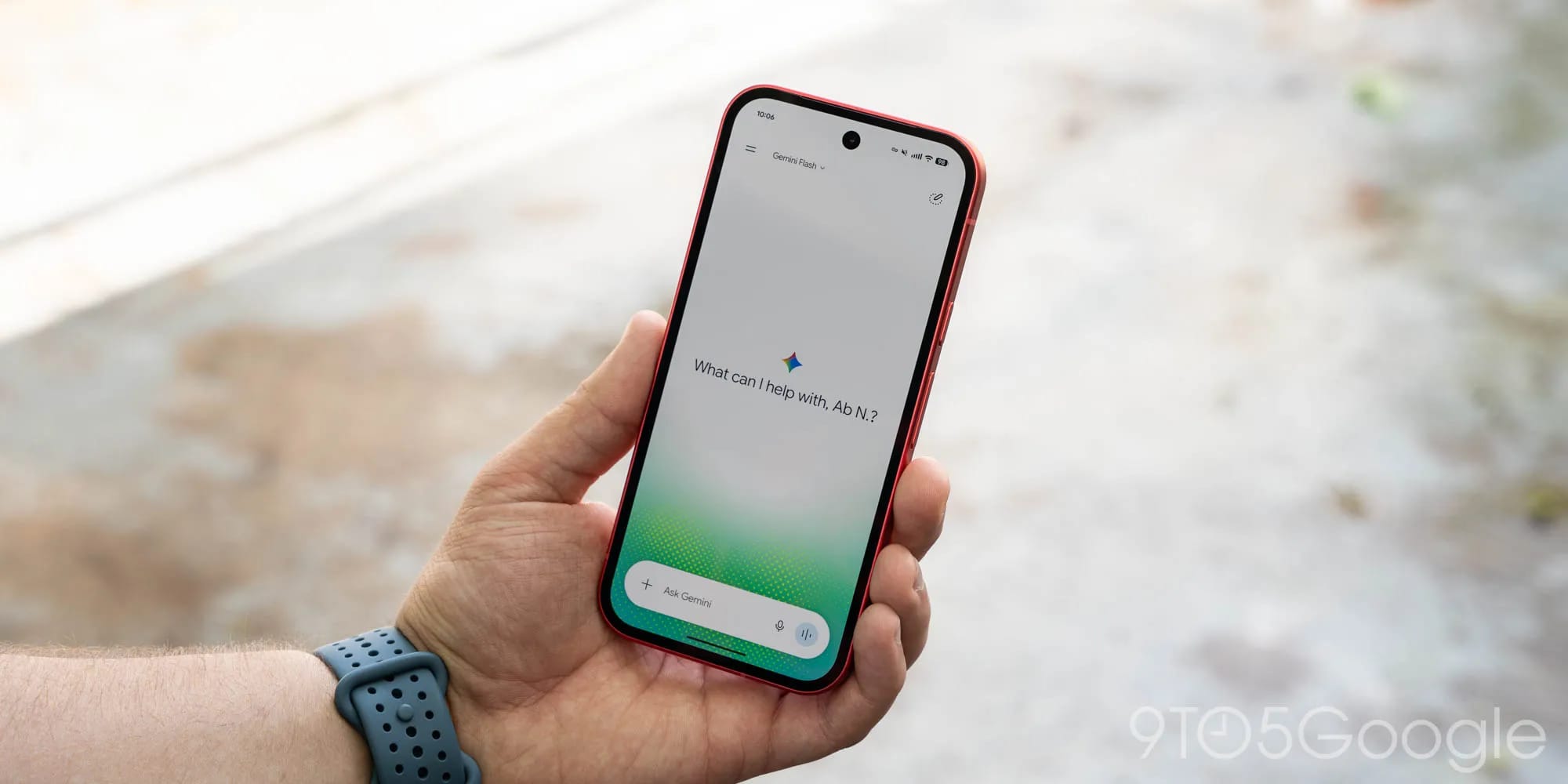
The new settings page begins with sections for account management and usage limits. Under 'Preferences,' users can find essential features such as notifications, personal intelligence settings, avatar management, new theme options, voice settings, and device control functions. This update, which was previously implemented on iOS, macOS, and the web alongside the release of Gemini 4 Argon, is now available to a wider Android audience via a server-side update.
What This Means for Users
Google’s latest move demonstrates an effort to unify the Gemini ecosystem across different platforms. This interface standardisation ensures that users do not have to adjust their navigation habits when switching between devices.
For users in Georgia, where the popularity of AI tools is growing, such updates are vital for daily productivity. Although Gemini’s functionality continues to evolve, interface simplicity remains a decisive factor in how effectively users can leverage the AI assistant for learning, work, or managing daily tasks. Further optimizations via server-side updates are expected in the near future.