Google Maps: Why It Performs Better on Android Auto Than CarPlay
From AI integration to EV charging, here is why Google's platform offers a smoother navigation experience.
A Different Reality for Automotive Navigation
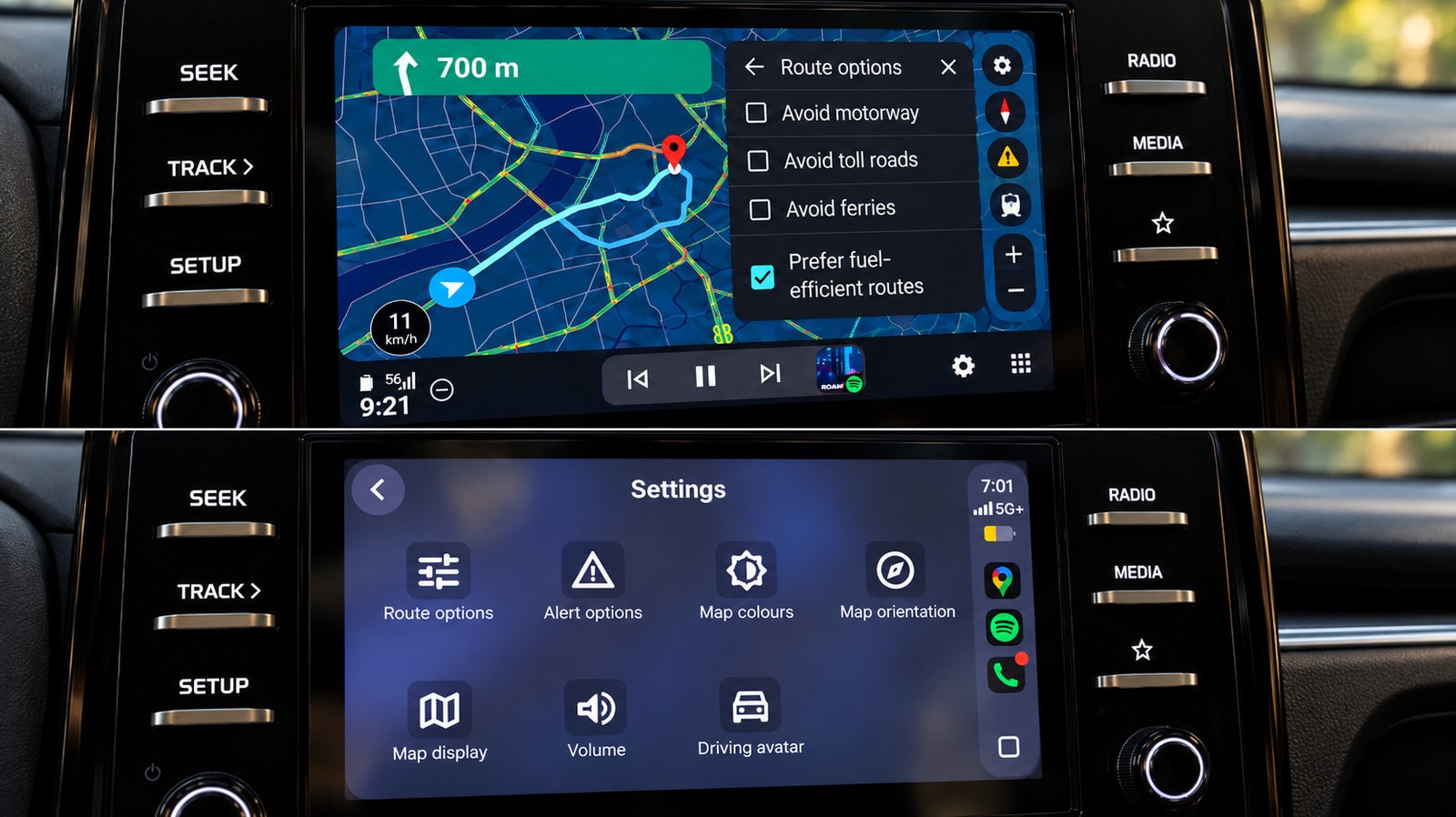
Google Maps is the primary navigation tool for the modern driver. However, comparing its performance on Android Auto versus Apple CarPlay reveals that the application functions much more conveniently on Google’s own platform. While core features such as route planning, traffic updates, and alternative route suggestions are similar on both systems, the finer details that simplify the driving process often favour Android Auto.
Gemini Integration and Voice Control
The most notable difference lies in the use of the Gemini artificial intelligence assistant. On Android Auto, Gemini can be triggered via voice command without needing to touch the screen, a feature critical for road safety. Although a Gemini button has appeared on CarPlay, it requires manual activation, and the processing of voice commands is notably slower and less flexible.
Route Management and Visual Interface
Android Auto handles the planning of additional stops along a route much more effectively. For example, searching for and integrating a petrol station or pharmacy into a route happens instantaneously on Google’s system, whereas CarPlay requires more time to display results. Furthermore, when selecting stops on Android Auto, the system simultaneously displays ratings and the additional time required. On CarPlay, users must view each result individually, which can lead to distraction while driving.
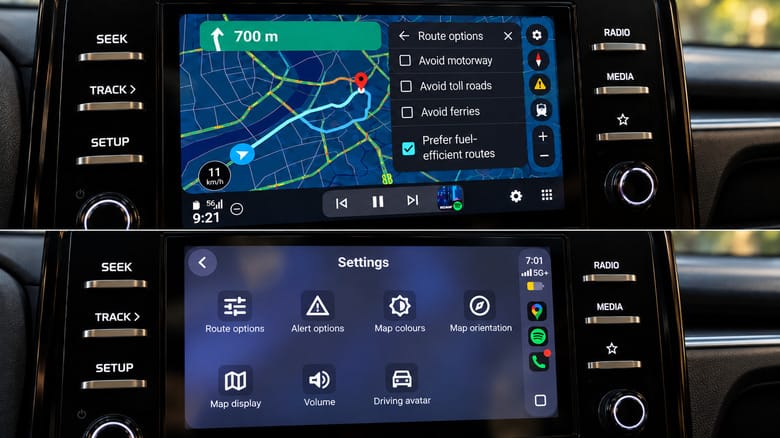
Regarding map interaction, zooming on the Android Auto screen is intuitive, using simple gestures directly on the map. In contrast, CarPlay users often have to navigate into separate menus, which is impractical while on the move.
Intelligent Electric Vehicle Charging
Perhaps the most significant advantage is for electric vehicle owners. When planning a route, Google Maps on Android Auto can automatically account for remaining battery charge, road terrain, weather, and traffic. The system suggests necessary charging stops and integrates them into the overall route. Currently, this functionality is unavailable on CarPlay, creating additional challenges for iPhone users who own electric vehicles.
What This Means for Drivers
While the integration of electric vehicle charging services is still evolving in Georgia, the importance of navigation accuracy and flexible voice control is already clear. If your vehicle supports both systems, using Android Auto with Google Maps requires significantly less attention behind the wheel, which is a guarantee of safety. Although CarPlay has its own merits, such as easier management of colour schemes, Google’s own ecosystem is clearly more refined for navigation.