Google Gemini Receives Design Refresh and New File Editing Features
Visual Changes and Interface
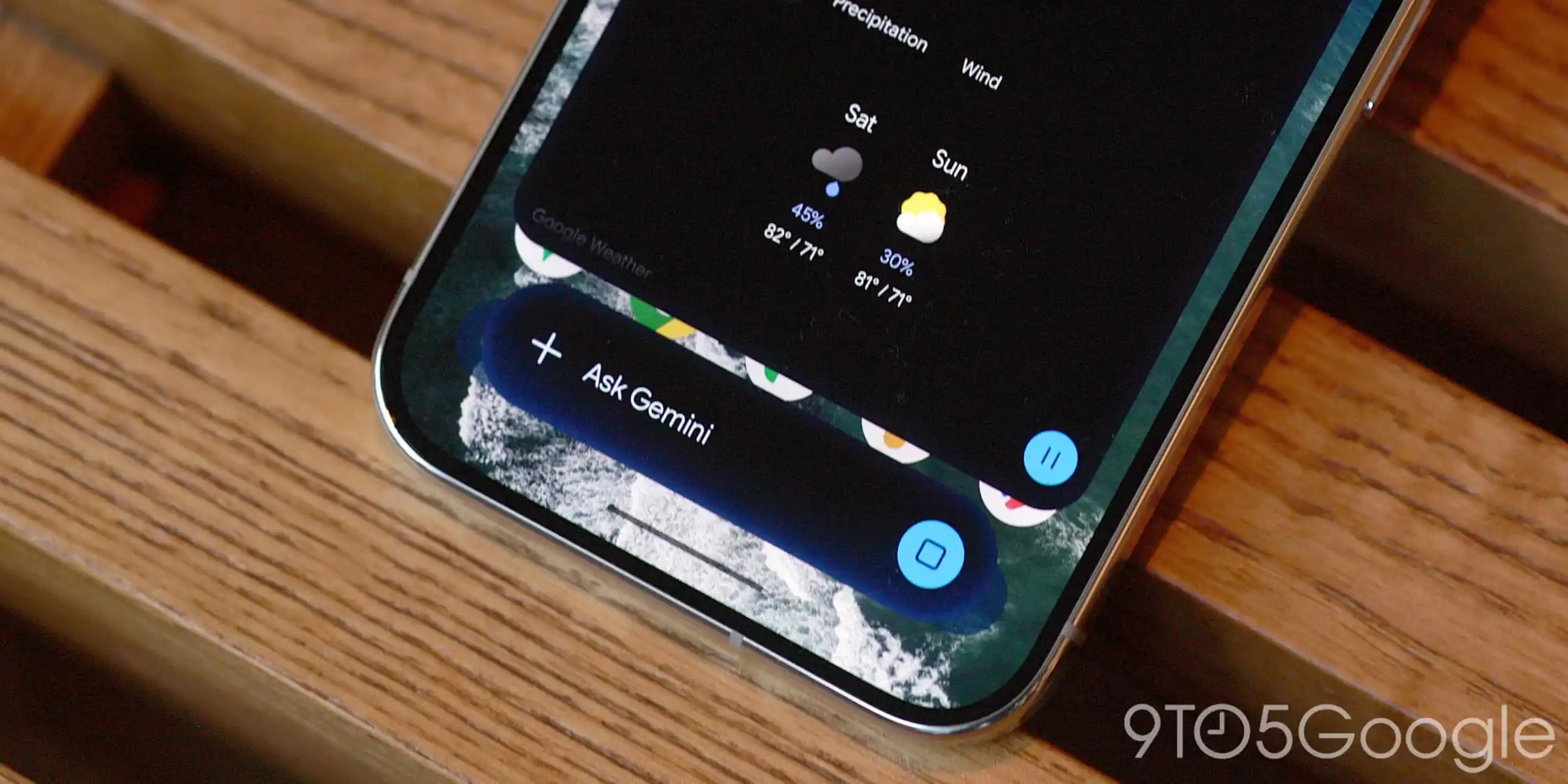
Google has released a significant update for the Gemini app, bringing both visual enhancements and new functionality. The most notable change is a redesigned interface, which initially debuted on the Pixel 11 series and is now rolling out to all supported Android devices.
The updated interface features an enhanced blur effect and dynamic colour transitions. The familiar pill-shaped panel now boasts more transparent edges, giving the application a modern, airy aesthetic. If these changes have not yet appeared on your device, it is recommended to force stop the Google app and restart it.
File Generation and Editing
Beyond the design, Gemini has received a major functional upgrade that allows users to create, preview, and edit various file types directly within the chat window. This feature saves significant time, as it removes the need to open additional applications.
Users can ask Gemini to generate text documents, presentations, and spreadsheets on specific topics. Once the AI generates the file, it can be viewed directly in the chat. Furthermore, users can highlight specific sections of text, edit them, or ask follow-up questions regarding the content.
Limitations and Platform Support
It is important to note that functionality varies by platform. While PDF previewing and editing are fully available on both the web version and mobile apps, editing for Google Docs, Google Sheets, Google Slides, Markdown, TXT files, and programming code is currently restricted to the web browser.
This update is now available in all languages supported by the Gemini app. Google’s move further strengthens Gemini’s role as a productivity tool designed to streamline workflows. For users who rely on the Google ecosystem, this means the AI is evolving from a simple information provider into a comprehensive assistant for document management. While some features are currently limited to the desktop version, the mobile app update signals that Google is increasingly aligning the capabilities of mobile devices with workstation standards.