Google Confirms Android Family Hub Integration in Settings
Family group tools and parental controls are moving directly into smartphone settings.
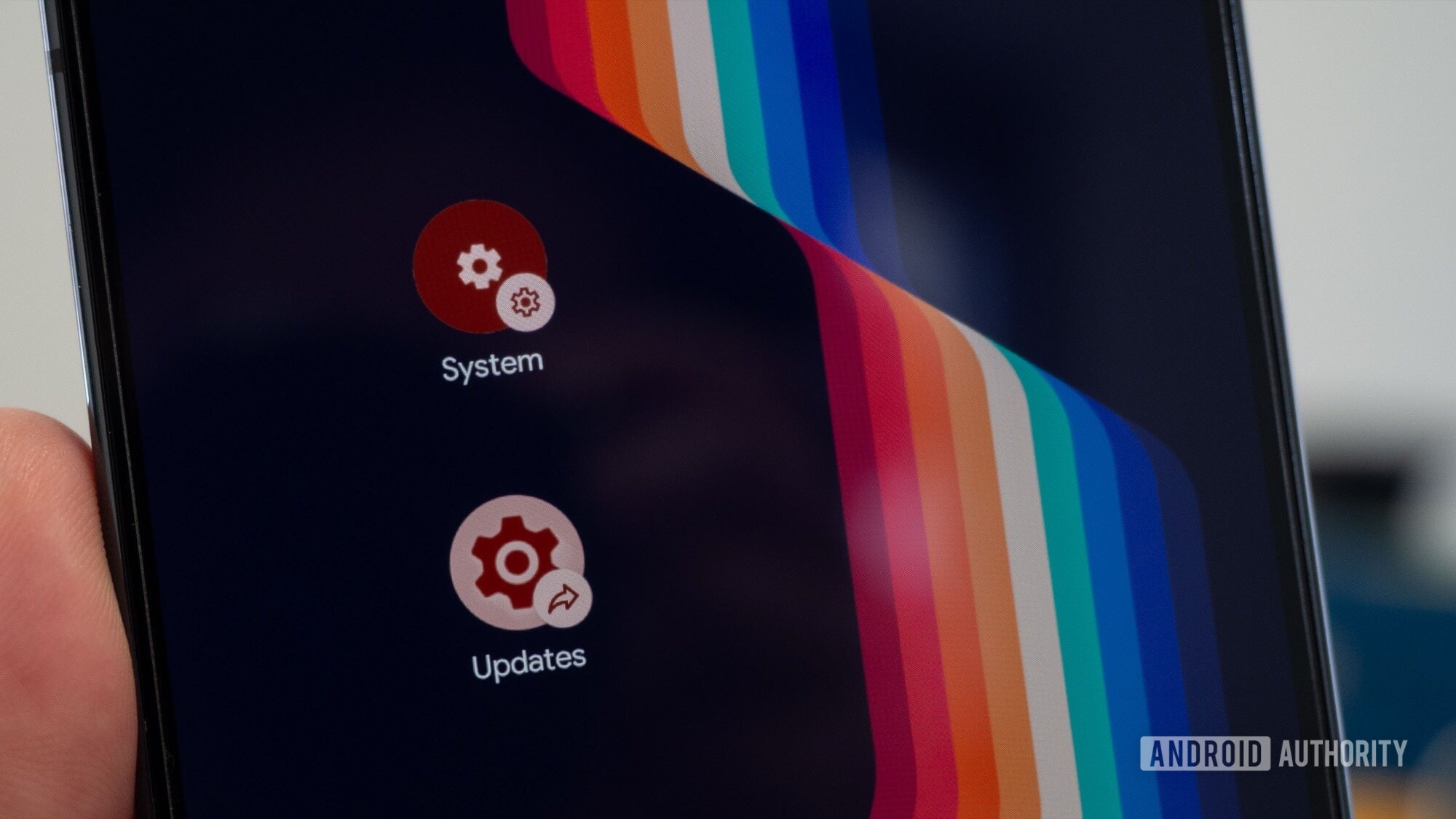
Google has officially confirmed that a dedicated section called Android Family Hub is coming to the Android operating system for managing family accounts. According to the release notes for the November system services update, the feature allows users to manage family groups and parental controls directly from the main phone Settings menu.
Previously, configuring family settings across the Android ecosystem was fragmented and inconvenient. Users had to navigate between the standalone Family Link app, Google Play Store settings, and Google Account web pages. This new integration simplifies the process by bringing all necessary functions into a single place.
What is changing in the Android ecosystem
The new section arrives via the Google Play services v26.43 update. Google describes Android Family Hub as a "dedicated space for family management tools within Android Settings".
For years, managing Google family groups required juggling several different interfaces. If parents wanted to restrict a child's screen time, approve a new app download, or update shared family payment card settings, they had to open multiple applications. Android Family Hub resolves this issue by consolidating all these tools directly inside the operating system's settings menu.
This change is particularly important for households with multiple devices seeking quick access to family digital safety tools and shared services.
Testing on Pixel 11 and similarity to iOS
Before the official confirmation, the new feature was already spotted in testing on Pixel 11 series smartphones. Testers observed that Family Hub was positioned at the very top of the Settings app, right next to the user's main profile.
This approach closely mirrors Apple's structure in iOS. iPhone users have long been accustomed to opening Settings and seeing a Family section directly beneath their Apple Account, allowing easy management of shared photos, subscriptions, and child account restrictions.
Google's adoption of this layout brings Android interface design closer to intuitive modern standards.
Why this update matters for users
Digital safety and managing children's screen time remain key challenges for modern parents. The launch of Android Family Hub lowers the barrier for less tech-savvy users who previously struggled to navigate complex Family Link or Google Account menus.
Through this centralised hub, parents can:
- Track family members' device activity;
- Manage app download and purchase permissions;
- Set screen time limits;
- Manage shared family subscriptions and the Google Play library.
All of this will be accessible directly from phone settings without searching for or downloading extra apps.
When users will get the update
Because the feature is part of the Google Play services v26.43 update, it will roll out gradually to most Android devices. Google Play services update automatically in the background, meaning users will not need to wait for a full system OS update.
Android users, including those in Georgia, will notice the feature in the coming weeks as the relevant version of Google Play services activates on their smartphones. This marks another step forward in unifying the Android ecosystem and refining the user experience.